To manually install the Windows Logon Client, launch the installer “SetupDSClient.xxxx.exe” on a desktop machine then follow the on-screen instructions:
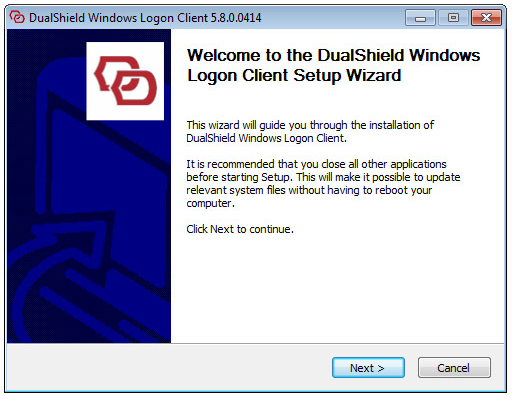
Step 1: Welcome
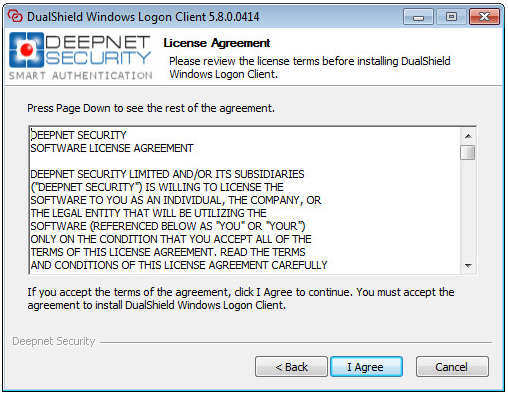
Step 2: License Agreement
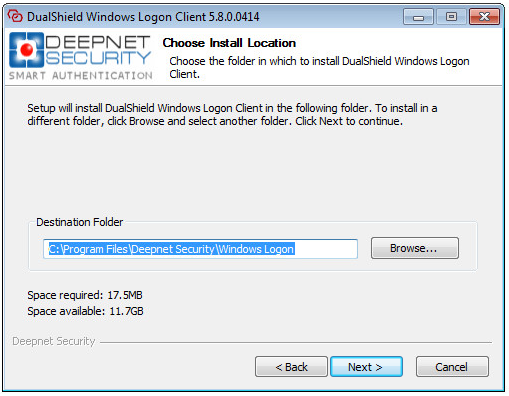
Step 3: Choose Install Location
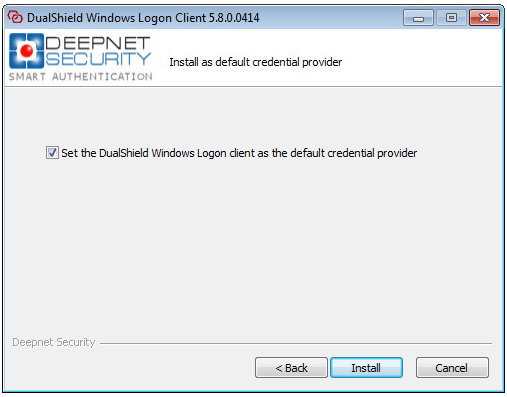
Step 4: Set the default credential provider
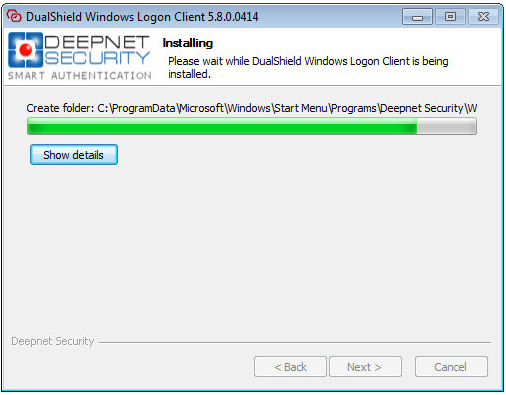
Step 5: Installing
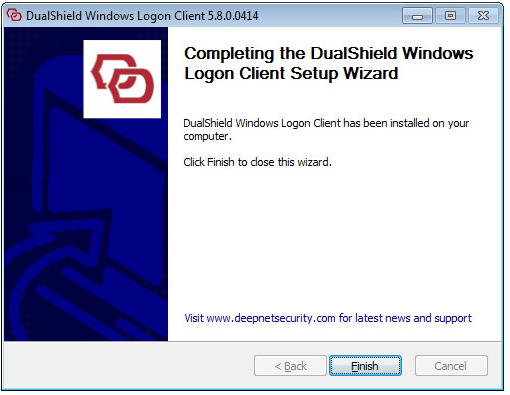
Step 6: Installation Completed