The Window Logon Client can be installed on Windows 10 PCs as well as Windows 2016/2019 servers.
DualShield provides two MSI installers for the Windows Logon Client, which enables the system administrators to deploy the Logon Client by Windows Group Policy.
To install the Windows Logon Client, launch the installer “SetupDSClient.xxxx.exe” on a desktop machine then follow the on-screen instructions:
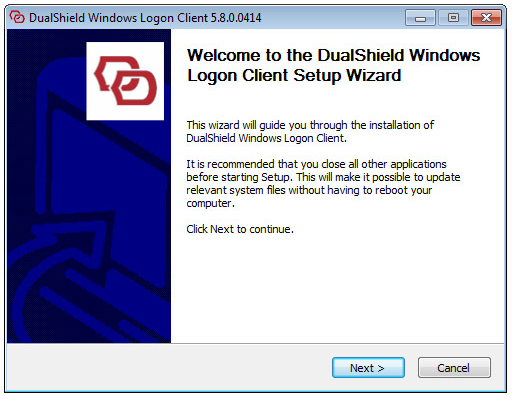
Step 1: Welcome
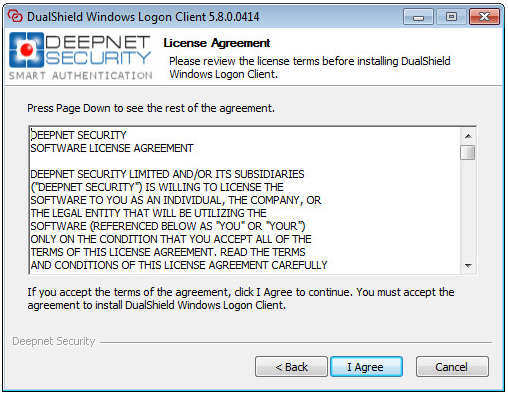
Step 2: License Agreement
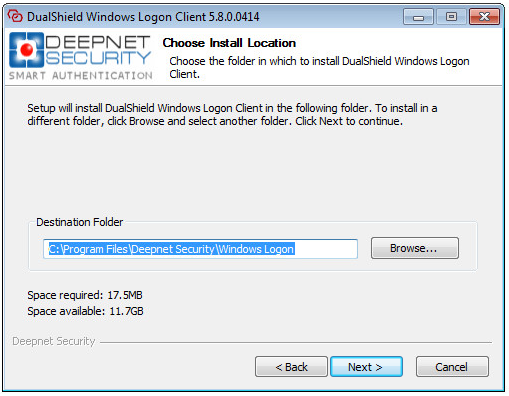
Step 3: Choose Install Location
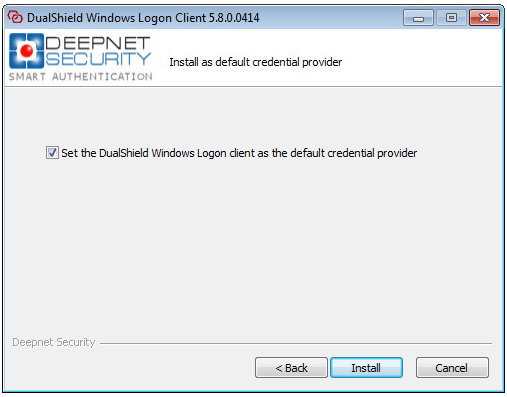
Step 4: Set the default credential provider
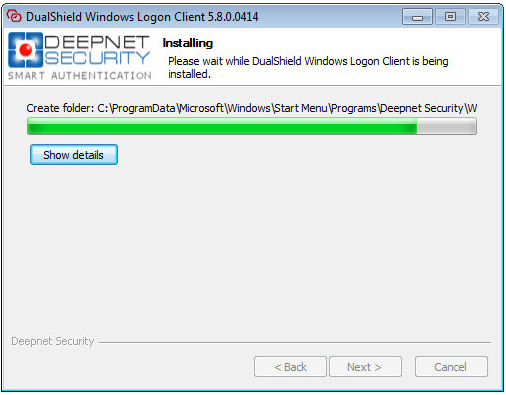
Step 5: Installing
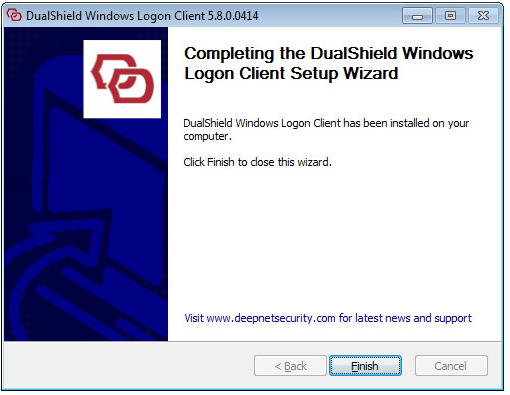
Step 6: Installation Completed