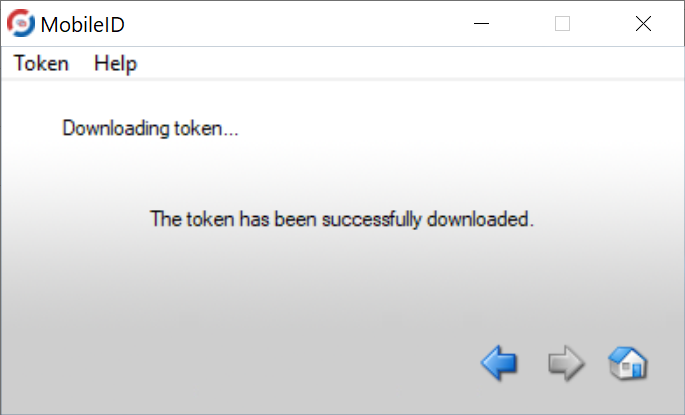
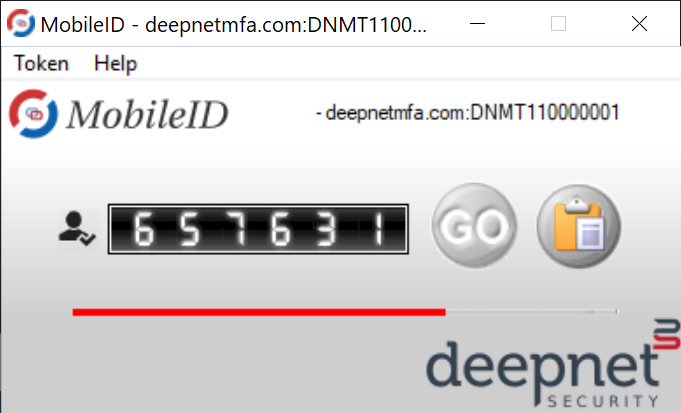
There is a feature in the MobileID app that enables users to download their MobileID token from their DualShield SSO server.
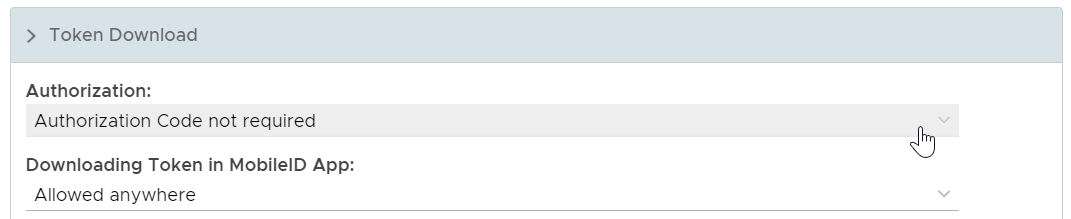
The administrator of the DualShield server can enable or disable this function by setting the "Downloading Token in the MobileID App" in the MobileID policy.
- Disabled
Downloading token from the MobileID app is not allowed
- Allowed in local network only
Downloading token from the MobileID app is alowed in the local network
- Allowed anywhere
Downloading token from the MobileID app is allowed from any location
Also, the administrator can set the "Authorization" option as such that the authorization code is required or not.
- Authorisation Code not required
When the user attempts to download the token, no authorisation code will be required. The user will be able to download the token by simply providing his/her username and password.
- Authorisation Code required. Send Authorisation Code
When the user attempts to download the token, an additional Authorisation Code will be required from the user. DualShield will automatically send an Authorisation Code via the specific Message Channel.
- Authorisation Code required. Do not send Authorisation Code
When the user attempts to download the token, an additional Authorisation Code will be required from the user. DualShield will not send an Authorisation Code.
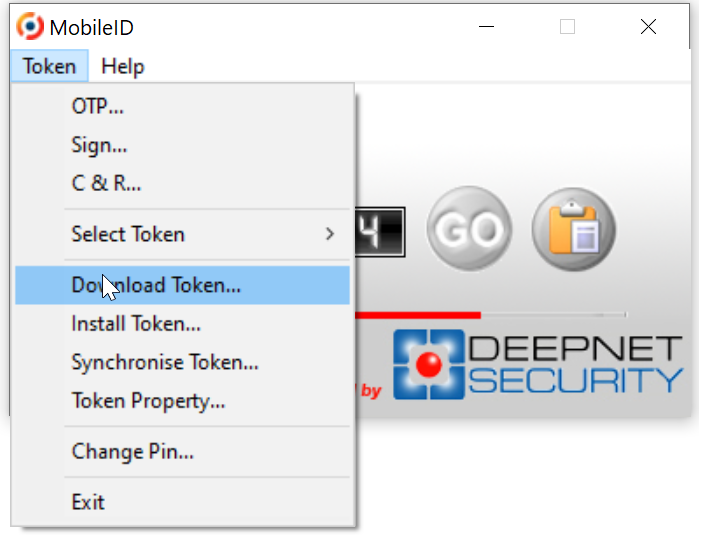
To download a token, in the MobileID app select "Token" then "Download Token ..."
A new window will open and prompt you to enter the Service URL, User Name and Password
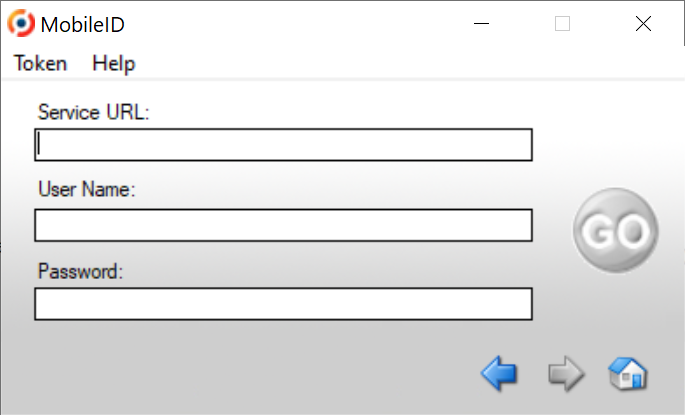
The Service URL or Download URL is the URL of your DualShield SSO server in the following format:
https://your_sso_server_fqdn:port/sso/service
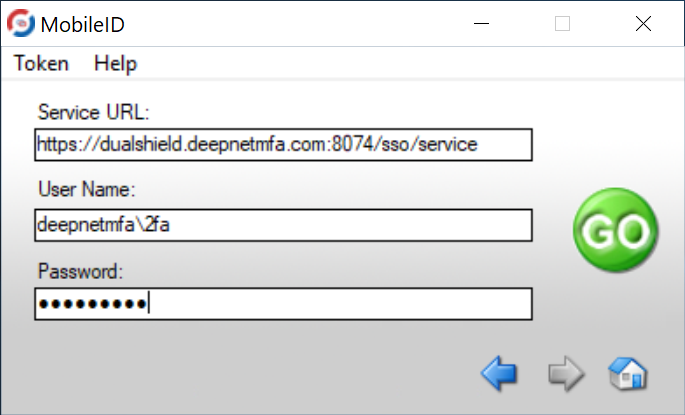
Enter the requested parameters then click on "GO".
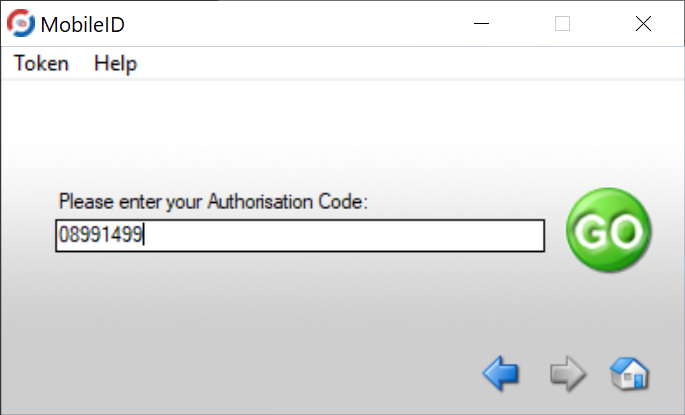
If the authorisation code is required, the user will be asked to enter an Authorisation Code