Depending on how the SAML Service Provider imports IdP metadata, there are 3 ways that you can acquire the IdP metadata from the DualShield server.
To download the IdP Metadata of DualShield SSO, select "Platform | SSO Server" in the Admin Console
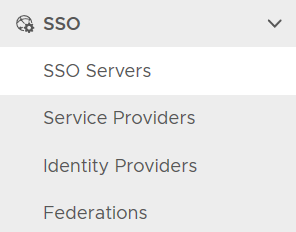
click the context menu of the SSO server

select "Download IdP MetaData". It will be saved in the local drive as "SSO Server.xml"
