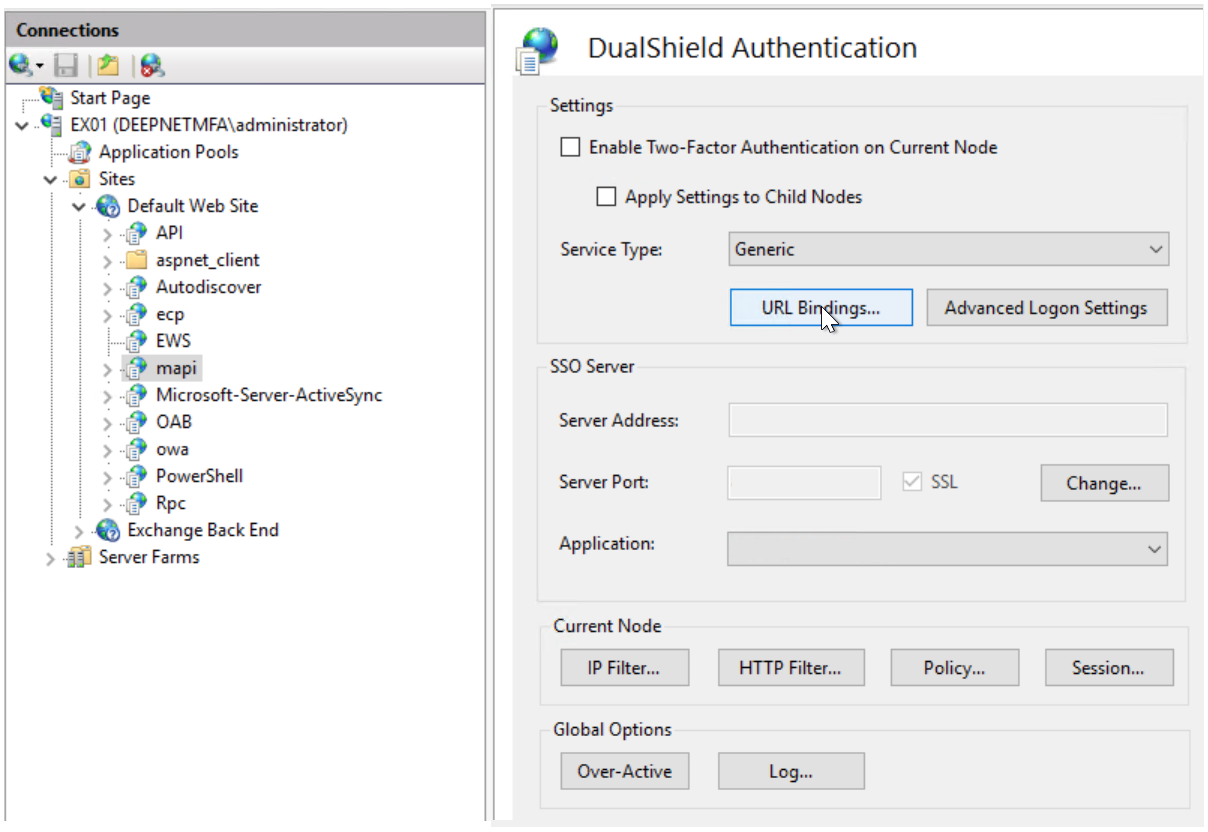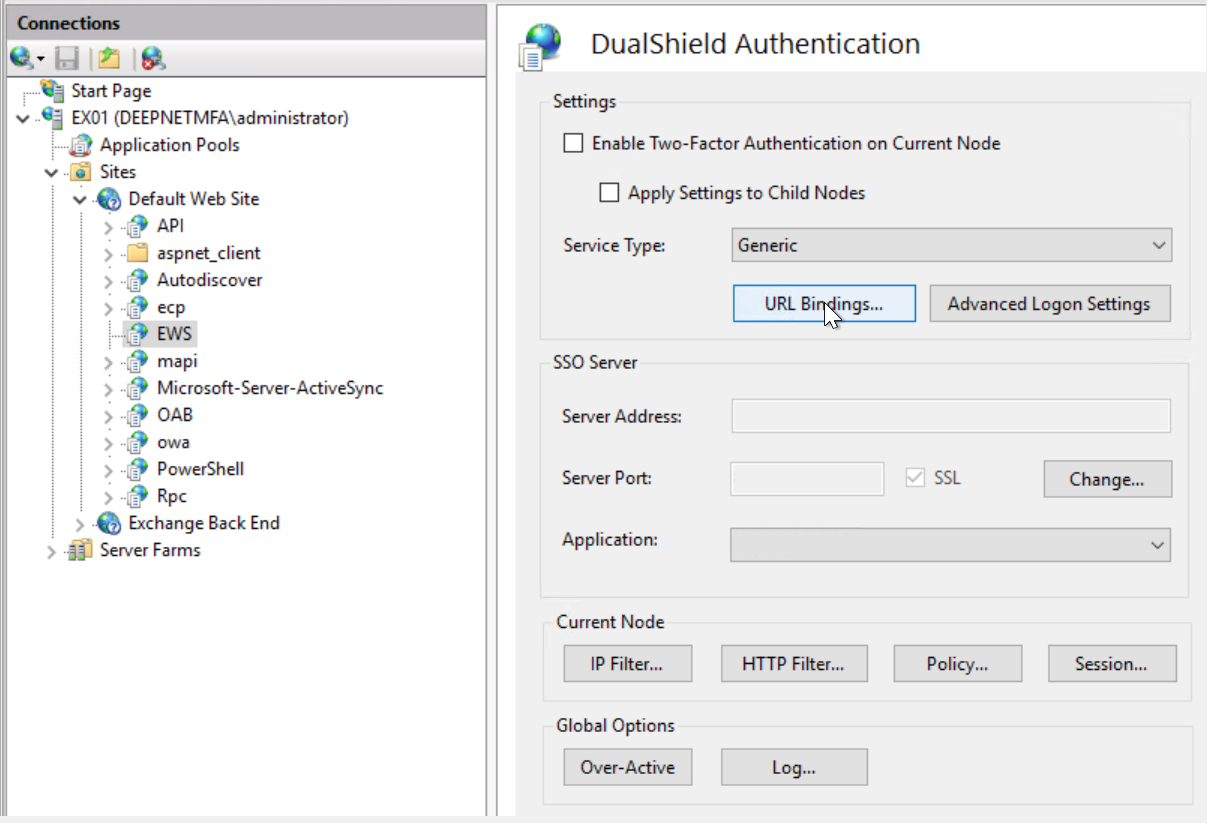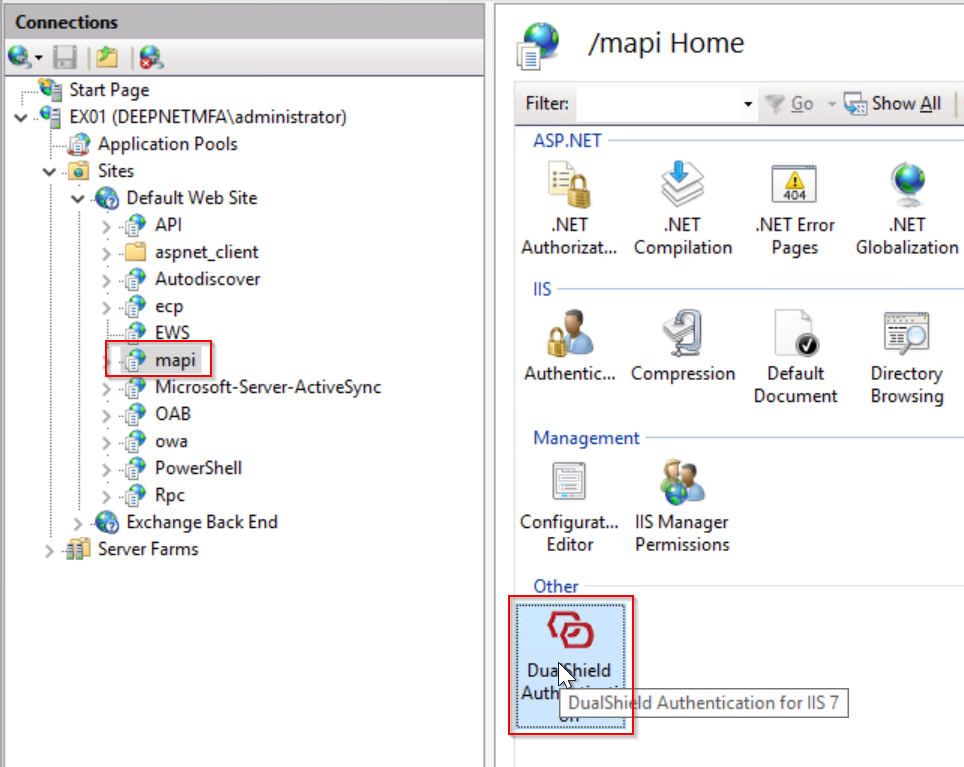

In the IIS Manager Console, select the application node called "MAPI" if you want to enable Outlook Anywhere for Windows; select the application node called "EWS" if you want to enable Outlook Anywhere for Mac.
| Outlook Anywhere for Windows | Outlook Anywhere for Mac |
|---|---|
|
|
Then in the Features View pane, double click the "DualShield Authentication" icon to lanuch the DualShield IIS Agent Console.
| Outlook Anywhere for Windows | Outlook Anywhere for Mac |
|---|---|
|
|
We will go through the steps below to complete the setup