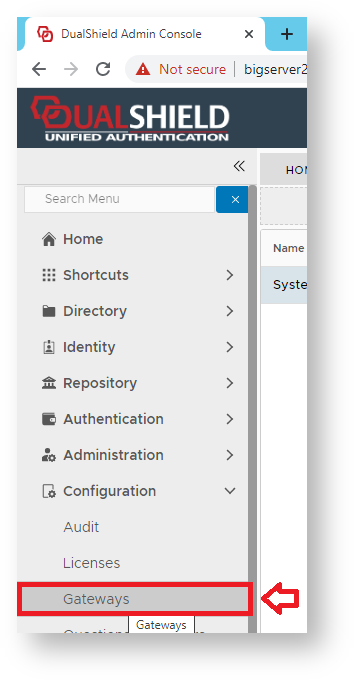
Using the Management Console, Navigate to "Configuration | Gateways", then click on the button "CREATE";
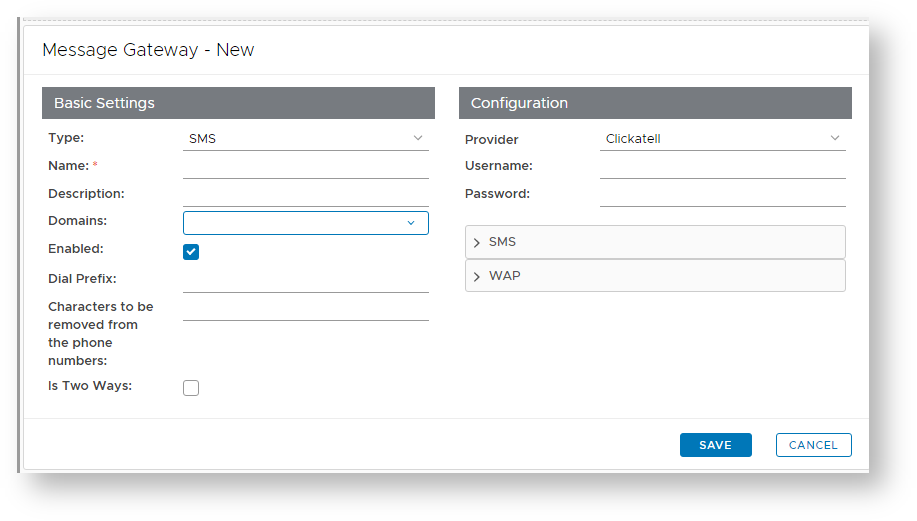
A new window will now open titled "Message Gateway – New";
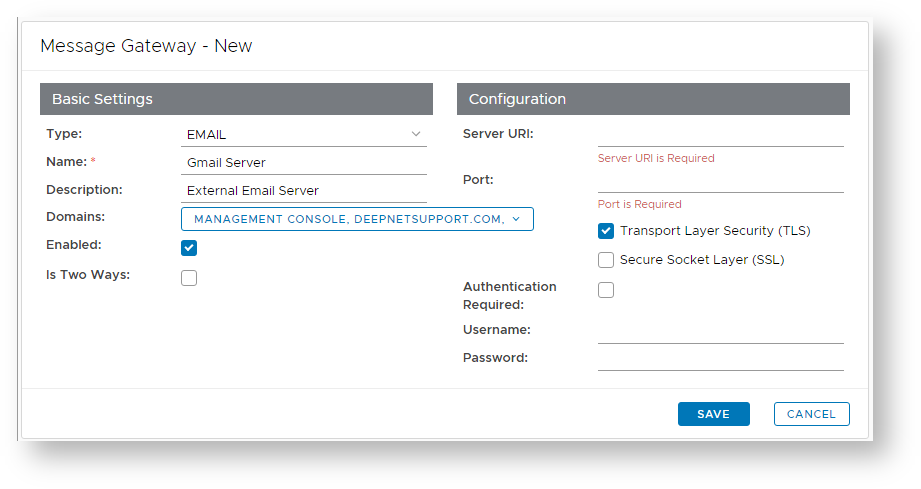
At the prompt "Type:", select "EMAIL", enter a suitable name and description for the email gateway, and select what domains will be able to use the message gateway;
|
 ) allows you to provide additional configuration details for the Email Gateway (for instructions see the next step below).
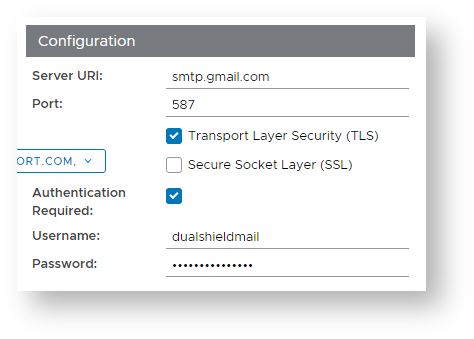
The section headed "Configuration" can be used to configure the connection configuration details for the gateway you intend to connect to.
|
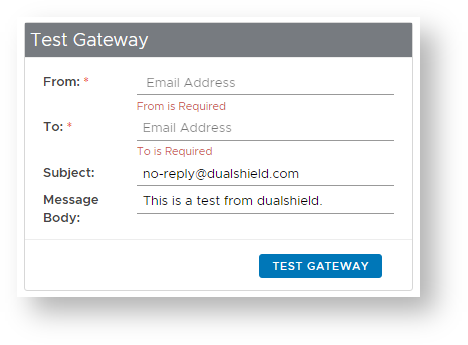
The section headed "Test" can be used to check that the connection parameters are working prior to saving the template;.
|