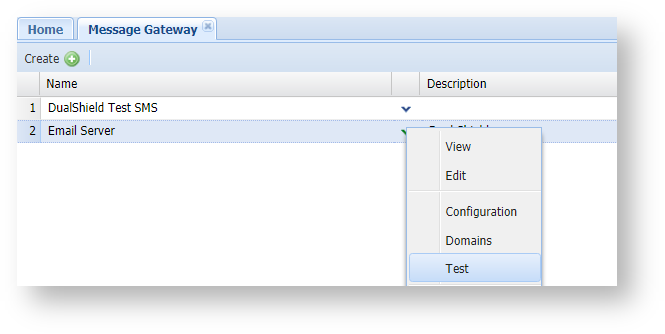
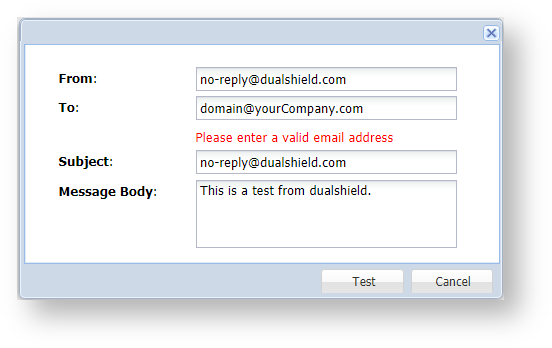
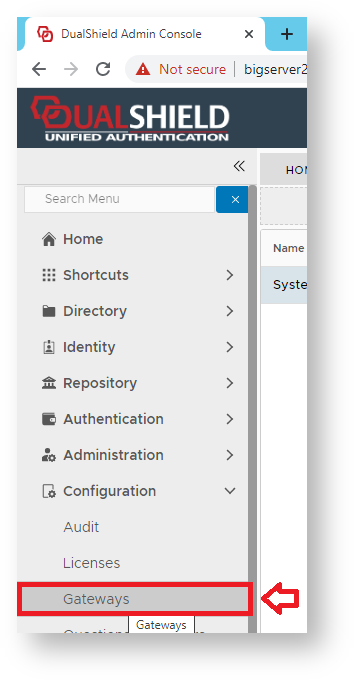
Using the Management Console, Navigate to "Configuration | Gateways", then click on the button "CREATE";
A new window will now open titled "Message Gateway – New";
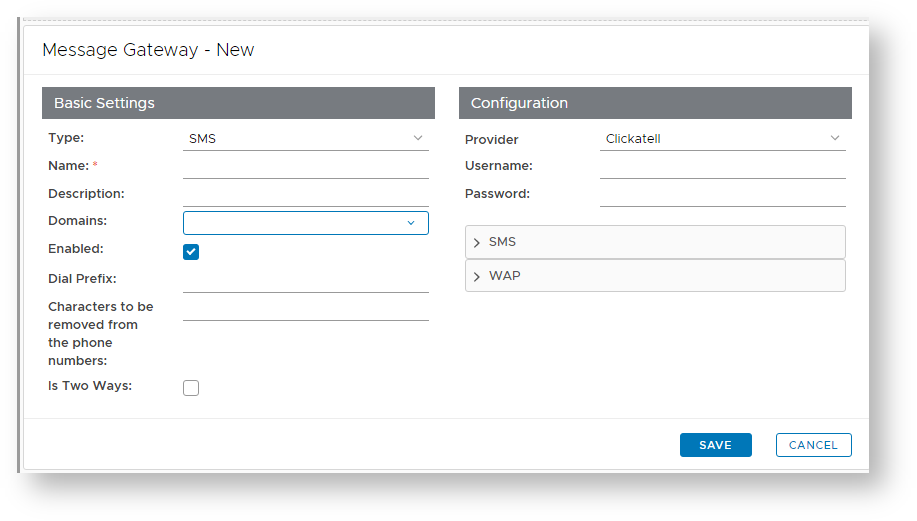
At the prompt "Type:", select "EMAIL", enter a suitable name and description for the email gateway, and select what domains will be able to use the message gateway;
|
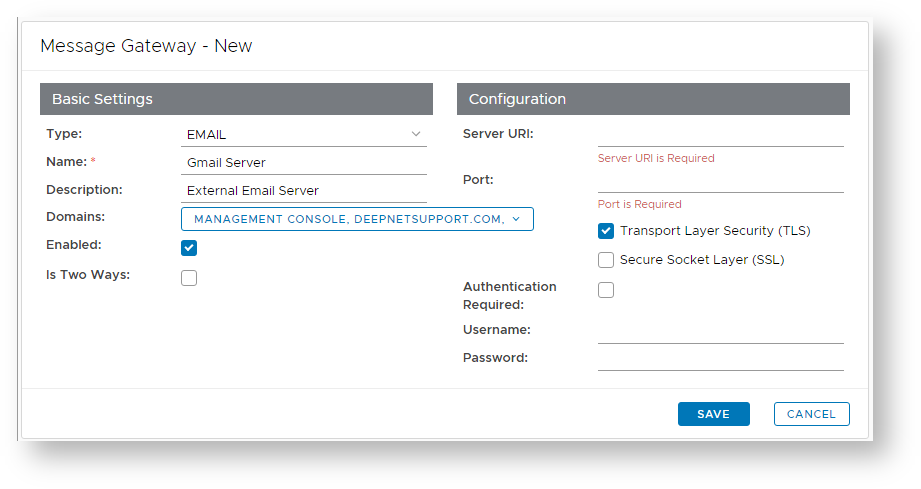
After you have completed entering the gateway details you will be ready to configure the gateway.
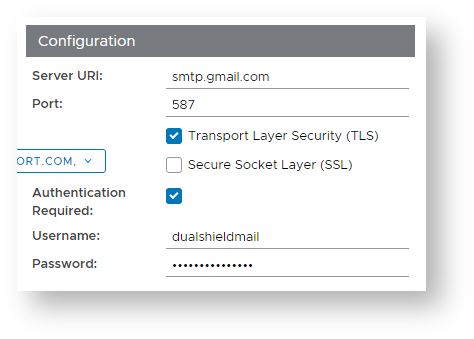
Click on the Edit button ( ) , and a new window titled "SMTP Gateway" will open;
|