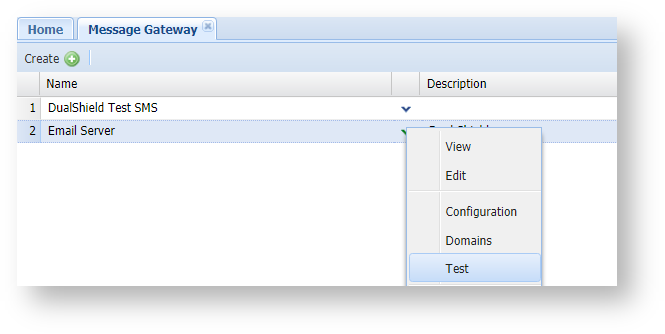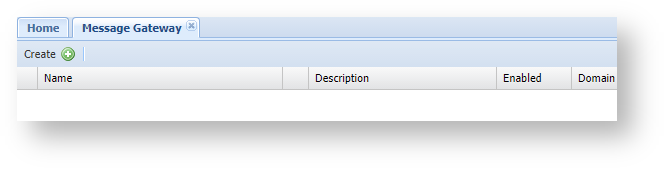
Click on the "Create" button (found on the toolbar of the 'Message Gateways' tab);
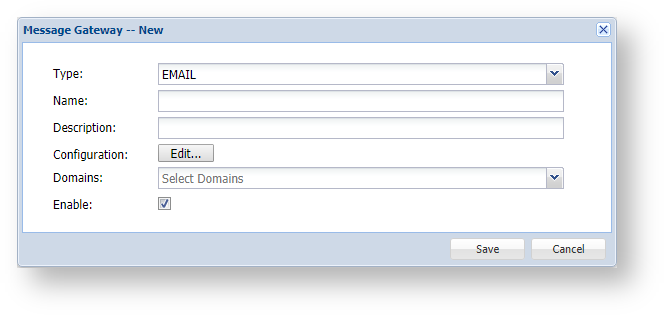
A new window will now open titled "Message Gateway – New";
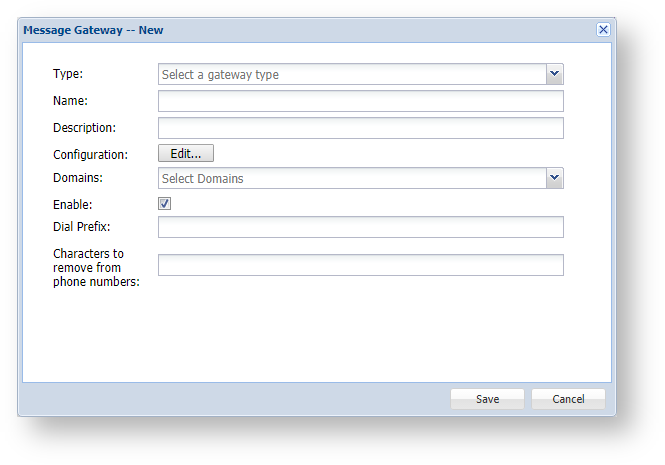
At the prompt "Type:", select "EMAIL", and the window will be updated as follows;
|
After you have completed entering the gateway details you will be ready to configure the gateway.
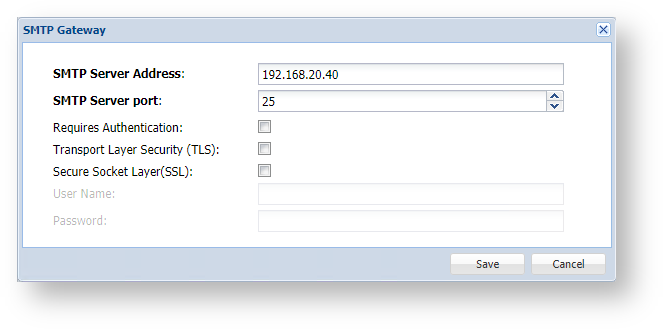
Click on the Edit button ( ) , and a new window titled "SMTP Gateway" will open;
|
You will now return to the window titled "Message Gateway – New", supply any description you may required then click "Save" to create the email gateway.