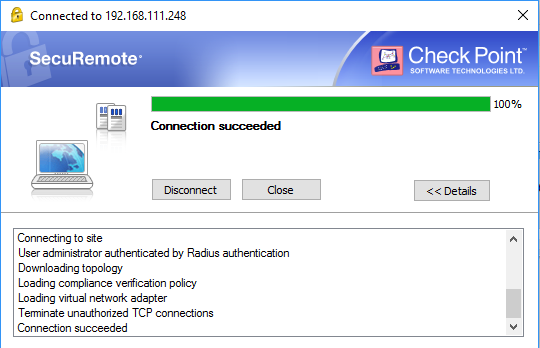
- Launch CheckPoint SecuRemote VPN client. Provide your username and password.
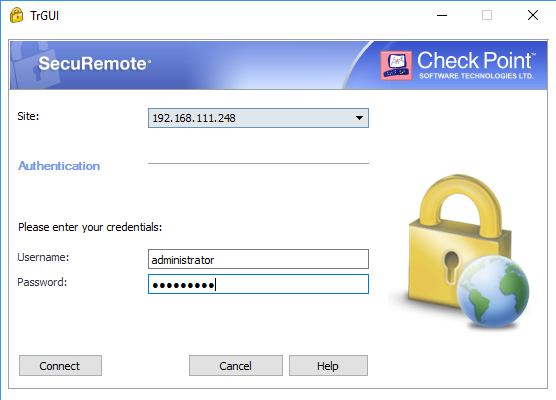
![DualShield MFA Platform > Test VPN Client Access [R77] > Check vpnclient.png](/download/attachments/35947333/Check%20vpnclient.png?version=1&modificationDate=1587386001000&api=v2)
- DualShield will verify your username and password. If the verification is successful, you will be challenged with one time password.
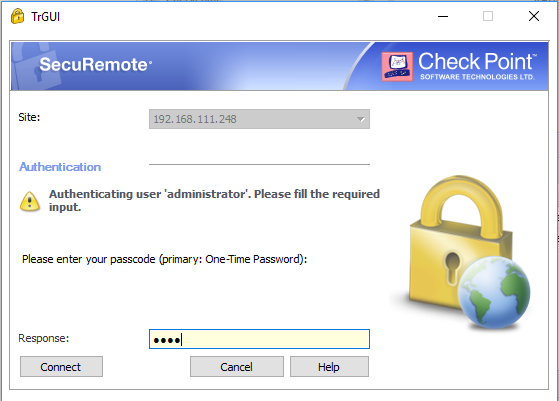
![DualShield MFA Platform > Test VPN Client Access [R77] > Check vpnclienOTP.png](/download/attachments/35947333/Check%20vpnclienOTP.png?version=1&modificationDate=1587386001000&api=v2)
- VPN tunnel will be successfully established upon your OTP has been successfully verified, .