If you have not installed Skype for Business PowerShell Module, click the link to install it on your PC.
Open Windows PowerShell as an administrator (use Run as administrator) on any machine which has Internet connection.
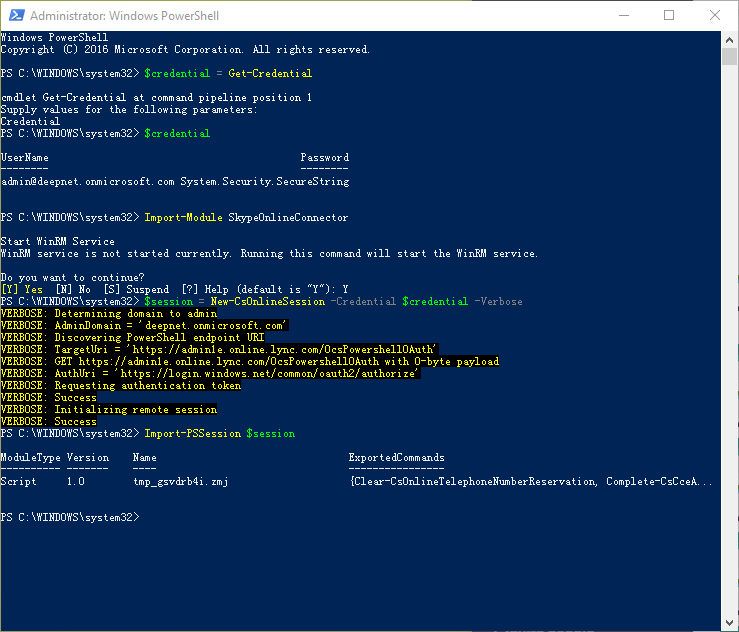
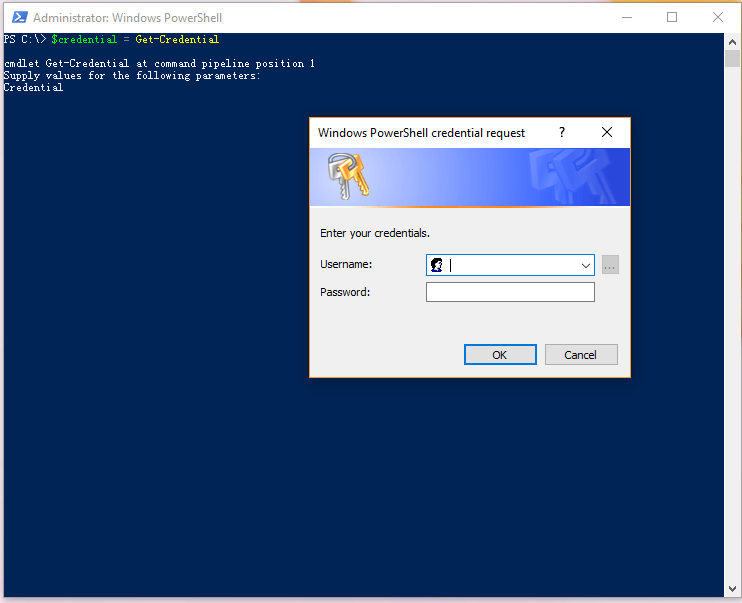
Run the command below, and enter your Office 365 admin account credentials.
$credential = Get-Credential
Run the script below to import the Skype for Business PowerShell Module:
Import-Module SkypeOnlineConnector
Run the command below to create a new session
$session = New-CsOnlineSession -Credential $credential -Verbose
Finally, import the new session into the Windows PowerShell console.
Import-PSSession $session