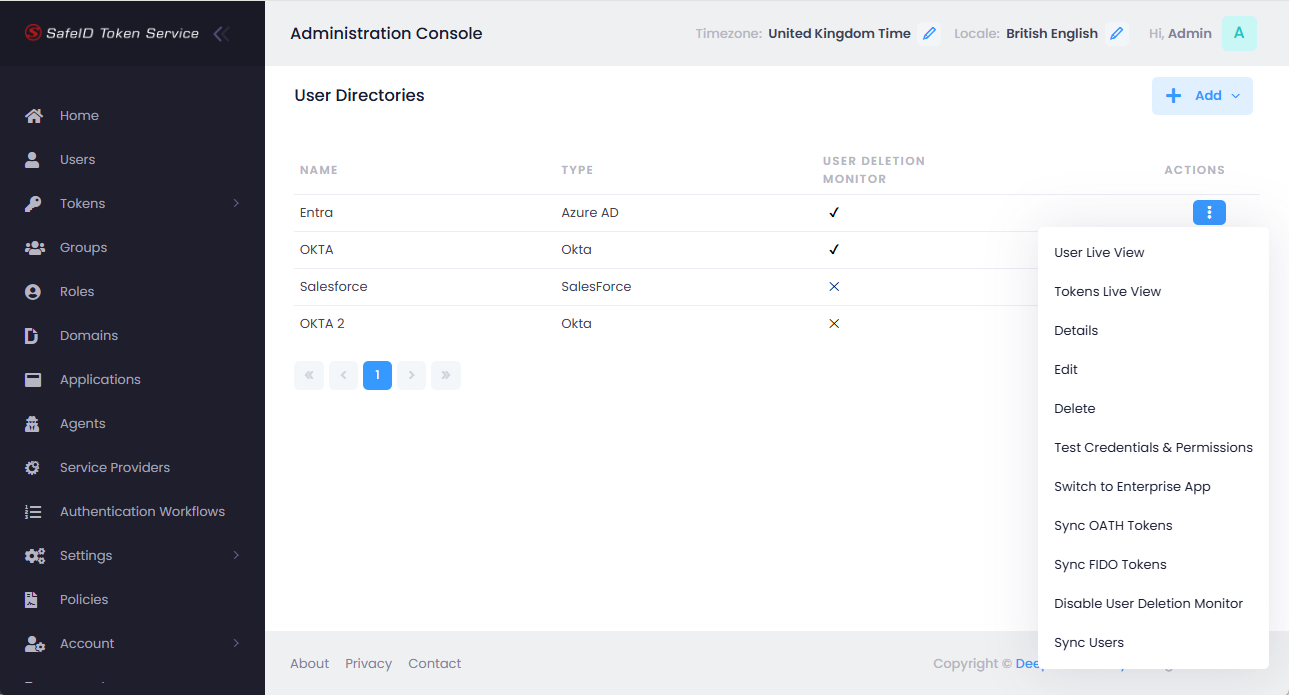
Switching to the Deepnet Enterprise Application improves security by replacing traditional client-secret authentication with Azure Managed Identity, eliminating the need to manage and renew application secrets. Your organisation retains full control over the permissions granted to the application, which can be reviewed or revoked at any time through Microsoft Entra. The following instructions explain how to switch your existing User Directory configuration to use the Deepnet Enterprise Application.
Login to the Admin Console of SafeID Token Service at https://admin.safeid.io
Click "Directory" in the main menu
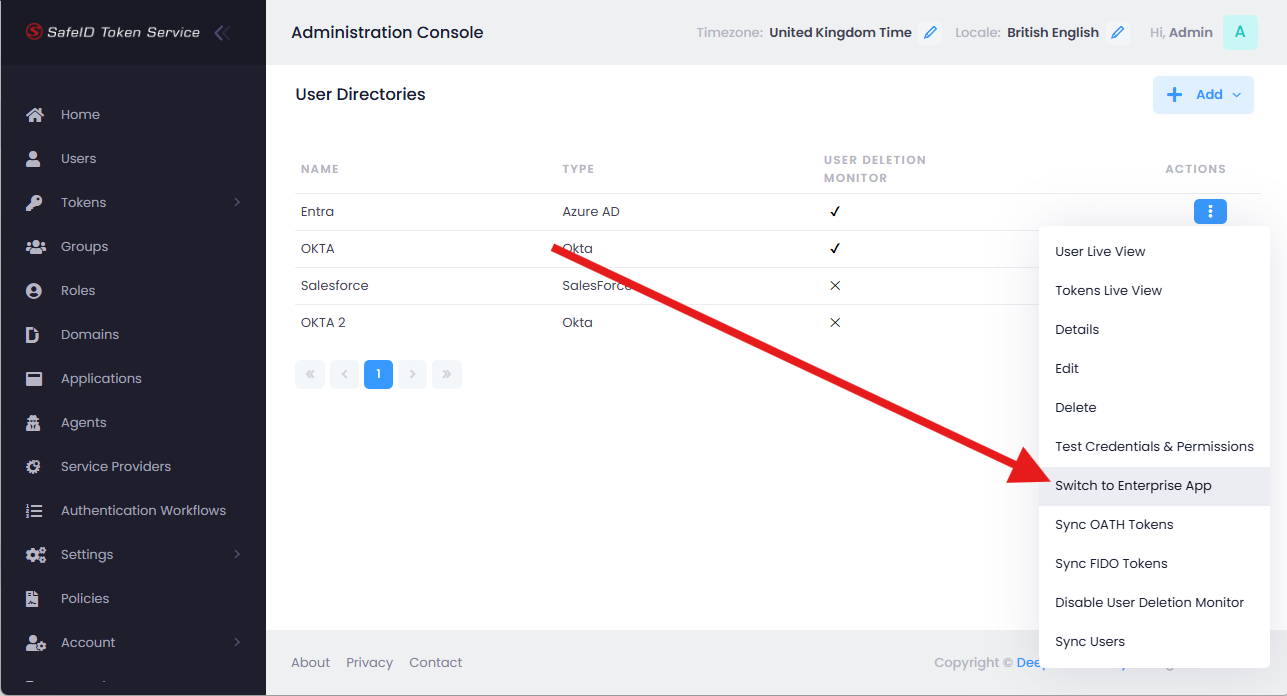
Click "Switch to Enterprise App" in the menu
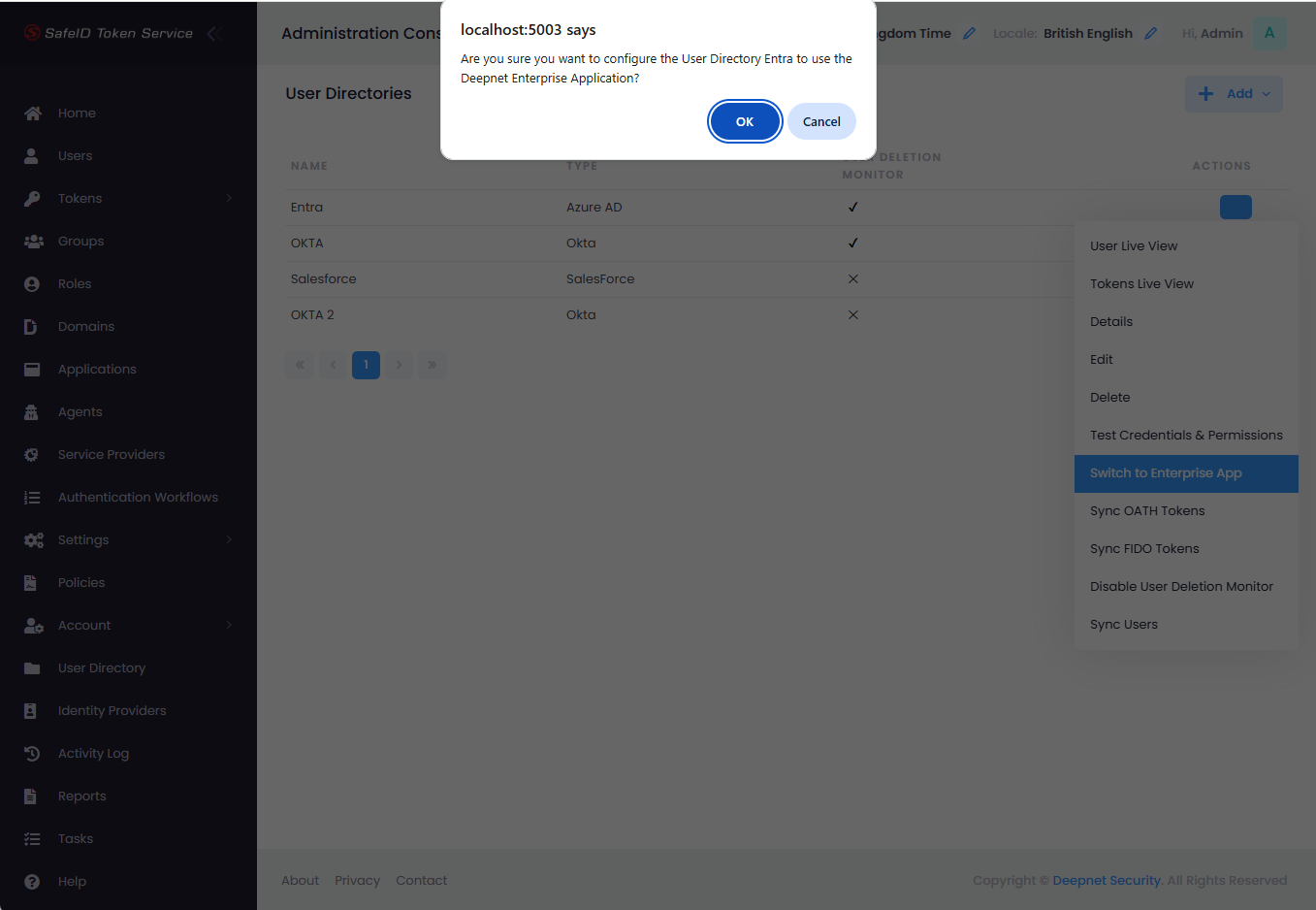
You will now need to click ok to confirm you are happy to proceed
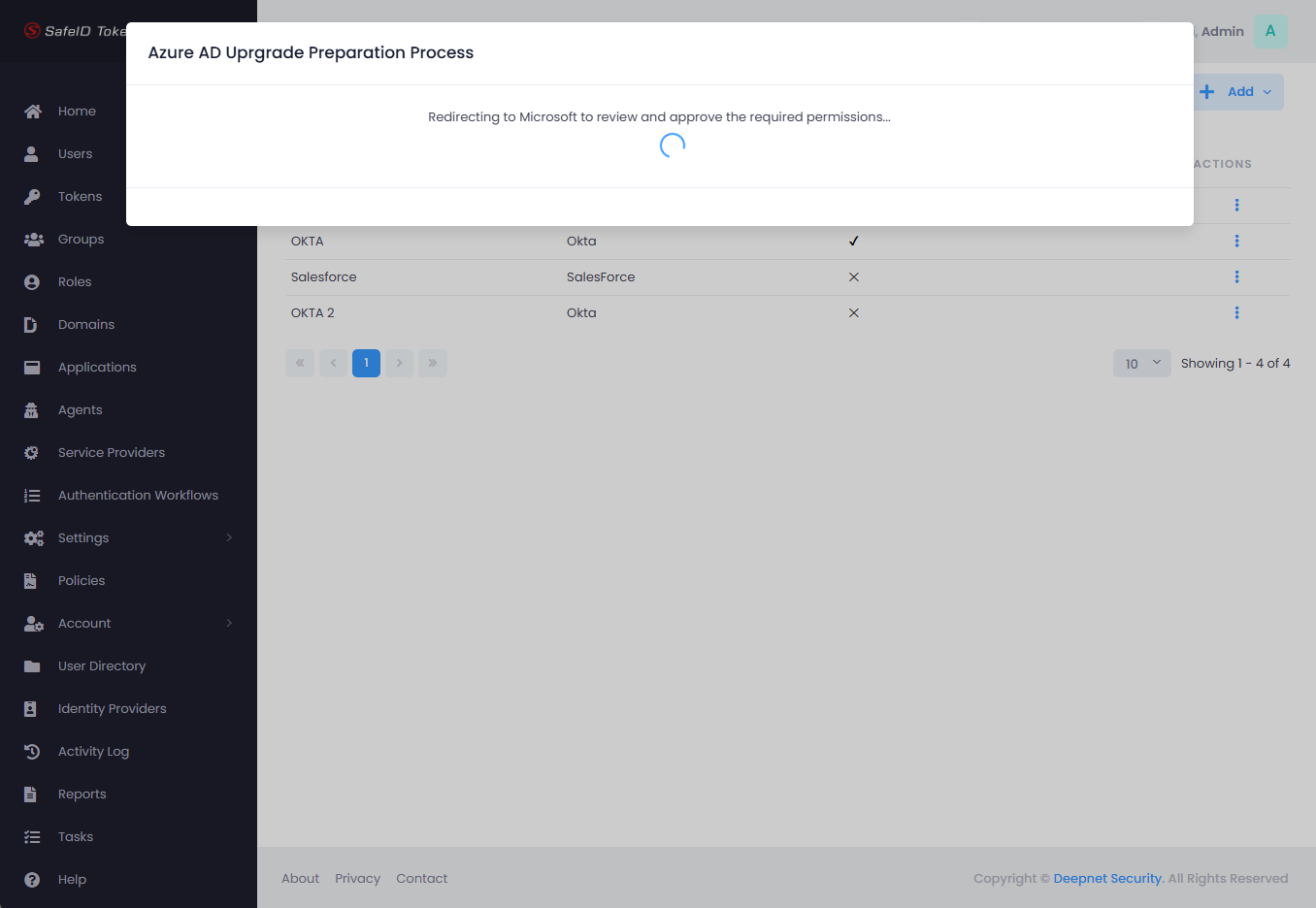
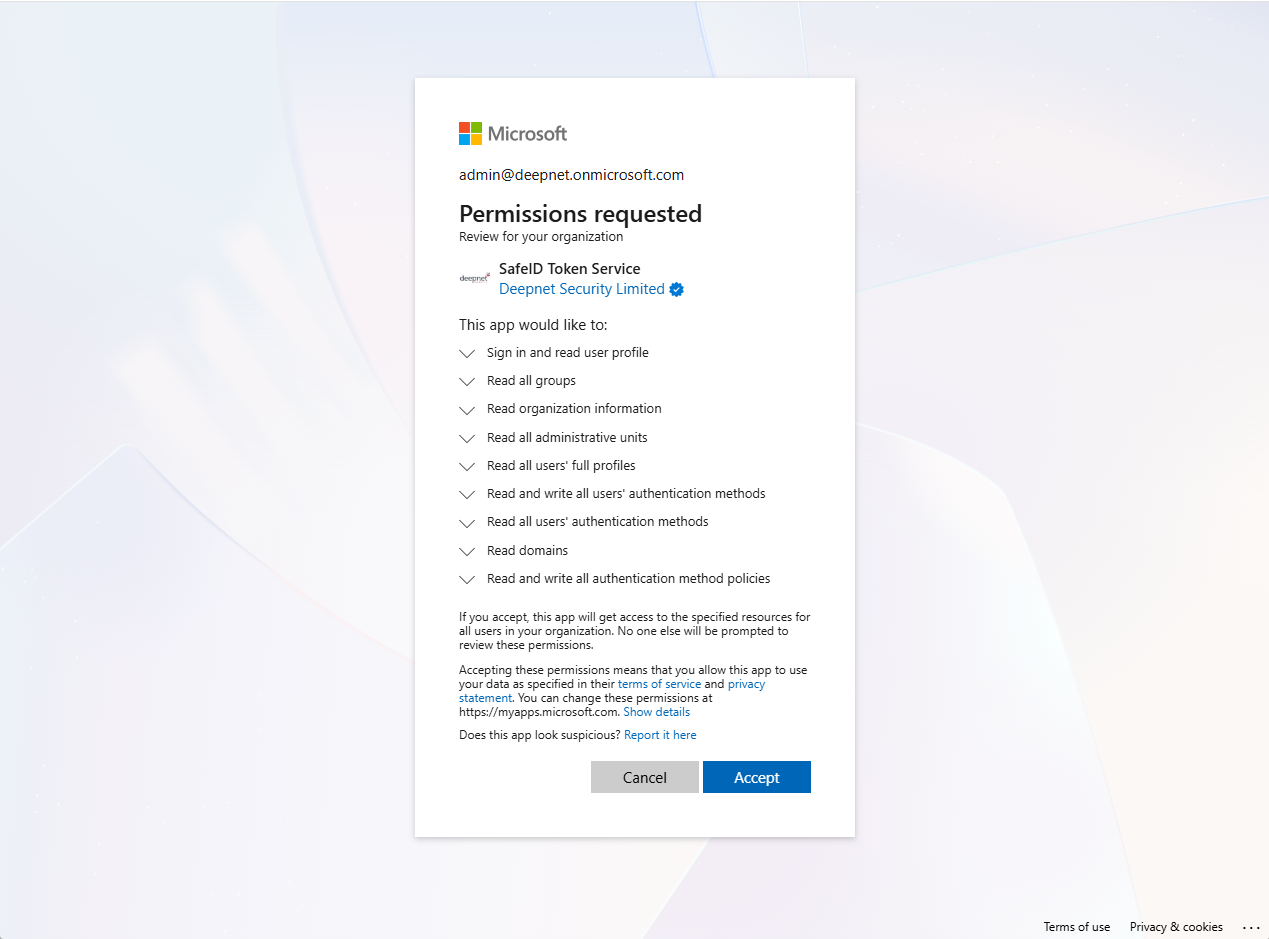
The portal will now process the request and redirect you to Microsoft to approve the required permissions
You will now be directed to a sign in page, you will need to sign in with an account that has the permission to grant consent. You will now need to click Accept to grant access
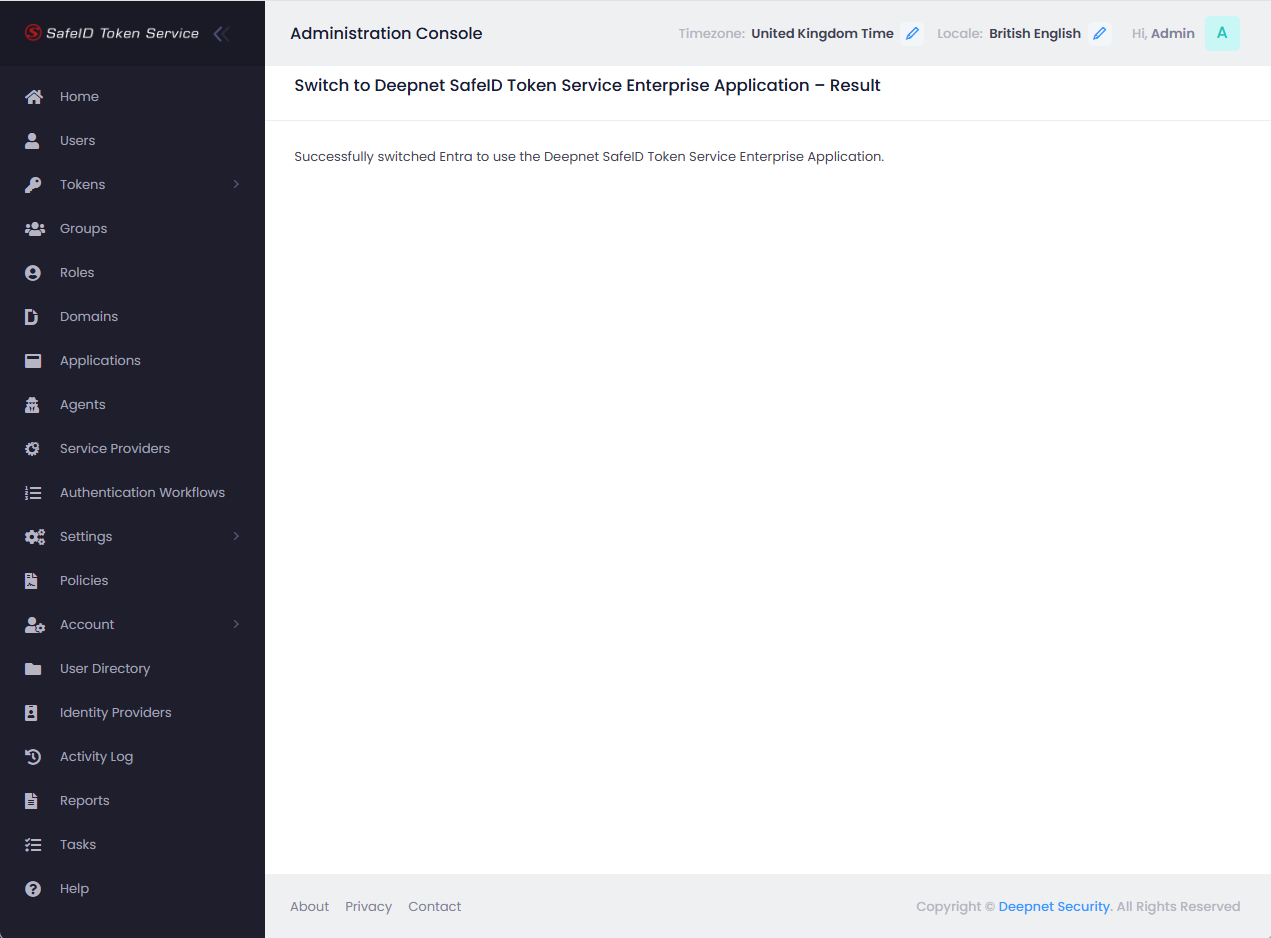
You will now be redirected back to the portal to a confirmation page indicating the switch completed successfully
If this process fails, then please contact support (support@deepnetsecurity.com) to request assistance