This guide is for portal administrators to change the portal's address to a custom domain.
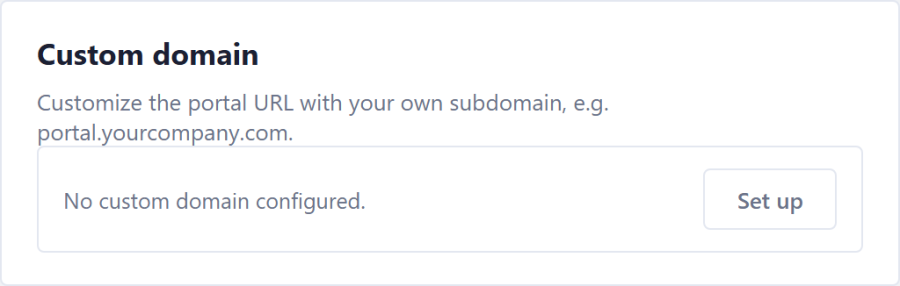
On the Computer Logon Management Portal, navigate to "Portal Settings". You'll see the Custom domain card looks like this:
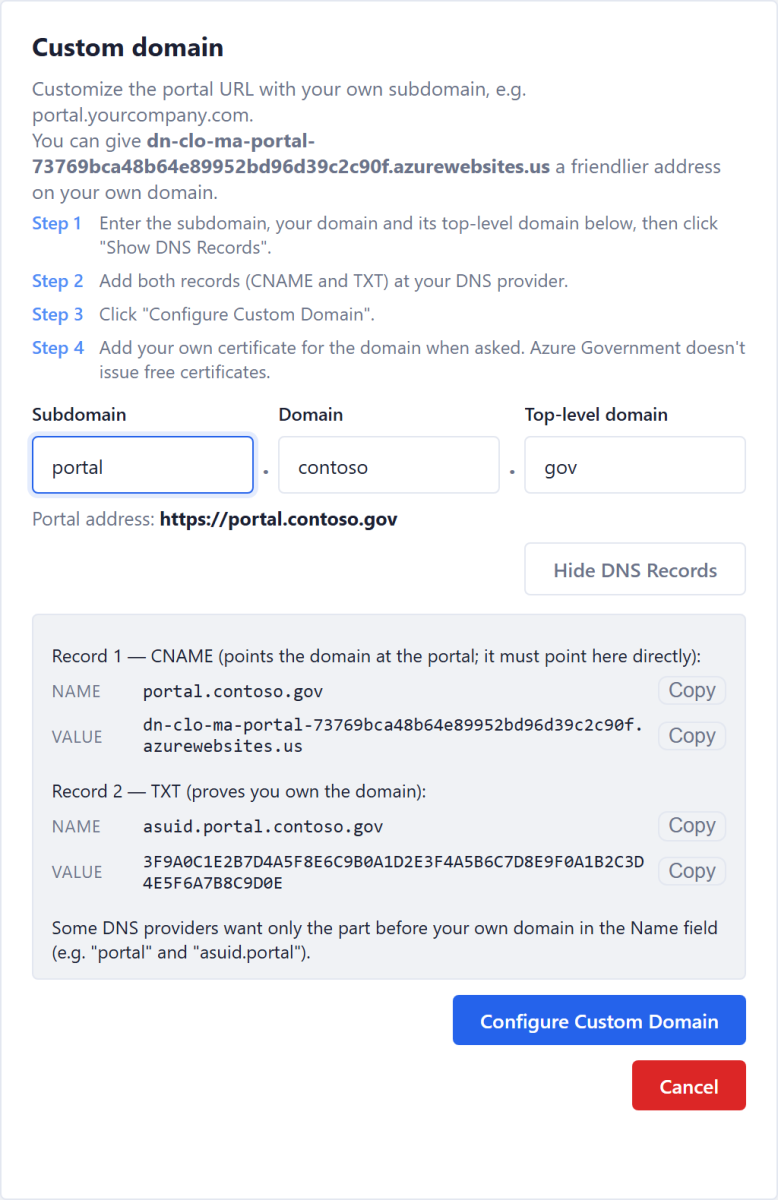
CNAME | The portal's Azure address (ending in azurewebsites.us). Point it there directly, not through another CNAME | |
TXT | The portal app's domain verification ID |
Some DNS providers want only the part before your own domain in the Name field (portal and asuid.portal).
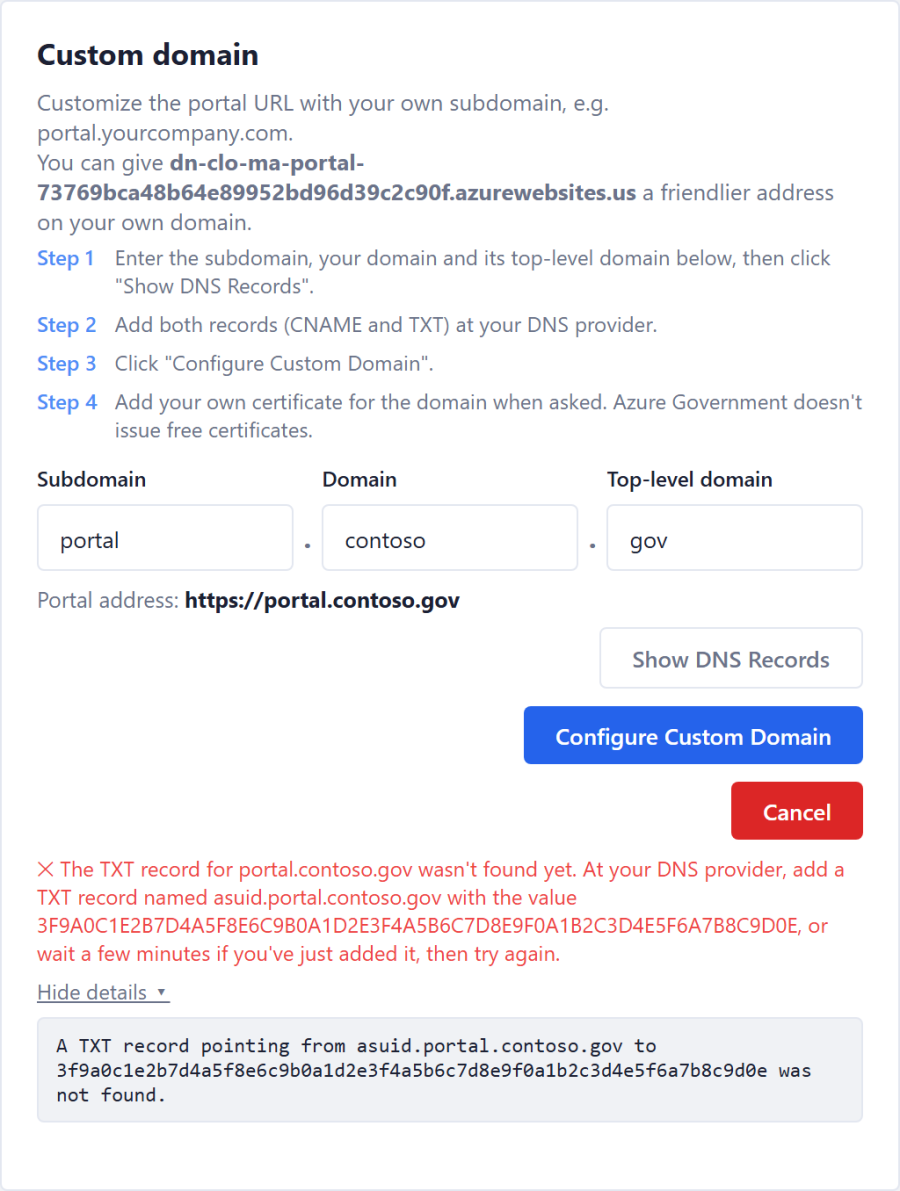
If Azure can't see a record yet, Configure stops and says which record is missing and what it should hold. New records can take a few minutes to appear; wait, then click Configure Custom Domain again. Show details ▸ shows Azure's own message: