The Administration Portal has the following access roles:
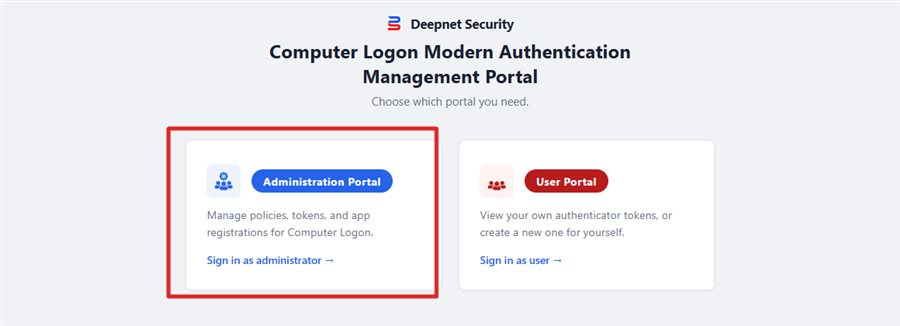
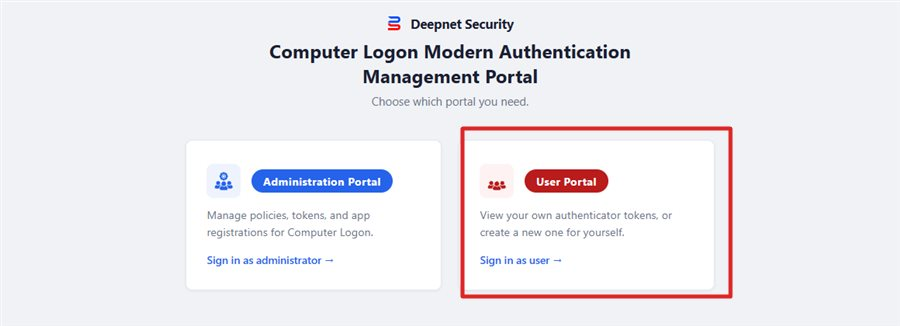
The Management Portal provides 2 portals, the Administration Portal for administrators and the self-service User Portal for users,
The Administration Portal has the following access roles:
 Administrator
Can view and edit the policies and settings, create, assign, resync, and remove managed tokens, and grant and remove any role with other users for Computer Logon in the tenant.
ℹ️ Already includes: Policy Viewer, Policy Administrator, Token Viewer, Token Administrator, Role Administrator
 Policy Viewer
Can only view the policies and settings for Computer Logon.
 Policy Administrator
Can view and edit the policies and settings for Computer Logon.
ℹ️ Already includes: Policy Viewer
 Token Viewer
Can only view all the assigned managed tokens for Computer Logon in the tenant.
 Token Administrator
Can create, assign, resync, and remove managed tokens for Computer Logon in the tenant.
ℹ️ Already includes: Token Viewer
 Role Administrator
Grants the role holder the ability to grant and remove any Policy or Token roles it holds with other users.
ℹ️ Can only grant or remove a role with Role Administrator.
ℹ️ Can only be done to a user with matching Policy and Token management roles already held by the access granting/removing user.
The portal has the following access roles:
 User Portal Access
Grants access to the holder to its own user self-service portal to manage their own tokens.
ℹ️ Only Administrators and Role Administrators can grant User Portal Access to other users.
ℹ️ The User Portal Access role is non-transferable.
⚠️ Note: A user without the User Portal Access role is not capable of accessing the User Portal. This is also the case for a user holding an Administrator role. The user must hold a User Portal Access role to access its own self-service User Portal.