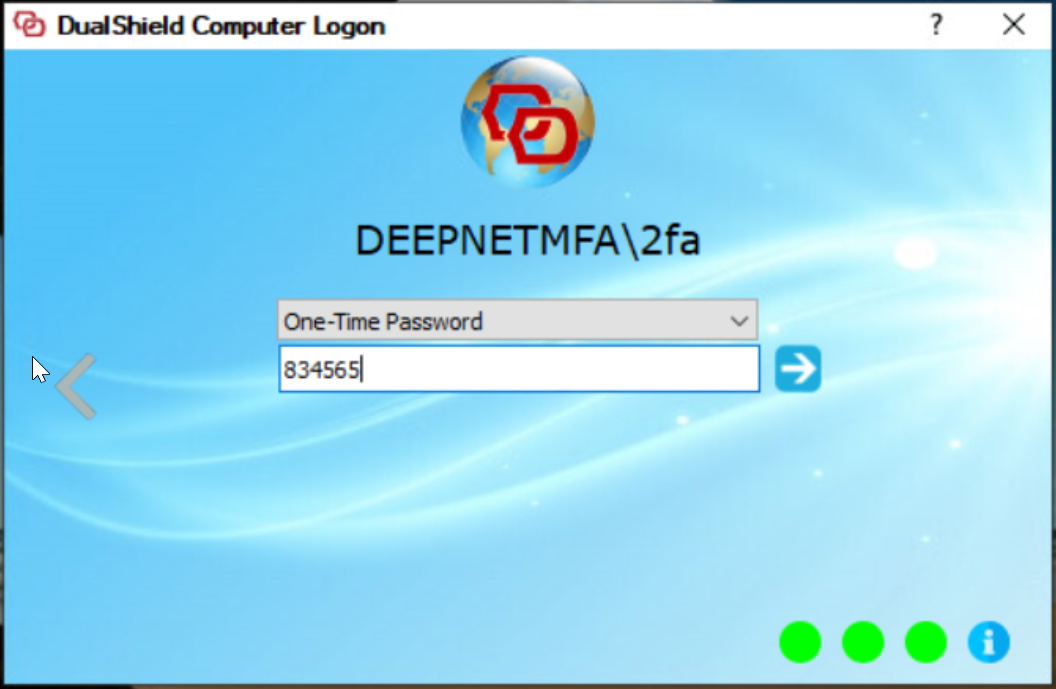
By default, the Computer Logon User Interface looks like below:
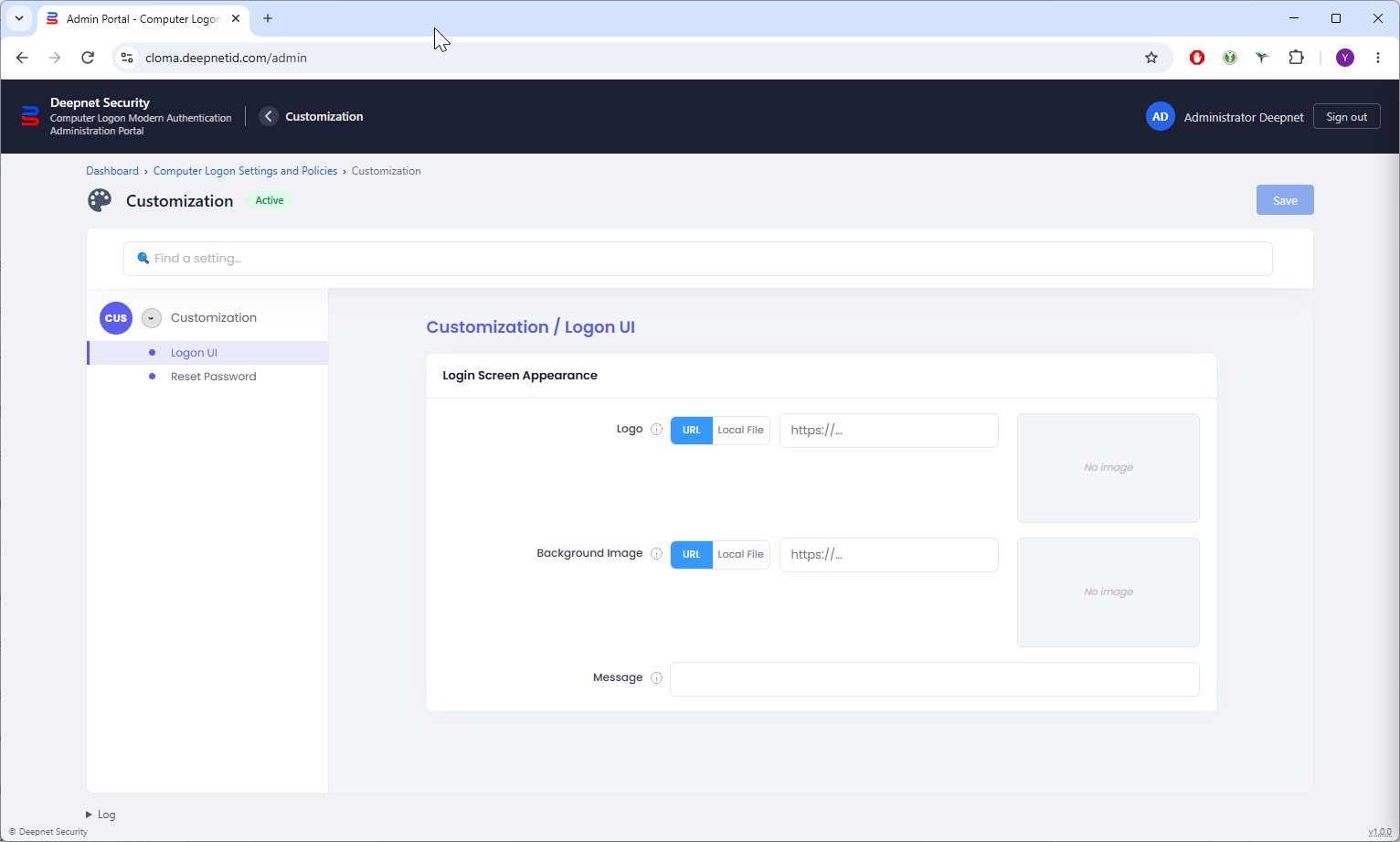
You can customize the following 3 elements in this User Interface
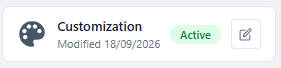
To customize the logon UI, click the Edit icon on the Customization tile in the Computer Logon Management Portal,
Select "Logon UI" in the sidebar