Users may sign in to computers using various user accounts, and not all user accounts require MFA. For each domain that requires MFA, you need to add the domain to the MFA Domain list.
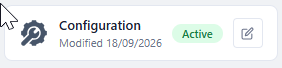
In the Computer Logon Management Portal, click the Edit icon on the Configuration tile
Select "MFA Domains" in the sidebar
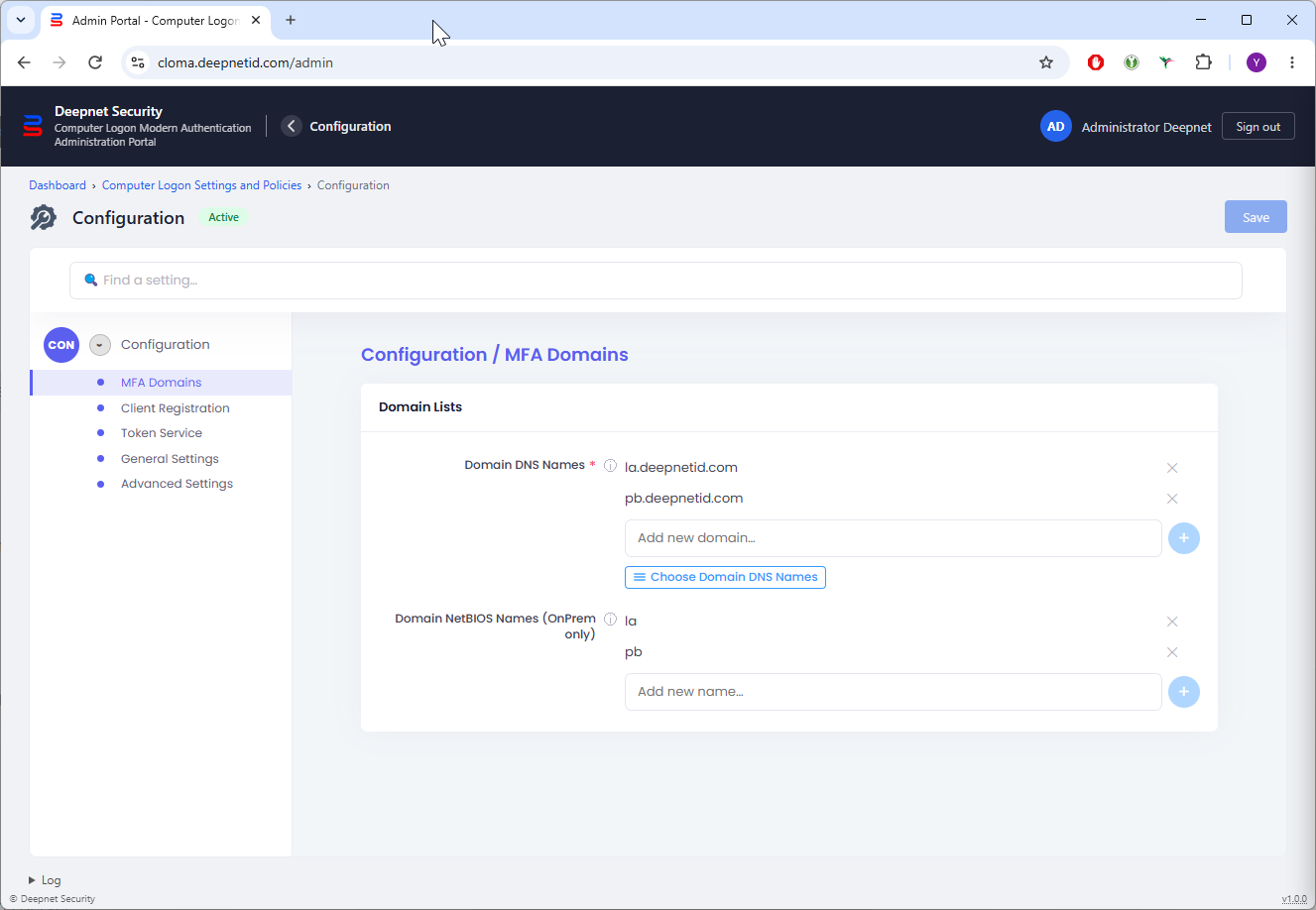
Edit the domain DNS Names.
For On-Prem AD Joined PCs, you need to also edit the domain NetBIOS names.