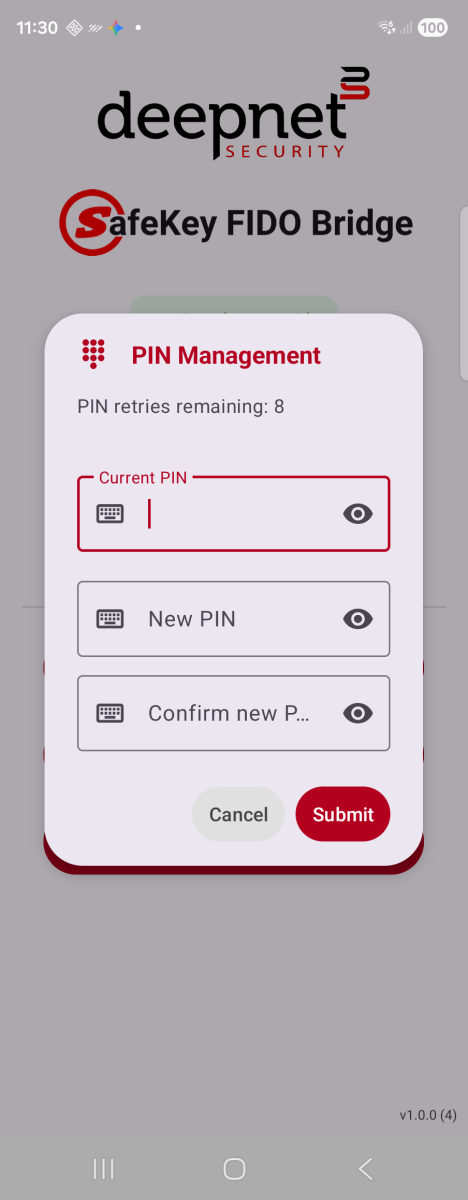
Change PIN — shown when a PIN is already set
Sets or changes the PIN stored on the security key itself — the same PIN a browser will ask for when it needs to unlock the key for a passkey operation.
1. Connect a security key and tap PIN Management.
2. If the key has no PIN yet, you're asked to choose one directly.
3. If a PIN is already set, enter the Current PIN, then a New PIN and confirmation.
Change PIN — shown when a PIN is already set
4. Tap Submit. A confirmation dialog appears once the key accepts the change.
The retry counter at the top counts down each time an incorrect PIN is entered. Most keys permanently block PIN entry after 8 wrong attempts in a row, wiping stored passkeys .