To download offline tokens from the DualShield MFA server, follow the steps below:
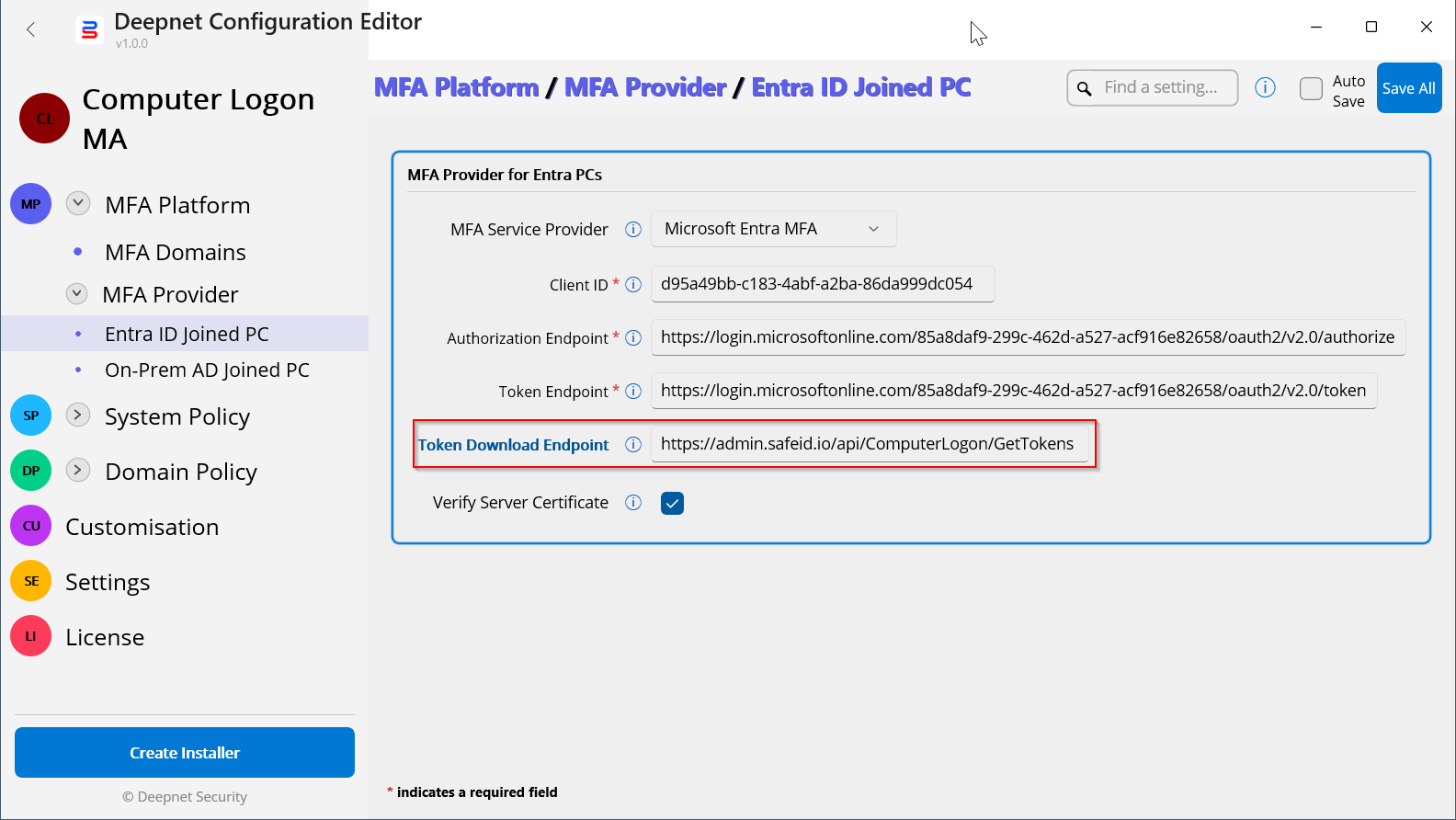
In your SafeID Token Service account, you need to create a Computer Logon policy:
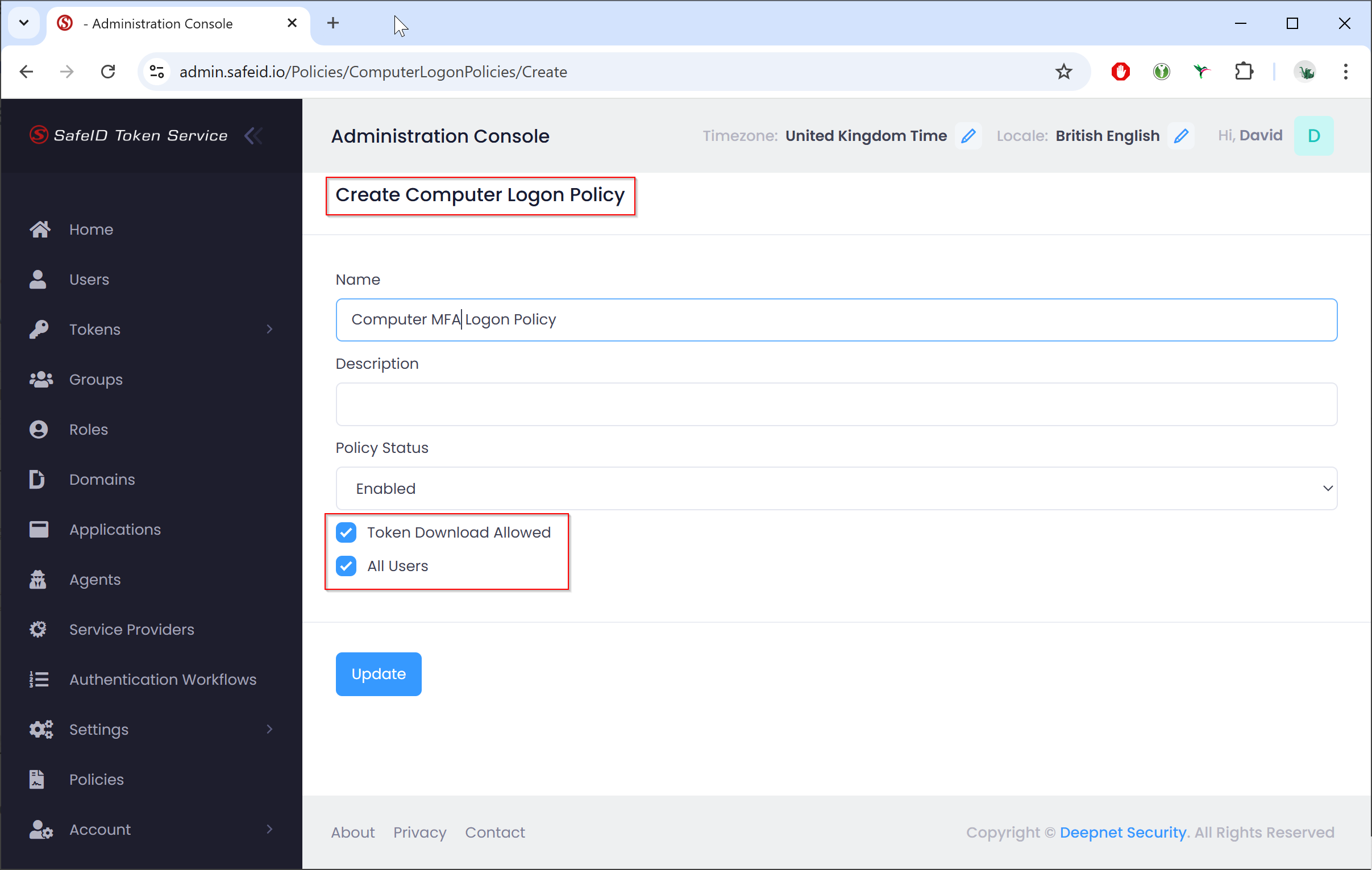
Enable the "Token Download Allowed" option, and bind the policy to all users or to specific users only.
Click the "Update" button to save the policy
Now, navigate to "User Directory"
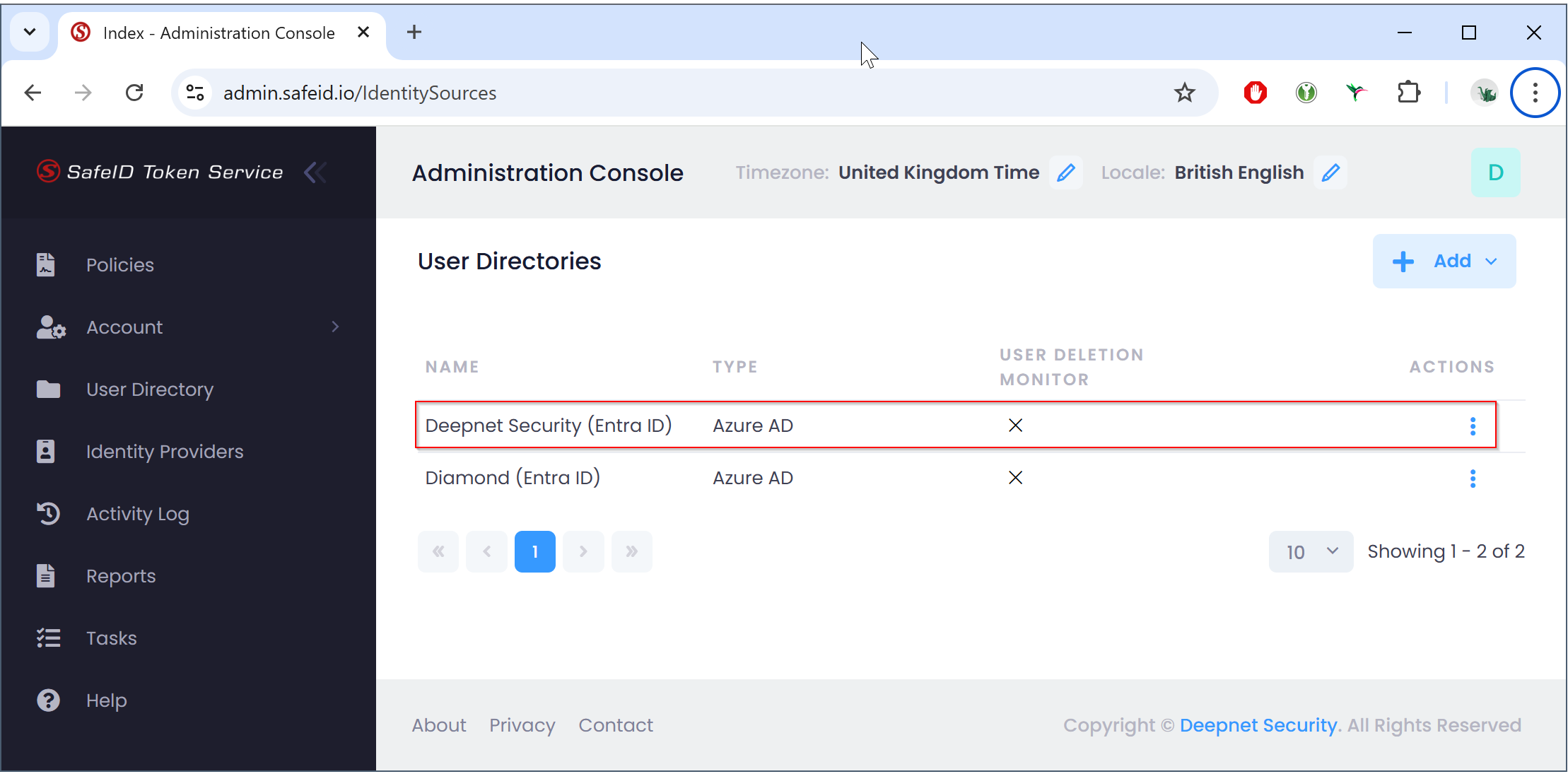
Click the ACTIONS menu of your Entra ID user directory, e.g. "Deepnet Security (Entra ID)" and select "Edit":
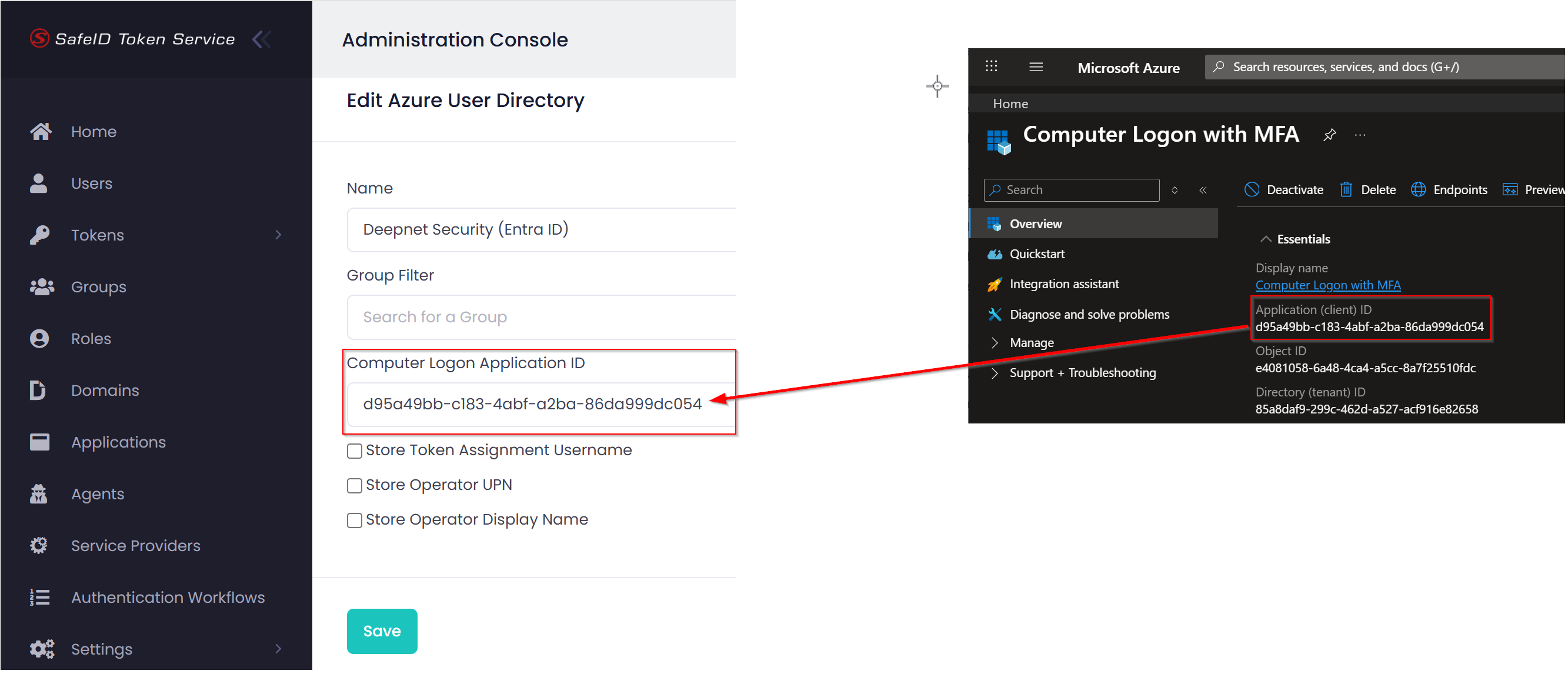
Copy the Application (client) ID of the enterprise application that you had set up for Computer MFA Logon in your Entra ID tenant, and paste it into the "Computer Logon Application ID" box.
Finally, click the "Save" button to save the change.