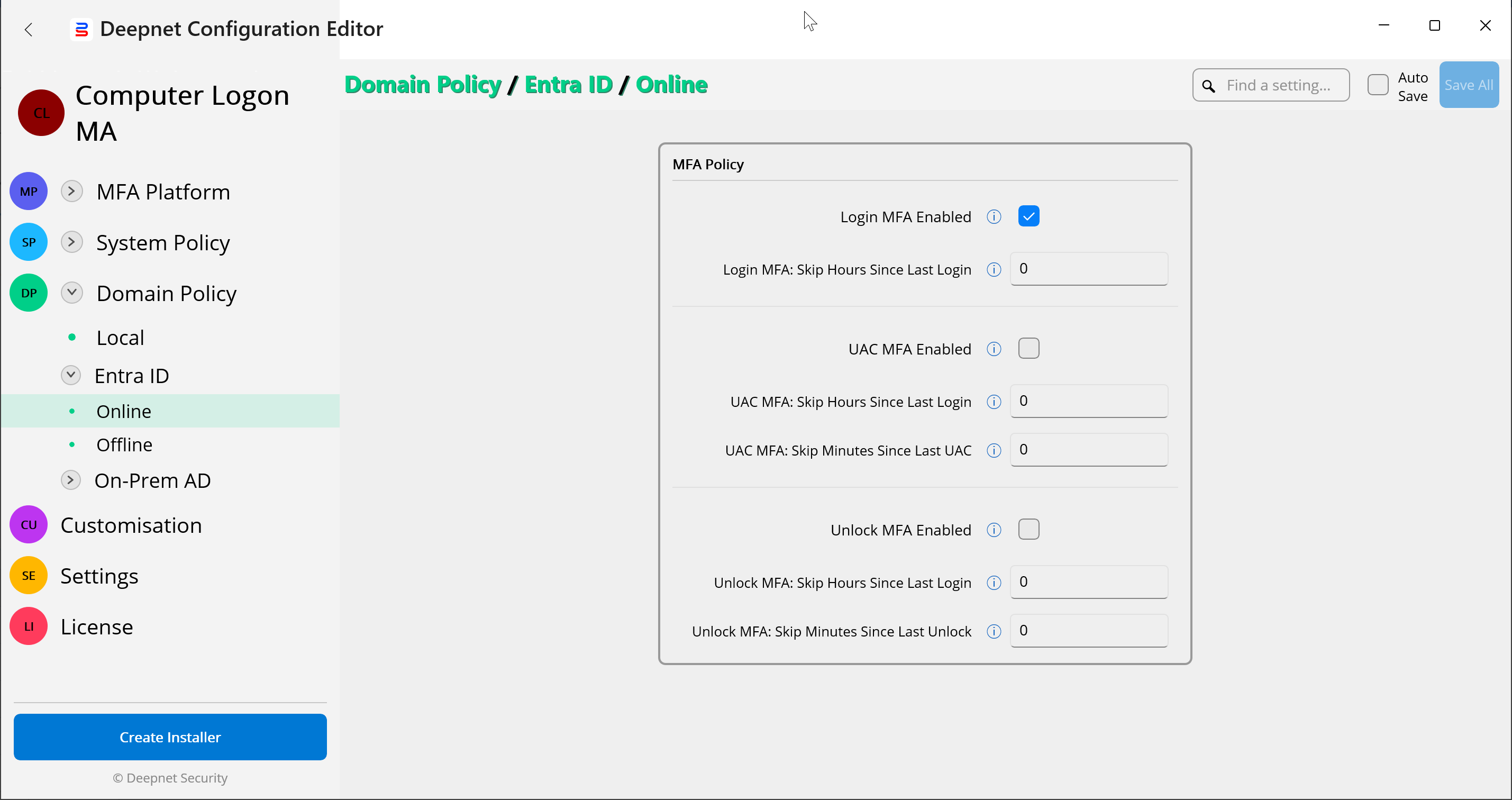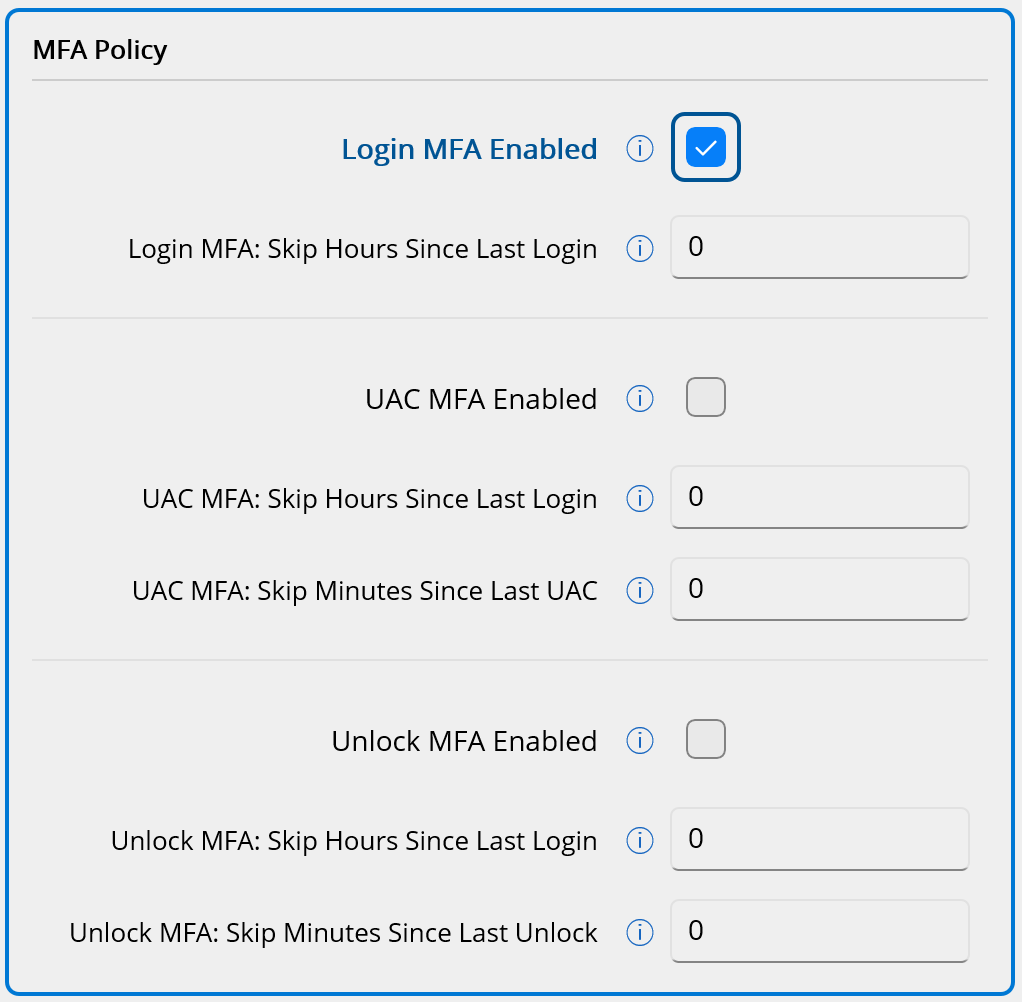
The MFA Policy controls whether MFA is enabled or not in the following 3 scenarios:
It also controls the frequency of the MFA requirement.
The Computer Login MFA solution provides a highly flexible and granular policy control system, enabling you to define MFA policies across multiple levels.
You can set the MFA Policy on the following levels:
In total, there are 7 scenarios where you can define the MFA Policy. Namely
| Scenario | Location | Comment |
|---|---|---|
| 1.a | System Policy\Online | |
| 1.b | System Policy\Offline | |
| 2.a | Domain Policy\Local\Online | |
| 2.b.i | Domain Policy\Entra ID\Online | |
| 2.b.ii | Domain Policy\Entra ID\Offline | |
| 2.c.i | Domain Policy\On-Prem AD\Online | |
| 2.c.ii | Domain Policy\On-Prem AD\Offline |
To edit the MFA Policy, navigate to the specific location in the Deepnet Configuration Editor. For example, Domain Policy\Entra ID\Online