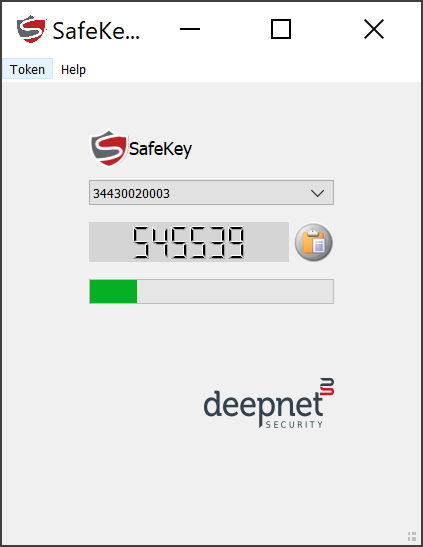
SafeKey/Classic OTP authenticator app is a desktop application that works with SafeKey/Classic USB keys to generate TOTP codes.
Download the SafeKey TOTP app from the links below:
Install it on your Windows PC.
To generate an OTP code, follow the steps below.
Run the SafeID Authenticator application.
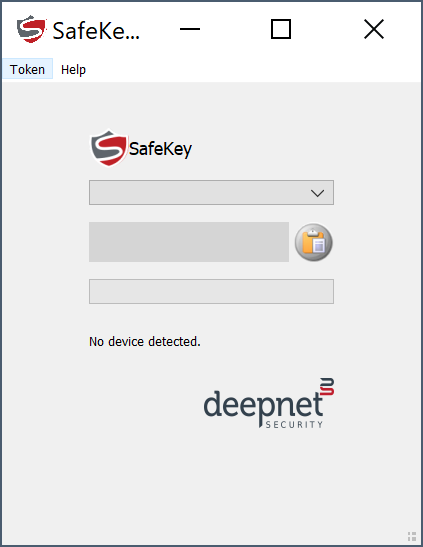
Insert the SafeKey device into a USB port in your computer
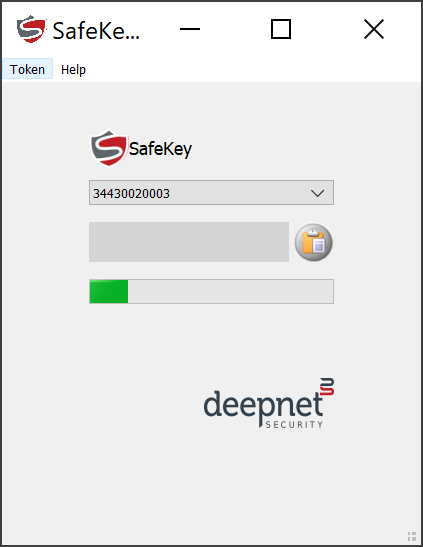
Your SafeKey device should now be flashing now...
Touch the SafeKey device, then an OTP code will be displayed: