The Challenge/Response (C/R) function can be enabled or disabled in 2 places separately,
To disable the C/R function in the MobileID app, you need to change the MobileID product settings in the DualShield MFA server.
In the DualShield Admin Console, navigate to "Authentication \ Products", click on the context menu icon of MobileID and select "Edit" from the menu.
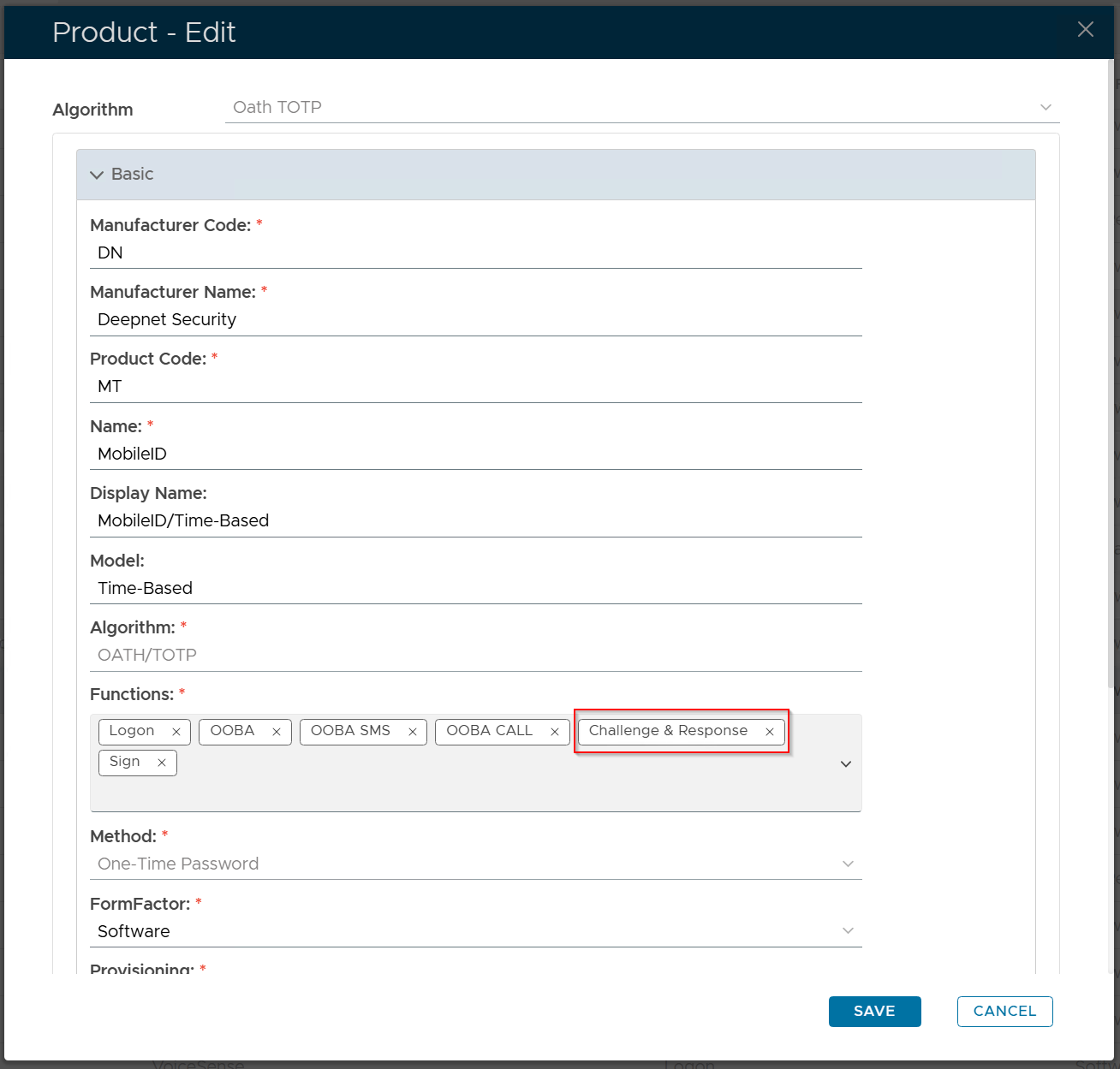
Remove the "Challenge & Response" option from the Functions list, and save the change.