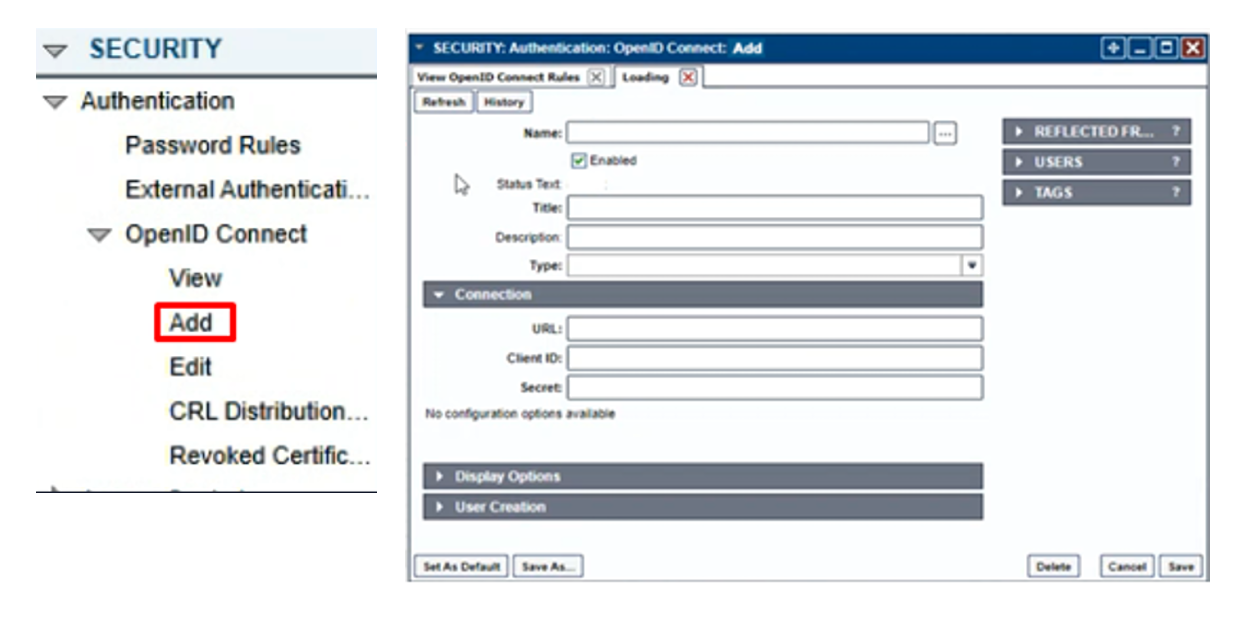
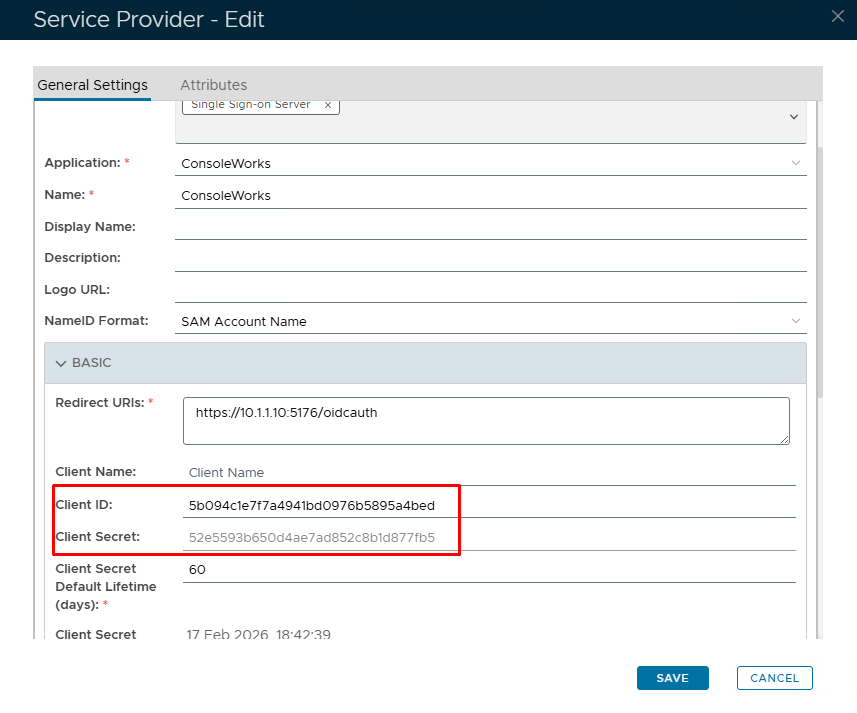
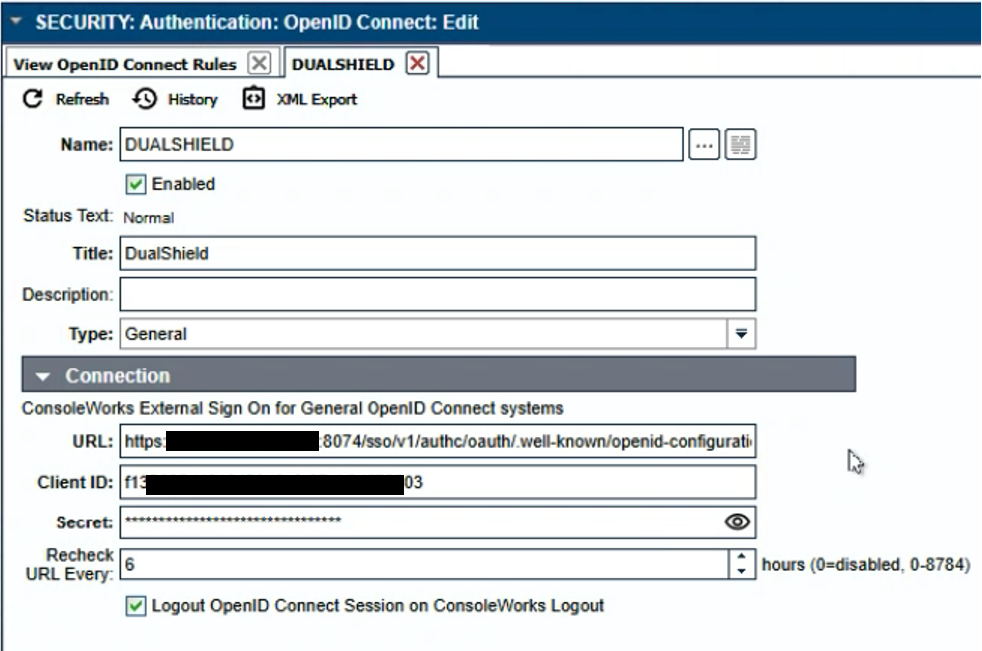
From the ConsoleWorks Navigation Window, select SECURITY > Authentication > OpenID Connect > |
|
In order to configure Ctera for SAML2 authentication, you will need details of the Single Sign-on and Single Logout URL.
|
|
|
|
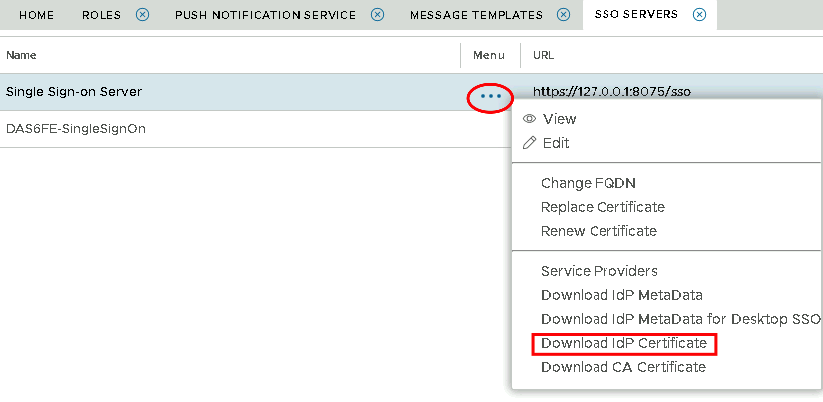
You will also need to download the IdP Certificate
|