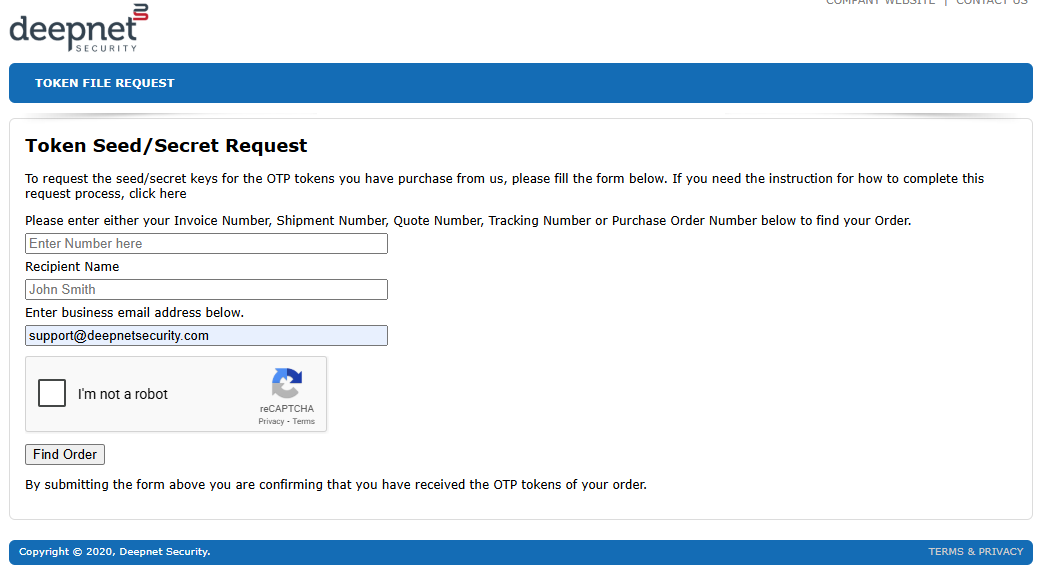
Seed file requests can be made by clicking on the following link; Seed file request link
You will need to fill in the invoice, recipient name and email address fields, click on the "I'm not a robot" captcha, then click "Find Order".
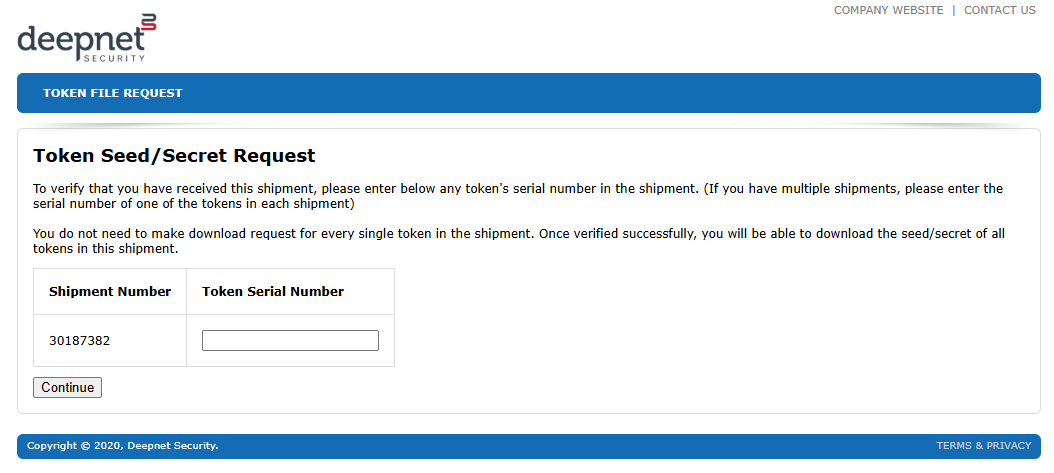
A new window titled "Token Seed/Secret Request" will now open, and you will be asked to supply a token serial number;
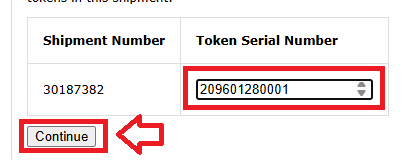
Under the heading "Token Serial Number", supply a serial number of any of the tokens from your order, then click  ;
;
The window will now update to show options for how the seed file is to be sent to your email account;
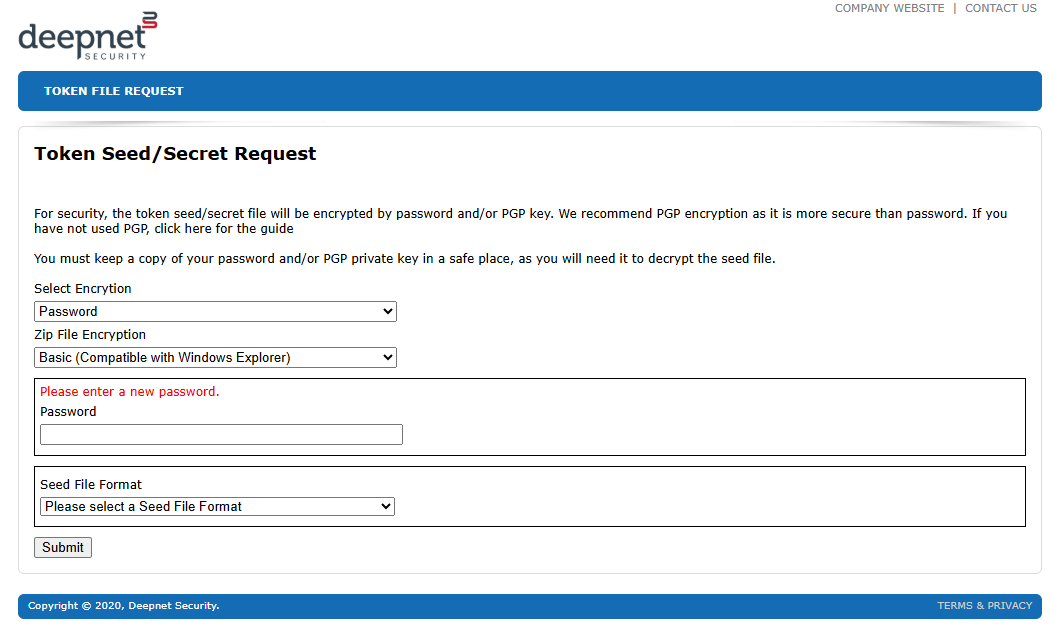
You can choose from the encryption and zip file options, however the example shown below will work.
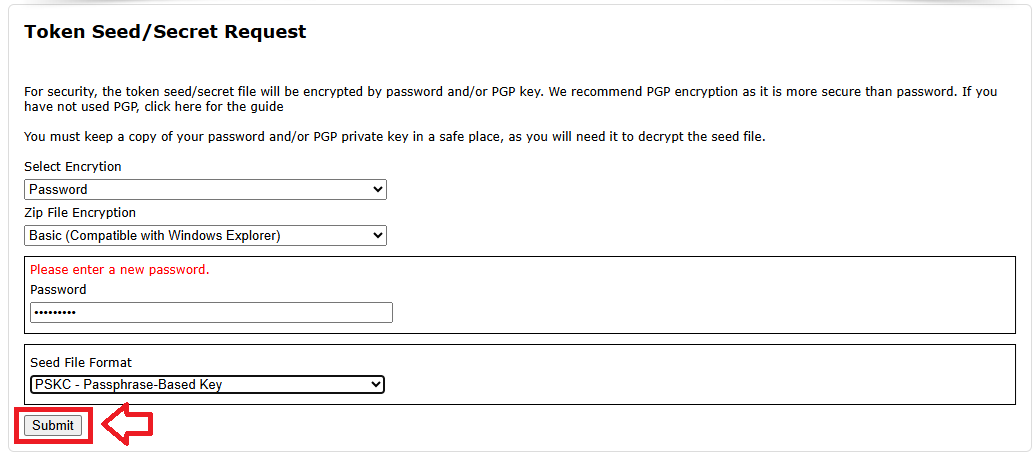
In the "Password" box you will need to provide a unique password for this download, and ensure that the selected seed file format is "PSKC - Passphrase-Baesd Key", then click "Submit";
Emails will now be sent to your nominated account, one of which will include a download link (example below);
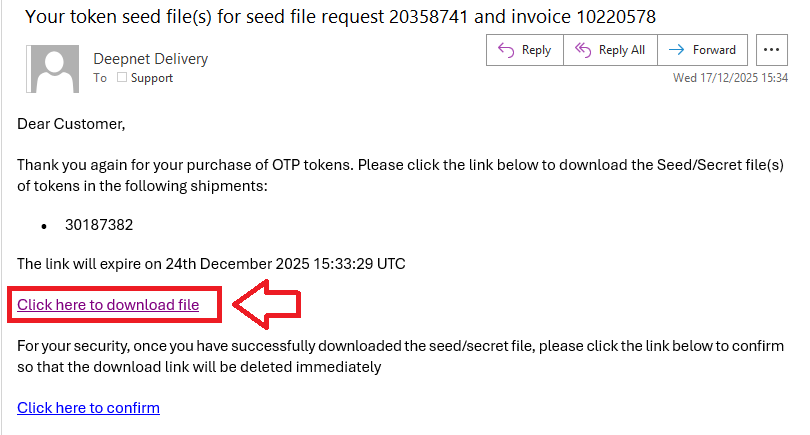
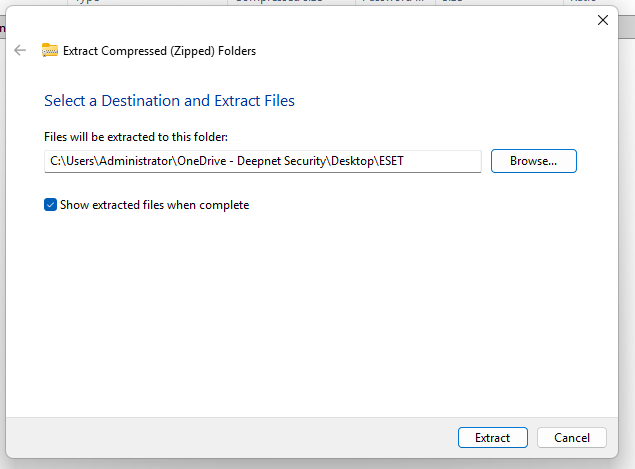
Click on the "Click here to download file" link, and when the file is downloaded expand it to a safe place