Twilio is a cloud communications platform that provides developers with APIs (Application Programming Interfaces) to embed voice, SMS, video, email, and other communication features directly into their own applications, enabling personalized customer engagement, automated alerts, and contact centre solutions.
Programmable hardware tokens can be used as a direct replacement for authentication apps using the following procedure;
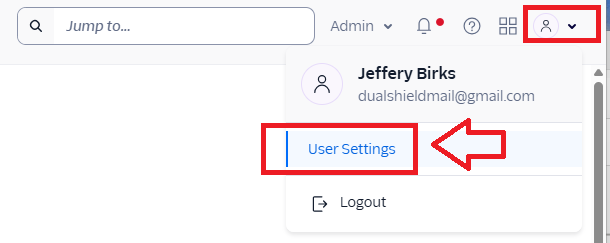
Log in to your Twilio Console, then click on you account icon, then use the user dropdown to select the option "User Settings";
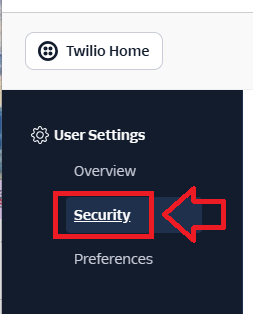
Under the User Settings, select the option "Security";
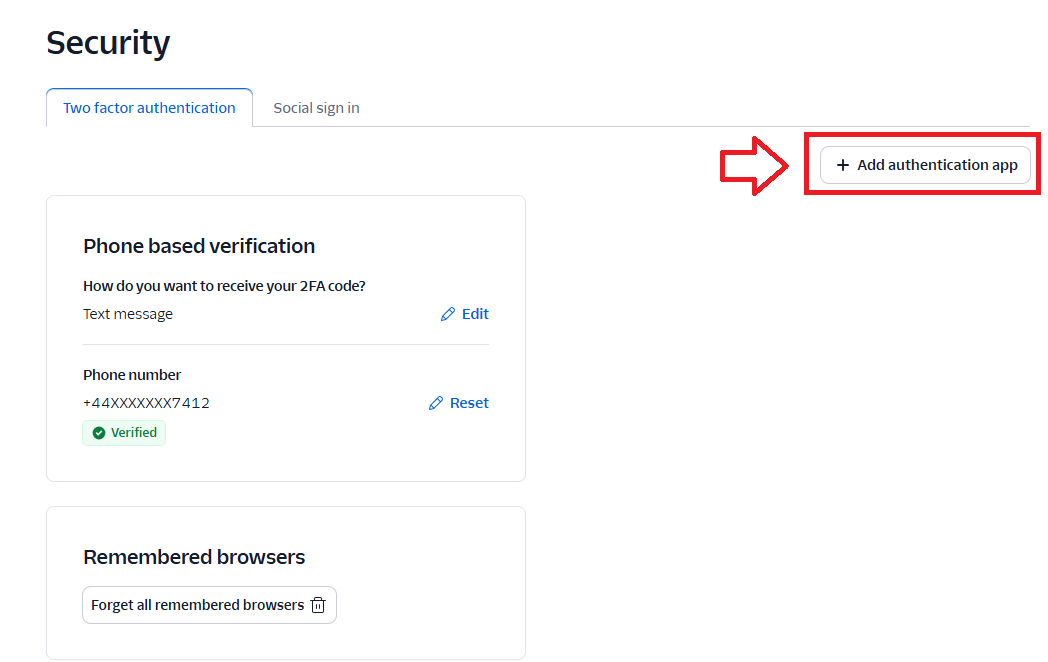
Then to add the necessary authentication method, select "Add authentication app";
 .
.
A QR code will now be generated (example below);
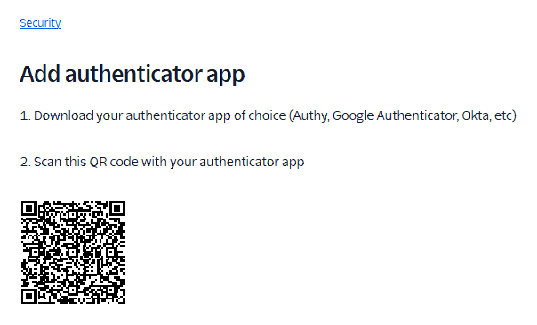
You can use the QR code to program our programmable tokens using the instructions found in the following procedure;
Once you have programmed your token you will need to verify it with Twilio.
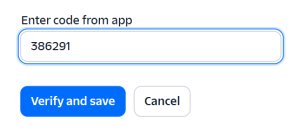
Obtain a 6 digit code from your recently programmed token, then copy it to the prompt "Enter code from app",, then click  ;
;
At this point the hardware token is ready to be used to log in to your Twilio account.