 ;
;
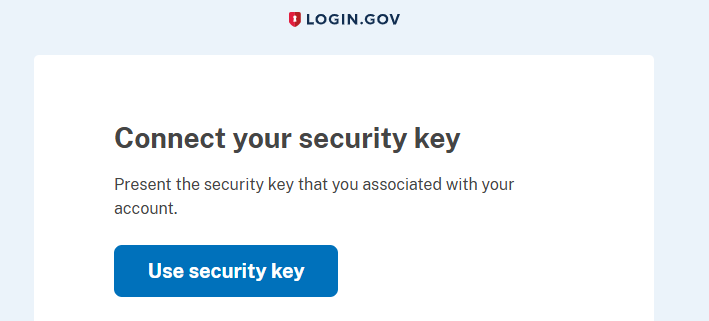
Log in to your Login.Gov account, in by supplying your email address and password, and you will then be asked to connect using your security key;.
Insert your Fido key into an available USB port then click ;
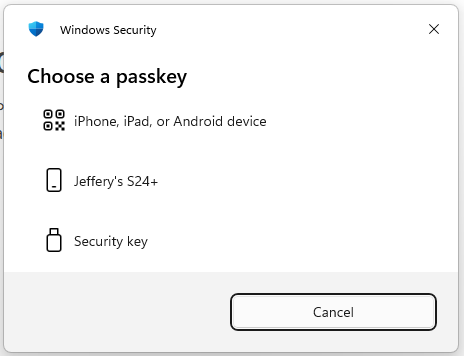
When asked to Choose a passkey select the option "Security Key";
You will now be asked to touch the Fido2 key (in the case of a Fido key with a fingerprint reader you will need to swipe your finger on the key);
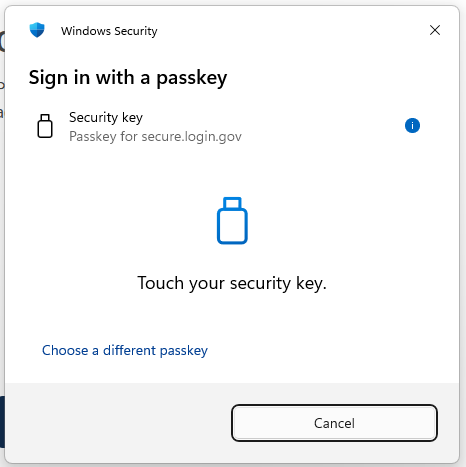
Once the key has been touched you will be logged in to your Login.Gov account.