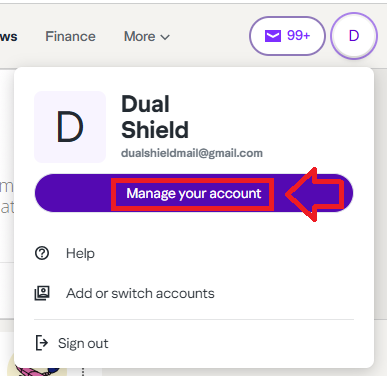
Log in to your Yahoo account, the select the option "Manage your account";
Then from the yahoo sub-menu, select the option "Security";

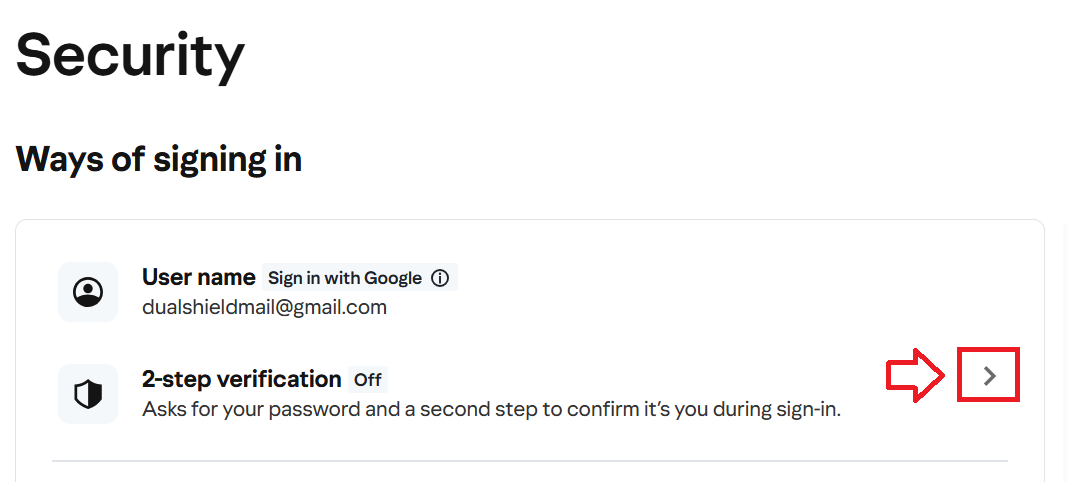
Before you Fido key can be used during the Yahoo logon process, you will first need to enable 2-step verification.
Click on the ">" symbol (see below);
You will now notified to follow instructions in your browser, click  ;
;
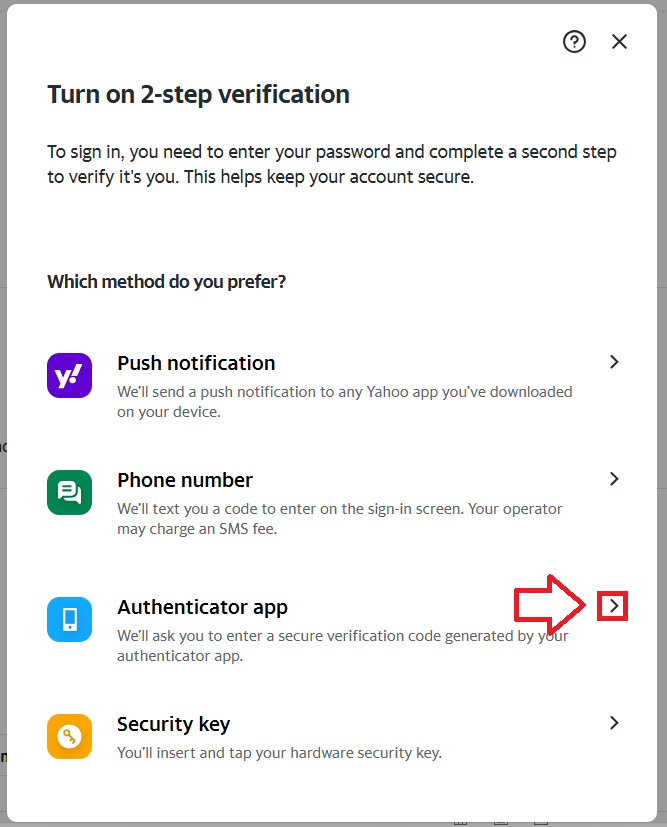
A QR code will now be displayed that can be used either to add an authentication app, or a programmable token as backup authentication method;
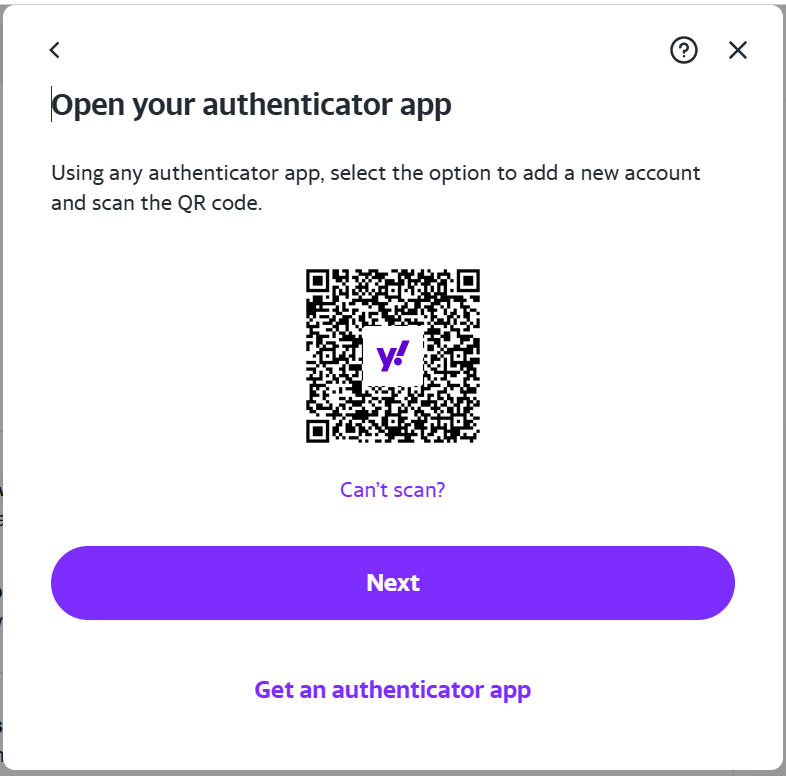
Although the generated QR code is intended to be added to an authentication app, the QR code is suitable for burning onto a programmable token.
The instructions for burning a programmable token using this type of QR code can be found in the following procedure;
At the prompt "Enter verification code" copy the OTP code currently showing on your programmable tokens, then click  ;
;
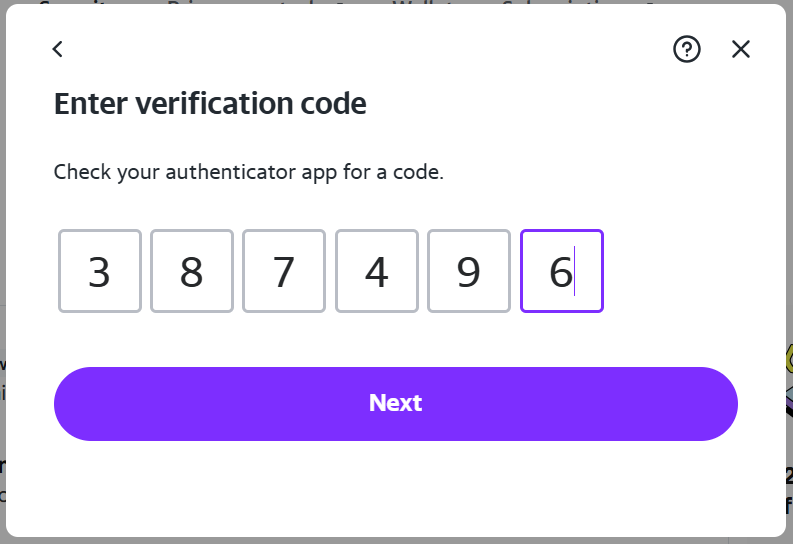
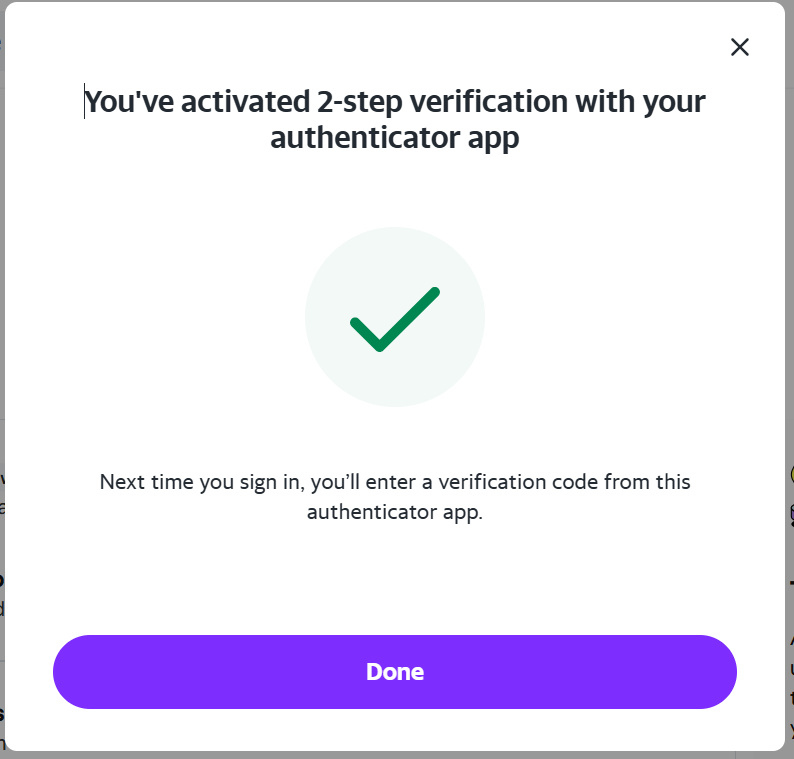
Once a valid code is entered the programmable token will be notified that 2-step verification has been enabled;