To get the JSON file of your hardware tokens, follow the steps below:
If you have previously downloaded the token secret file in the "Entra MFA CSV format, then you can follow the steps below to convert CSV to JSON
Download CSV2JSON PowerShell Script and save it in a local folder.
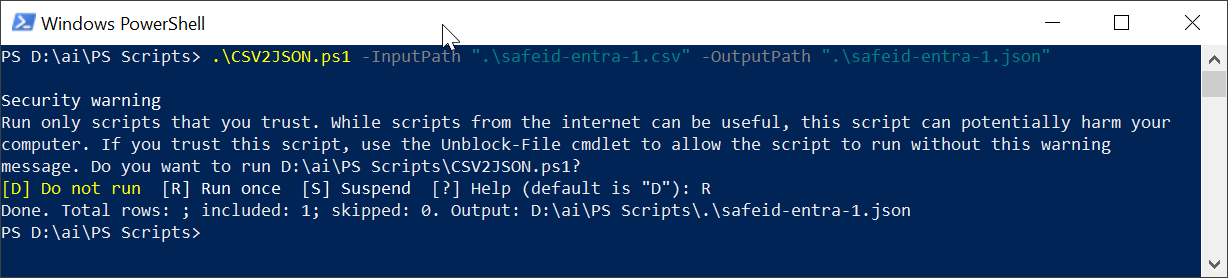
Run Windows PowerShell, execute the cmd below:
.\CSV2JSON.ps1 -InputPath "{your token CSV file}" -OutputPath "{your token JSON file}"
See an example below: