LinkedIn is an online, professional networking service primarily used for career development, job searching, and business connections.
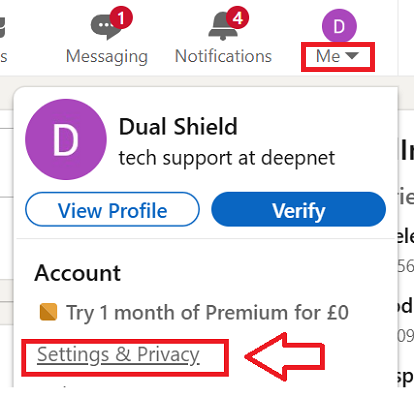
After logging in to your linked in account, use use the dropdown on your user account icon (top right), and select the option "Settings & Privacy";
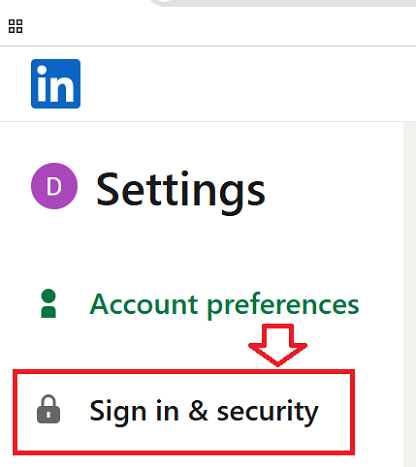
Then from the Settings options select "Sign in & security";
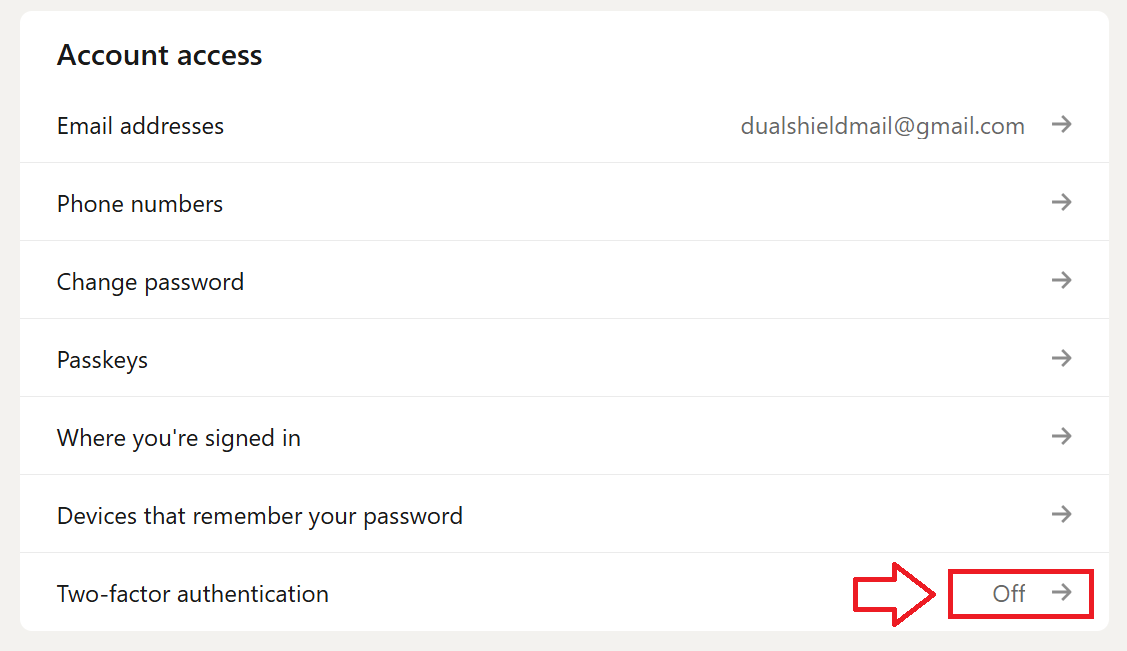
A list of account access methods will now be shown, enable the option "Two-factor authentication" by clicking on the link (indicated below)'
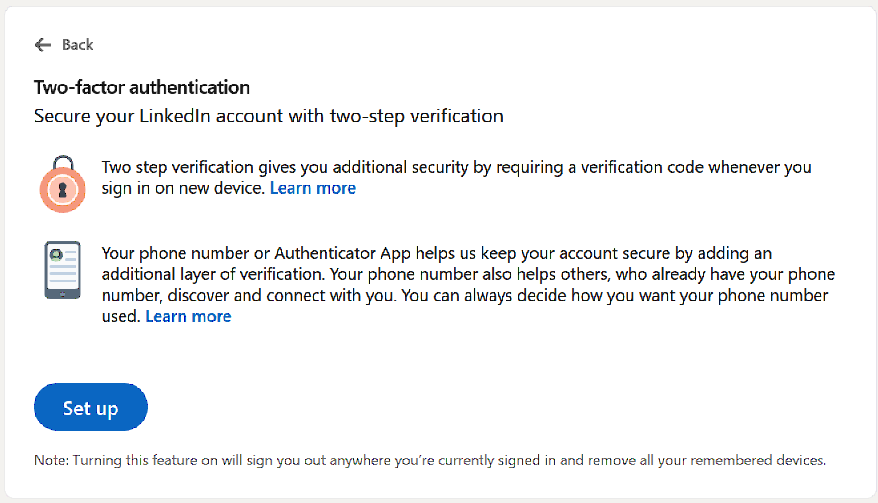
You will now be offered to set up Two-factor authentication, click on the button  ;
;
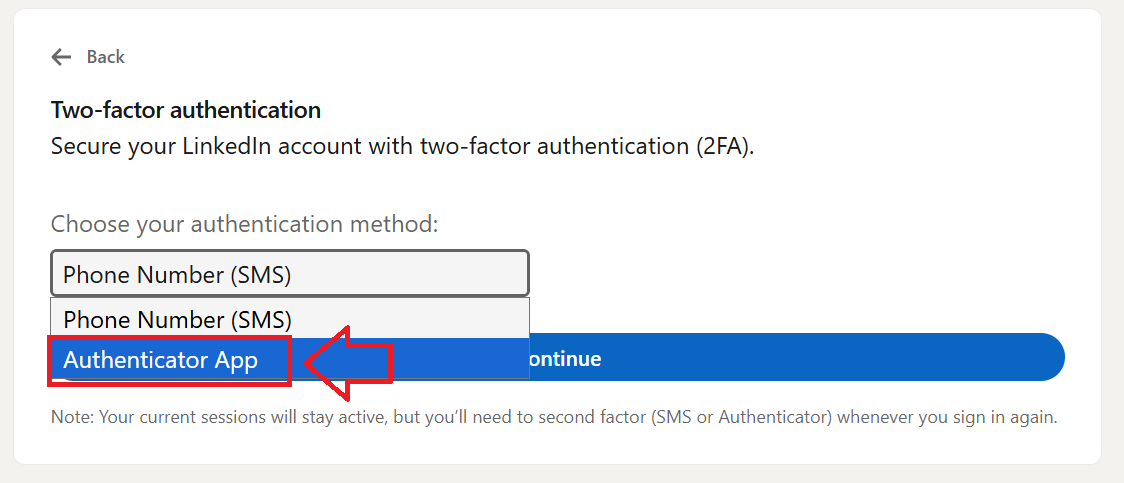
Using the dropdown "Choose your authentication method", select the option "Authenticator App", then click  ;
;
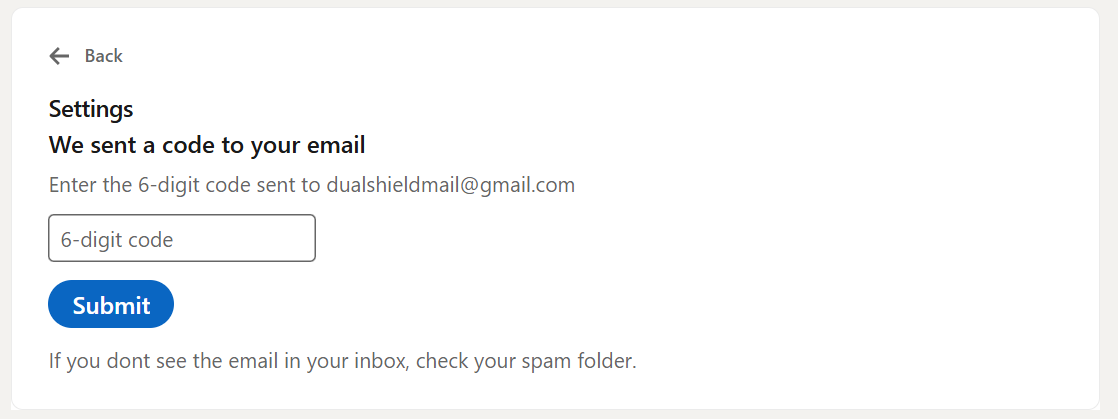
A 6 digit code will now be sent to your email account, after retrieving the code enter it into the box then click 
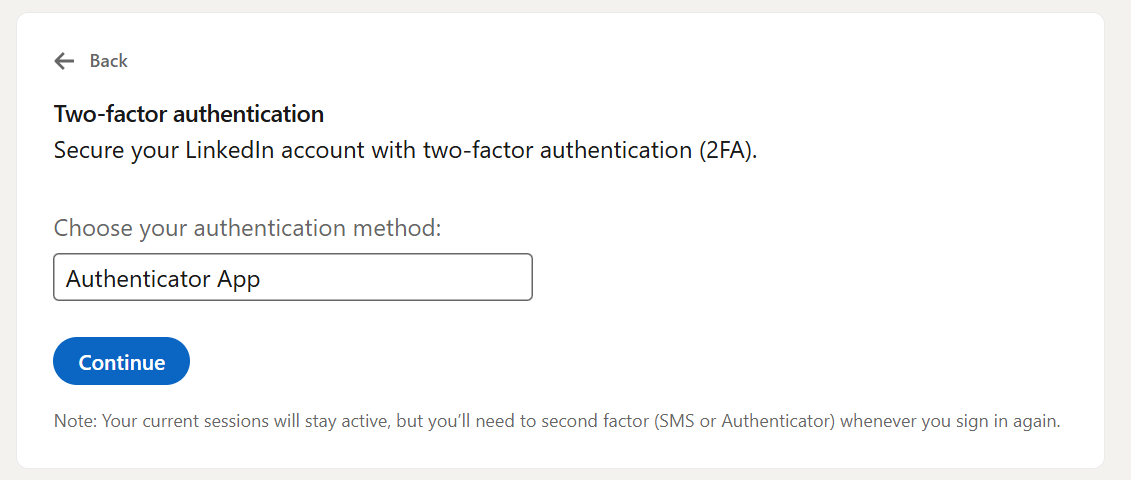
You can now proceed to setting up your authentication app (click  );
);
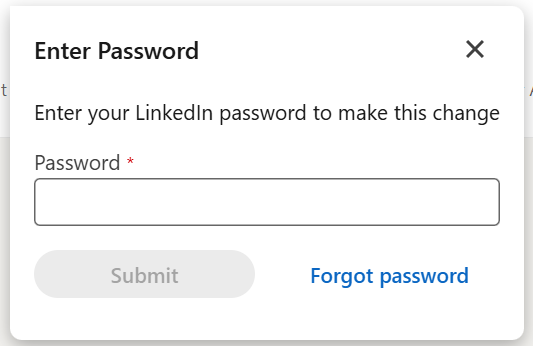
Before progressing you will need to supply your linked in password, then click "Submit";
You will now be presented with a QR code;
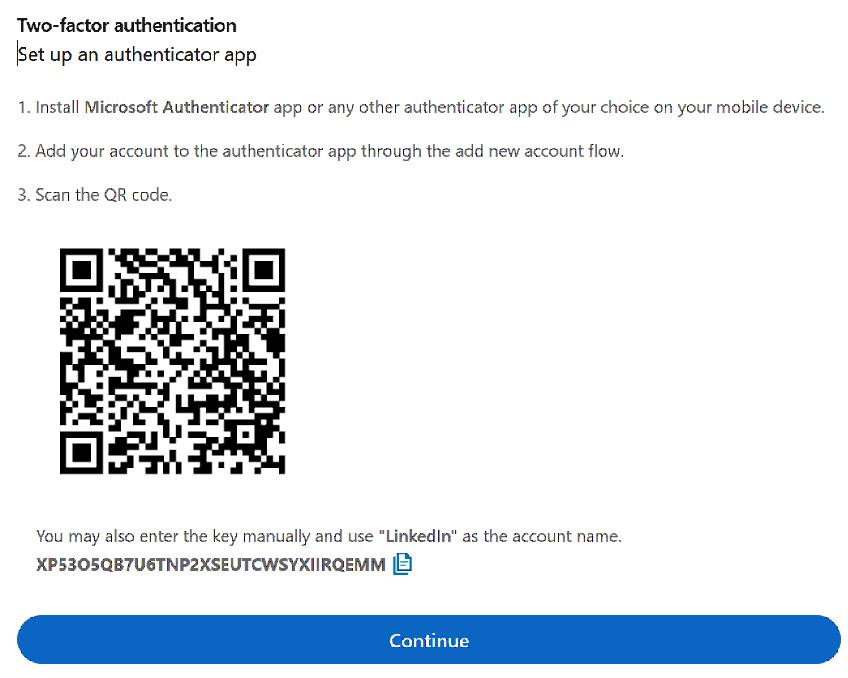
You can use the QR code to program our programmable tokens using the instructions found in the following procedure;
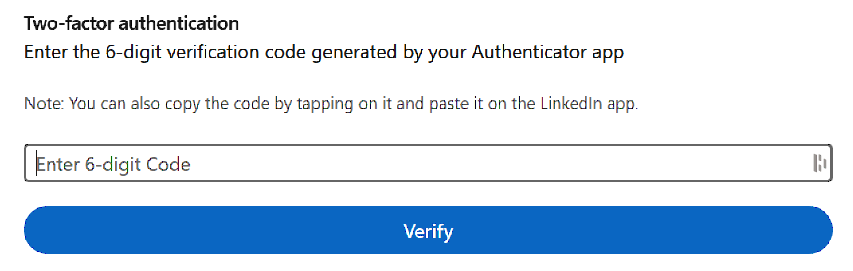
Using a code generated from your programmable token, verify you account at the "Enter 6-digit Code" prompt, then click "Verify";
You will be presented with confirmation that Two-factor authentication has been enabled;
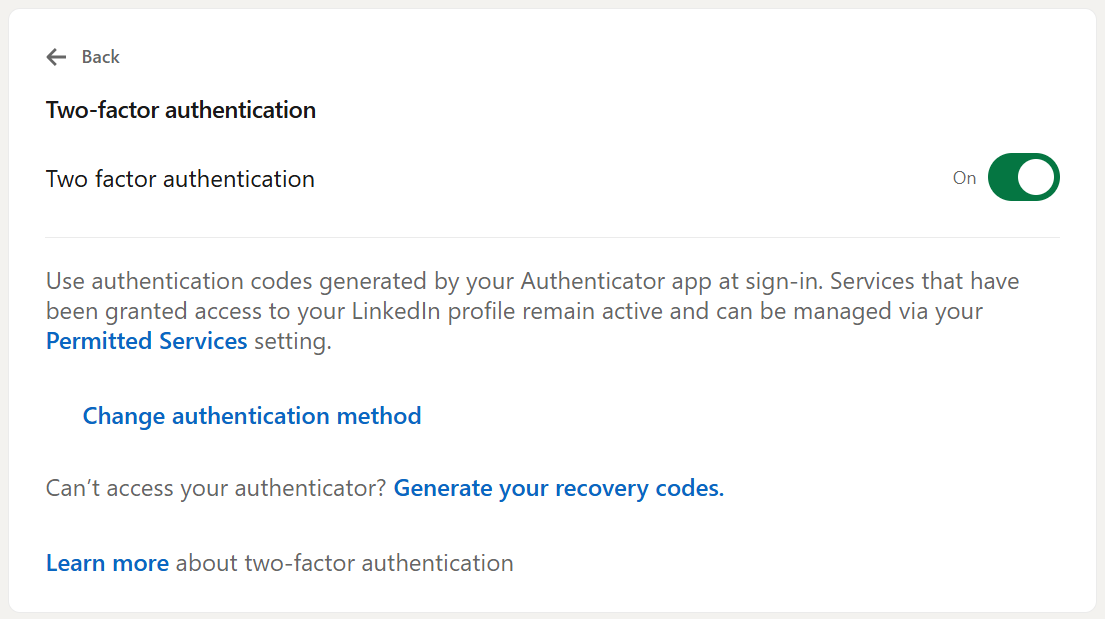
You will now be ready to use your programmable token when next logging in to your Linked in account.