WordPress is a popular, free, open-source content management system (CMS) that allows users to build and manage websites without needing to code, and access to your account can be protected via a programmable hardware token.
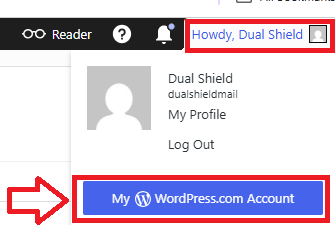
Sign in to the your Wordpress account, mouse over your account, then select the option "My WordPress.com Account";
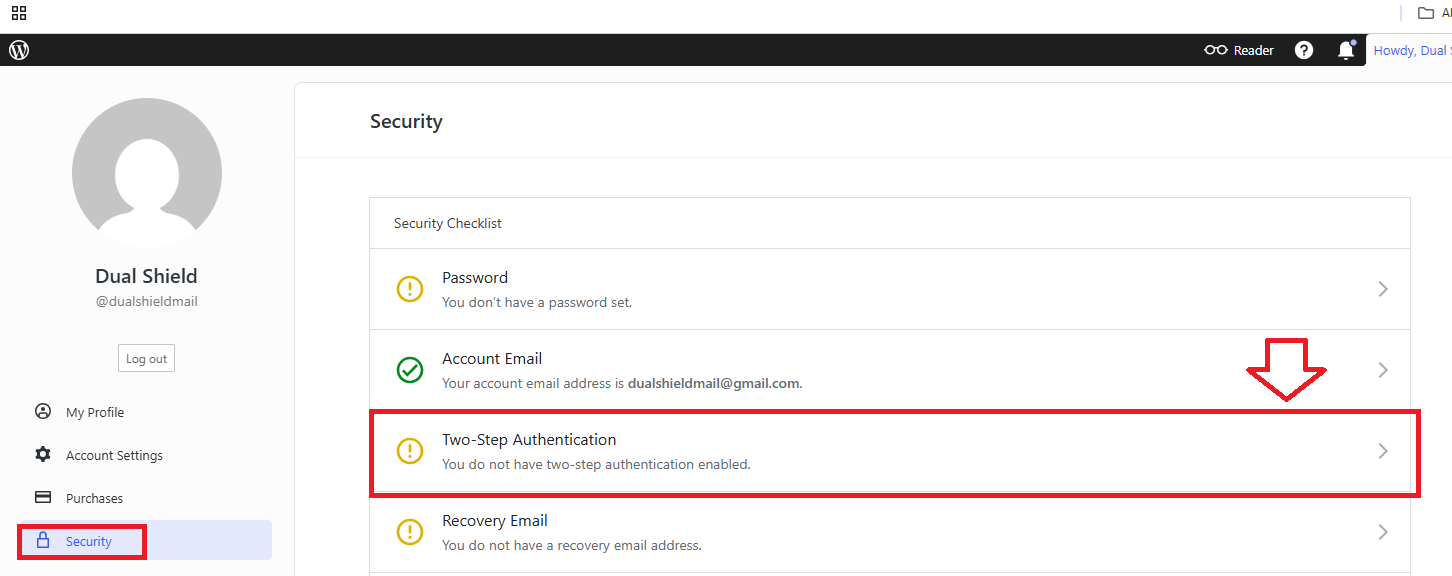
Select the menu option "Security", then click on the security option "Two-Step Authentication";
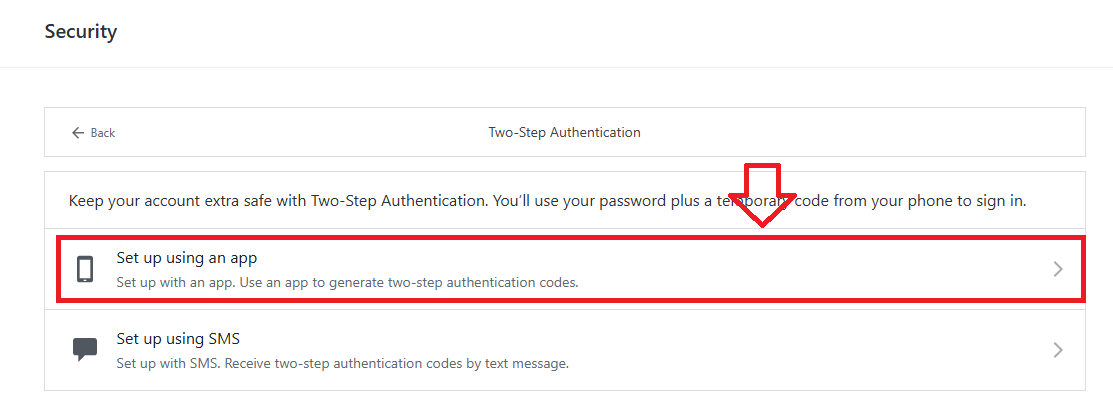
In order to use programmable hardware tokens when logging in to WordPress we will need select the option "Set up using an app";
You will be presented with a QR code similar to the following example;
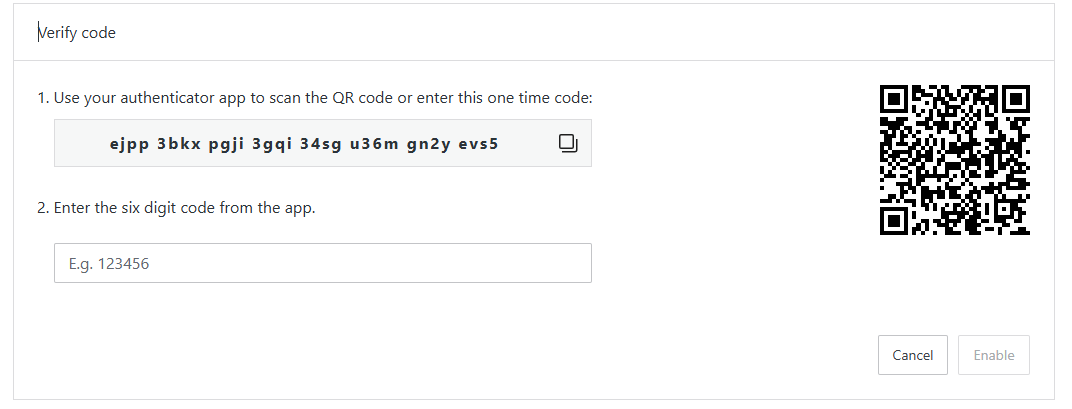
You can use the QR code to program our programmable tokens using the instructions found in the following procedure;
Once you have programmed your token you will need to verify it with WordPress by supplying a 6 digit code from your programmable token, then clicking  ;
; 
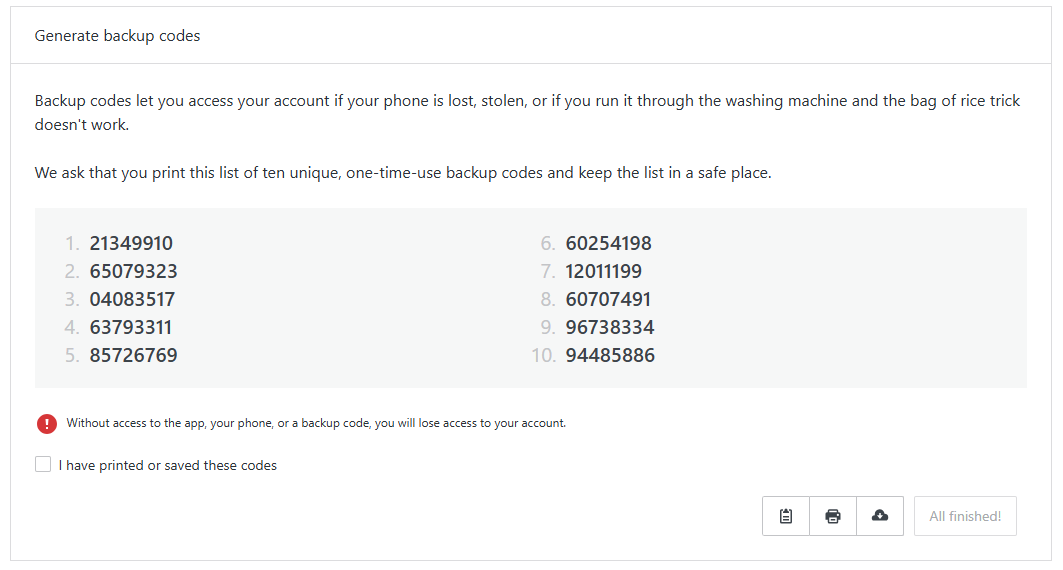
You will then be presented with a number of backup codes (examples below), you are advised to keep a note of these codes;
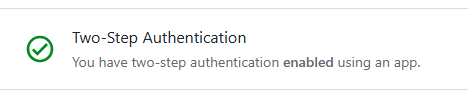
Your programmable token will now be able to used as an authentication method when logging on to wordpress.