Norton is a well-known brand of consumer cybersecurity products, including antivirus software, identity theft protection, and online privacy tools, and access to your account can be protected via a programmable hardware token.
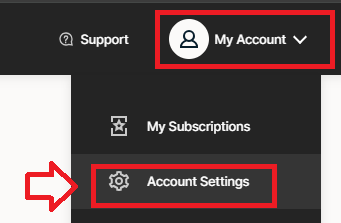
Sign in to the your Norton account, then using the "My Account" dropdown, select the option "Account Settings";
In order to enable two factor authentication, scroll down to the section "Two Factor Authentication", then click on the button "Set up";
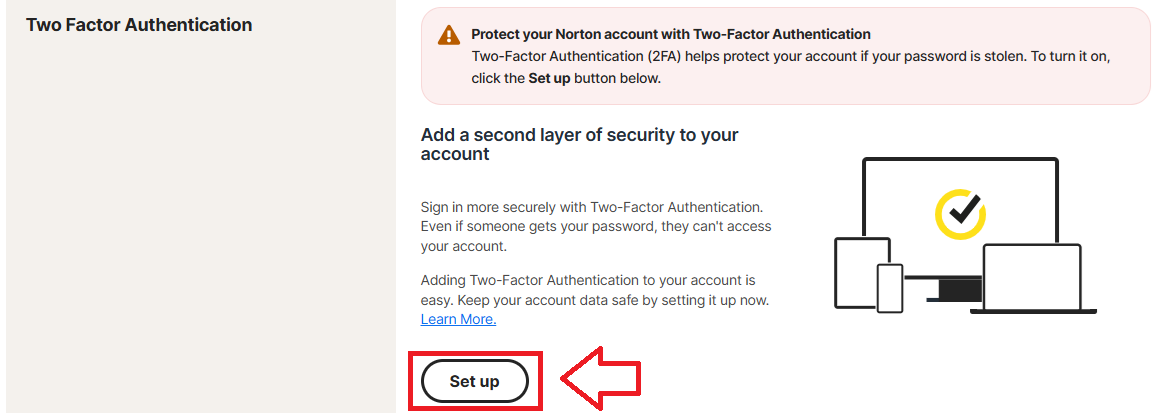
You will now be presented with the authentication options available for you to add to your Norton logon procedure.
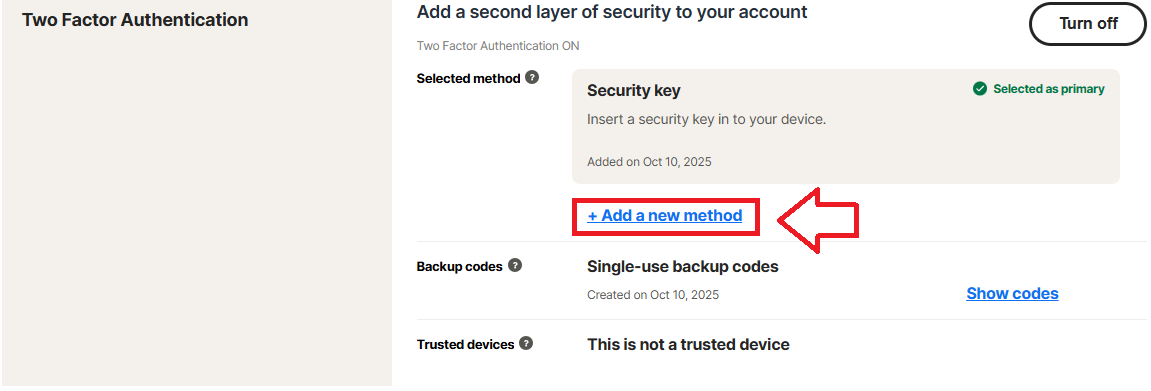
Alternatively, if two-factor authentication has already been enabled, just click on the option "Add new method";
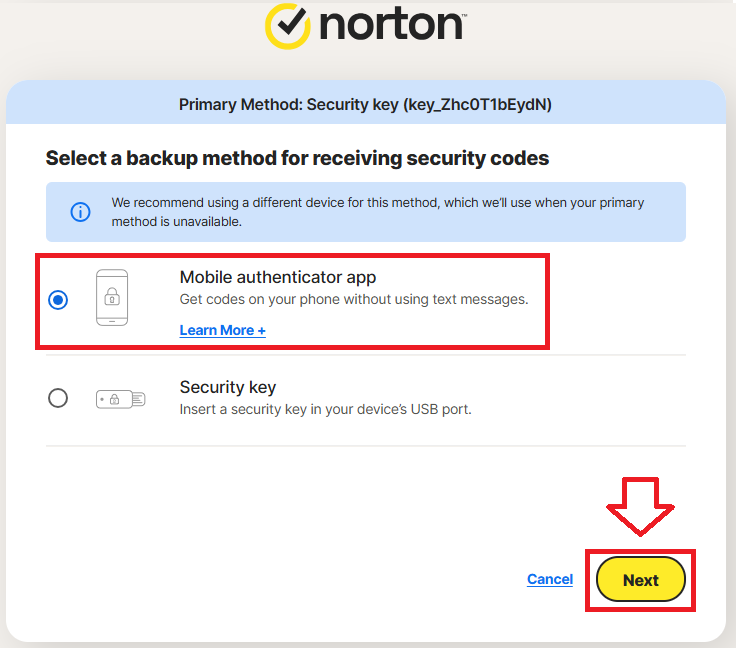
In order to add a programmable token as an authentication method you will need to select the option "Mobile authenticator app", then click  ;
;
You will then be presented with a QR code (that can be used to prepare your programmable token as a authenticator app replacement);
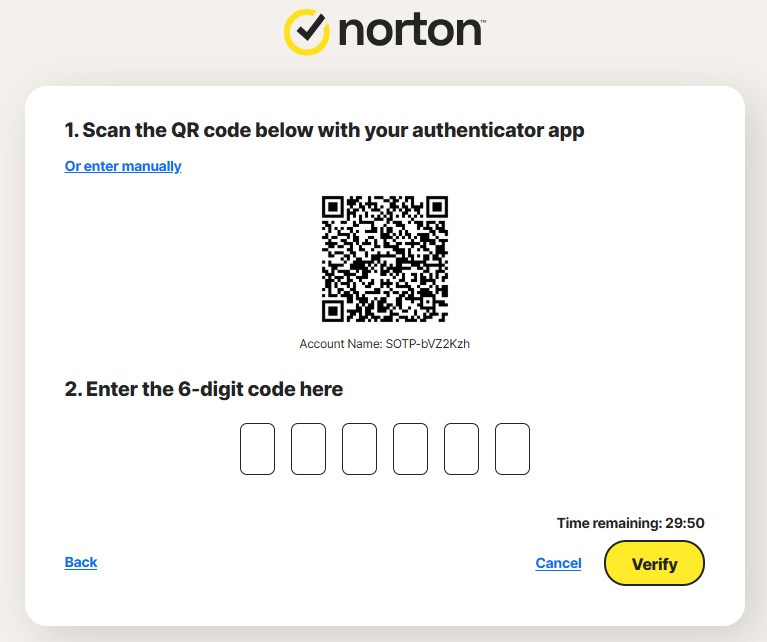
You can use the QR code to program our programmable tokens using the instructions found in the following procedure;
Once you have programmed your token you will need to verify it with Norton by supplying a 6 digit code from your programmable token, then clicking  ;
;
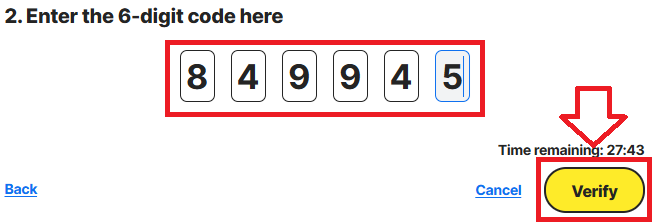
You will now be notified that authentication app can now be used as am authentication option (the code will be supplied by your hardware tokens when logging in);

Your programmable token will now be activated, and can be used when you next log in to your account.