Bitbucket is a web-based, Git-based code hosting and collaboration tool for software development teams, and access to the app can be protected using a programmable hardware token (which takes the place of an authentication app).
In order to protect access to Bitbucket using a programmable hardware token, you will first need to enable two-factor authentication.
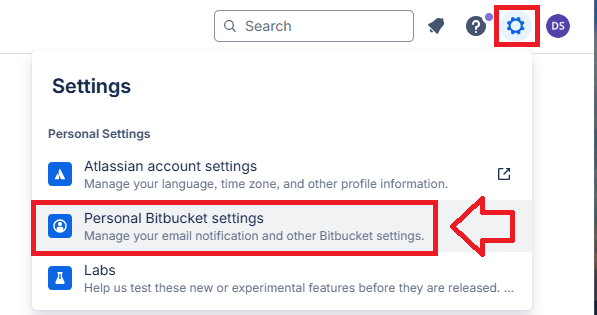
Two-factor authentication for Bitbucket can be enabled by first logging in to your Bitbucket application using a web browser, then after clicking on the cog icon select the option "Personal Bitbucket settings";
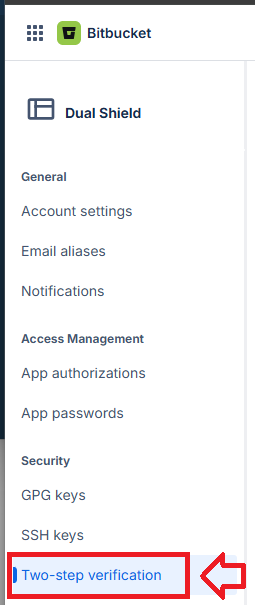
In the left hand column on the web page, and in the section "Security", select the option "Two-step verification";
After selecting this option a QR code will be generated (see example below);
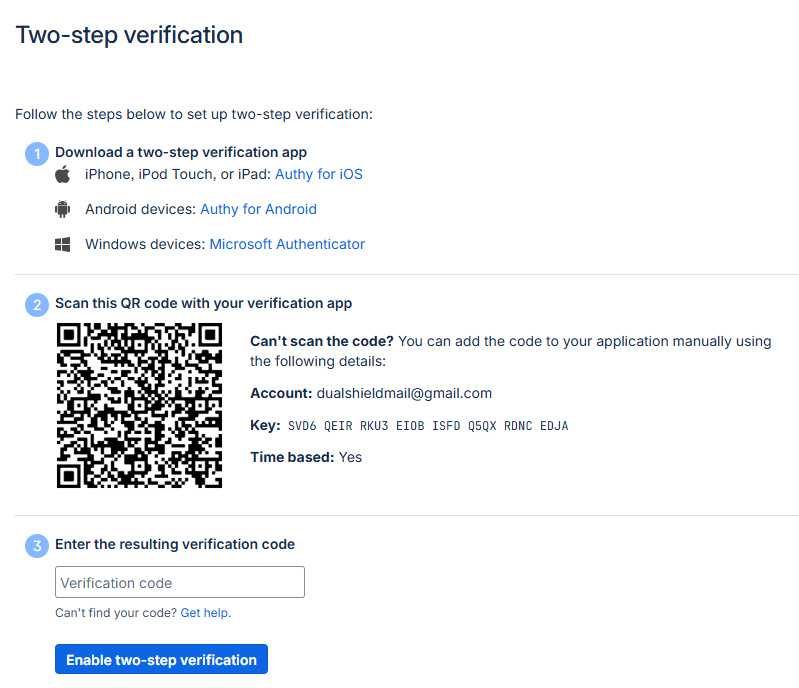
You can use the QR code to program our programmable tokens using the instructions found in the following procedure;
Once you have programmed your token you will need to verify it with Bitbucket.
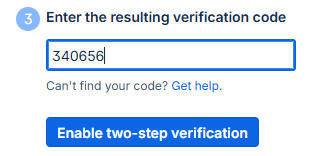
At the "Enter the resulting verification code:" prompt, copy a 6-digit code from your newly programmed hardware token , then click  ;
;
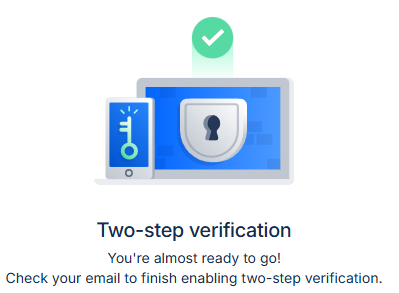
You will then be notified that an email has been sent to you (in order to verify enabling of 2fa on your account);
Open the email sent to you, then from within the email, click on the link
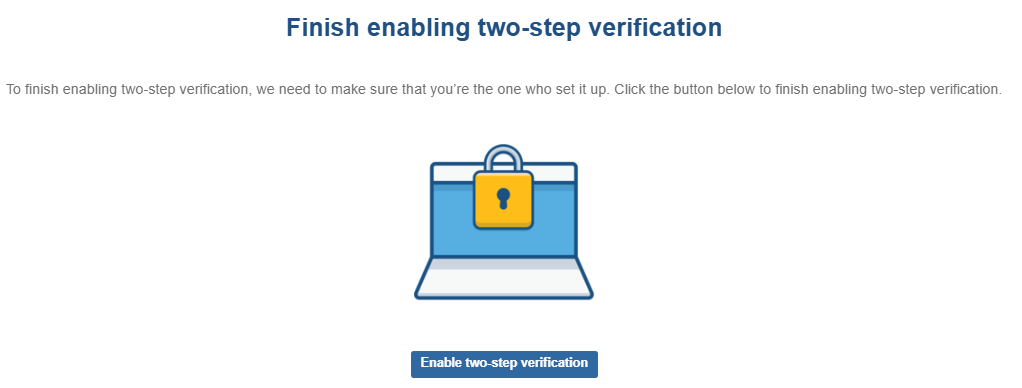
Two-step verification should then be enabled for your account.