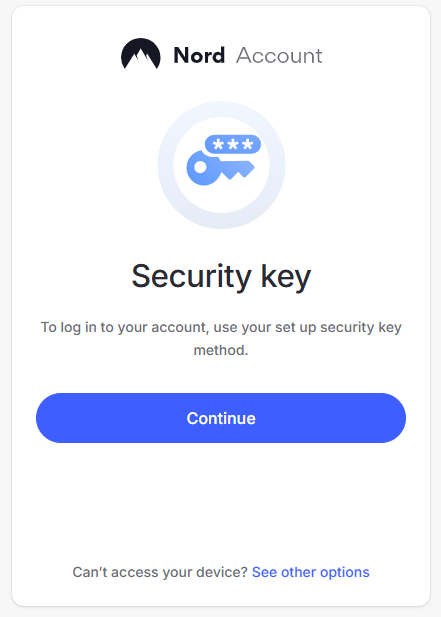
In a web browser, Sign in to the you Nord account, but once you have supplied your username and password you will now be prompted to insert your security key,
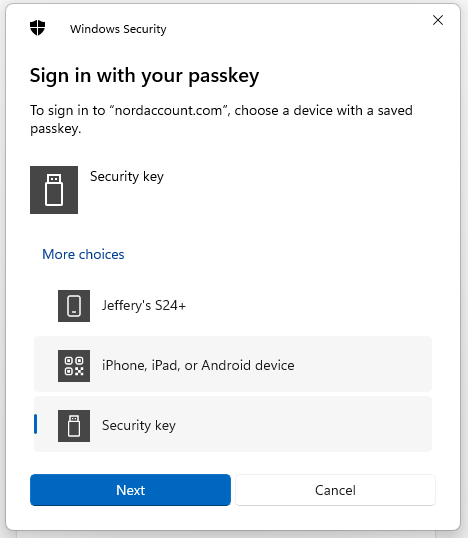
Insert you Fido2 key into an available USB port, then select the option "Security key";
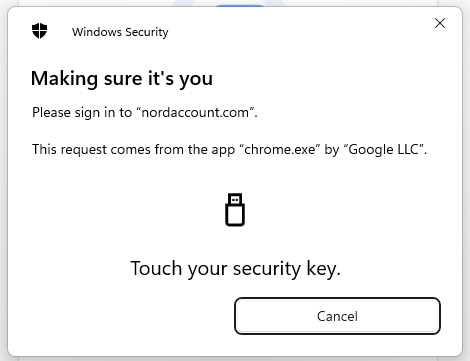
You will now be prompted to touch the key (in the case of a Fido key with a fingerprint reader you will need to swipe your finger on the key);
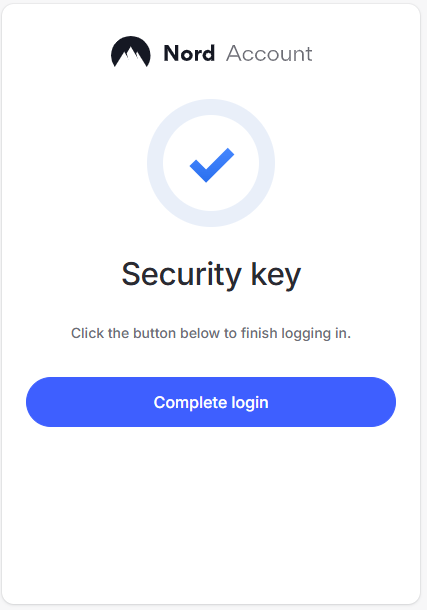
Once you have touched the key you will then be logged in to your Nord account.