Nord Security is a global cybersecurity company known for its popular Nord account and other products, and access to your account can be protected via a programmable hardware token.
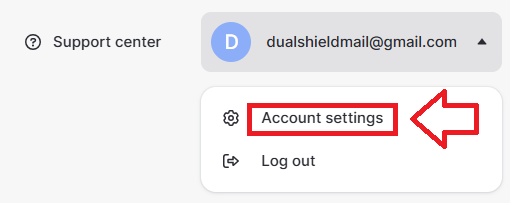
Sign in to your Nord account,, then use your account dropdown options and select "Account Settings";
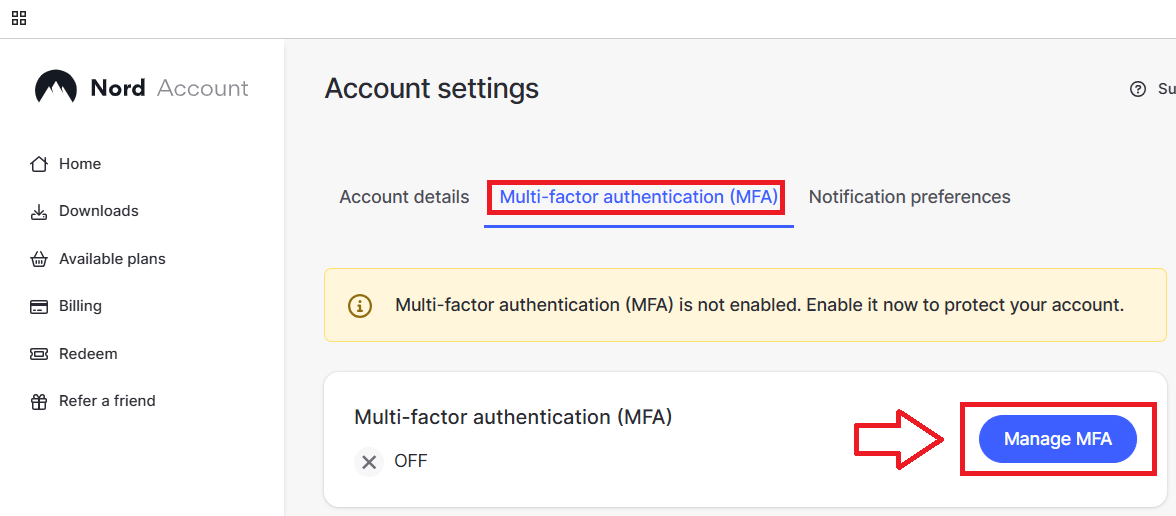
A new window titled "Account Settings" will now open, select the sub-section "Multi-factor authentication (MFA)", then click on the button  ;
;
You are now asked to verify your account (example below);
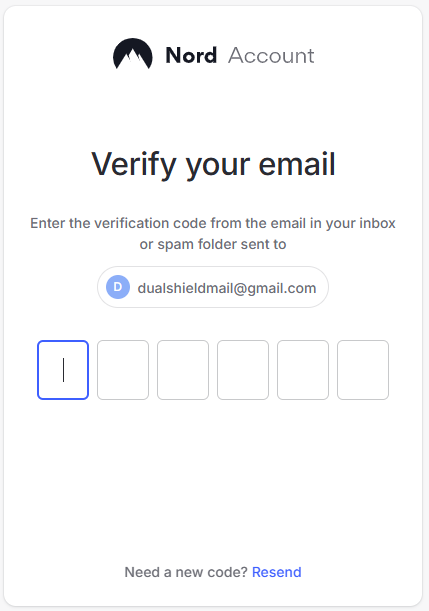
Verify your account (in the above example by entering the code sent to your email account), and a list of authentication options will be displayed.
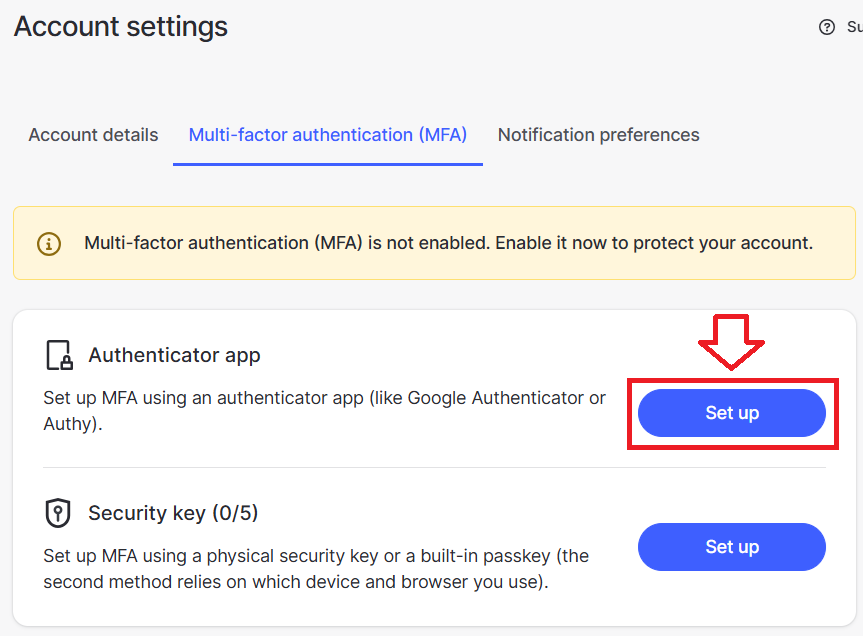
Against the option "Authentication app", click on the button  ;
;
Amongst the things displayed you will find a QR code has been provided;
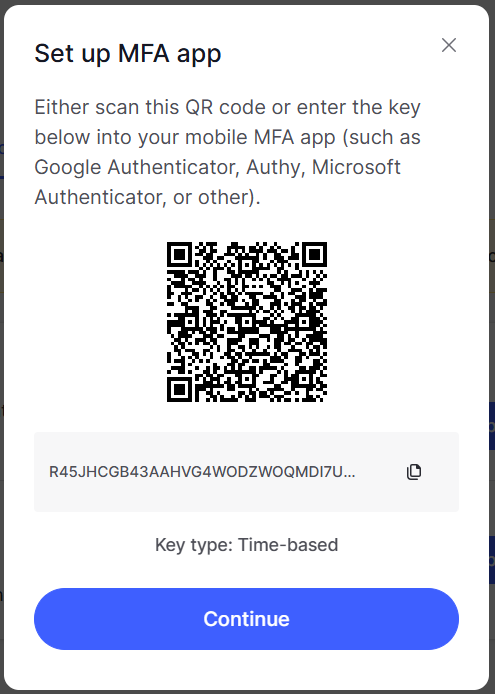
You can use the QR code to program our programmable tokens using the instructions found in the following procedure;
Once you have programmed your token you will need to verify it with Nord by supplying a 6 digit code from your programmable token;
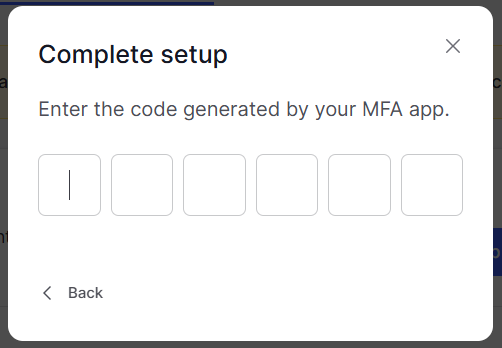
Once verified the programmable token is ready to supply OTP codes when you next login to your Nord account;
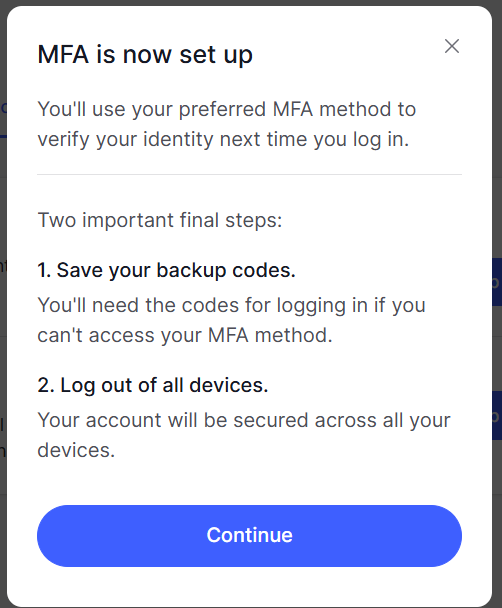
Backup codes will be generated for you, and it is a good idea to keep a record of these (as a backup entry method);
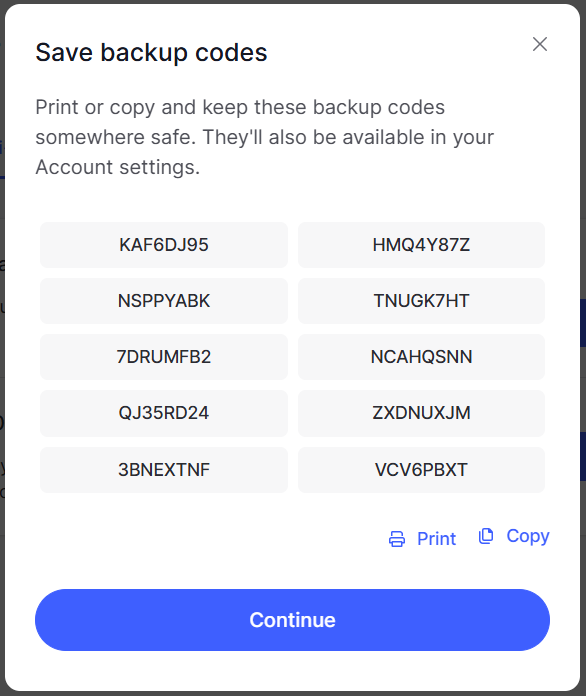
Finally, you are asked if you want to log out of your account;
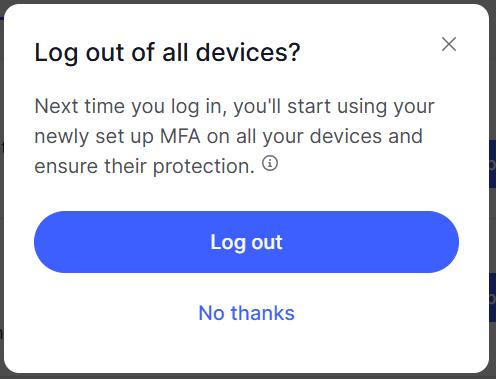
If you Log out and back in; again, after you supply your username and password you will be prompted to supply an OTP code;
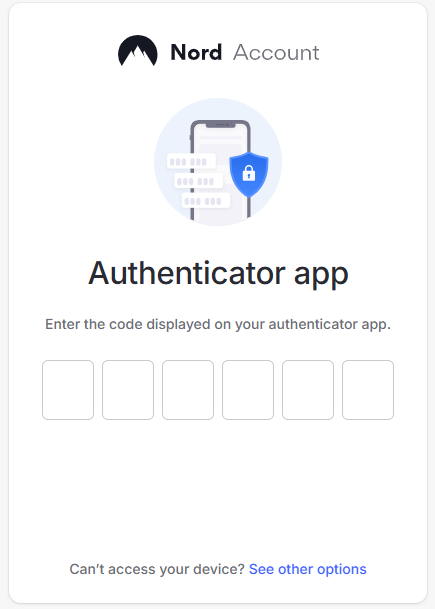
After copying a current OTP code from your programmable token you will gain access to your account.