eBay is a global online marketplace where people and businesses can buy and sell a vast range of products and services, and programmable hardware tokens can be used as an authentication method when logging in to your account.
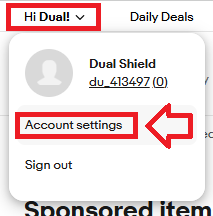
Sign in to the your eBay account,, then via the user dropdown select the option "Account Settings";
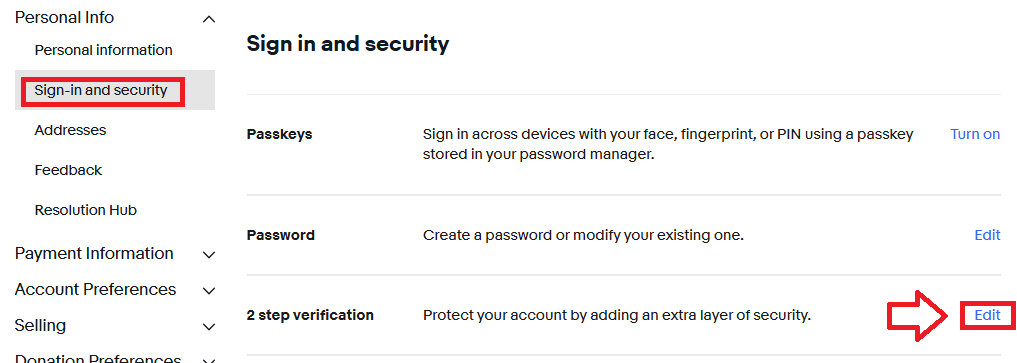
Then in the section "Personal info", select the option "Sign-in and security", then against the option "2 step verification" click the link "Edit";
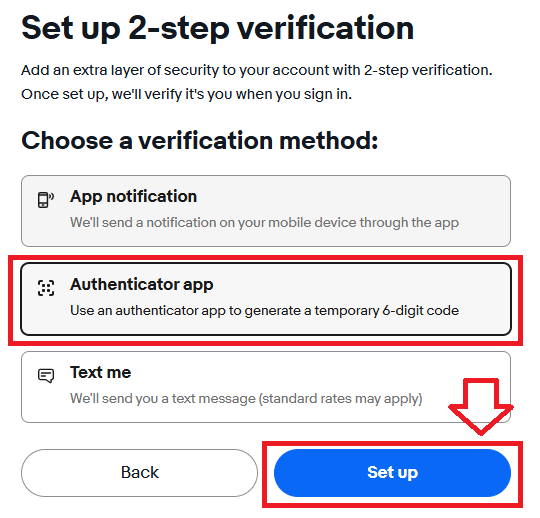
Select the option "Authentication app", then click  (our programmable token will be used in place of the authentication app);
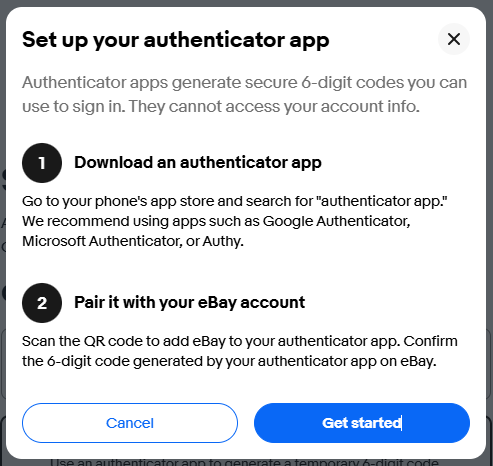
After confirming your identity you will be asked to setup your authenticator app, click  ;
;
You will now be presented with a QR code that can be used by either an authentication app, or a programmable token;
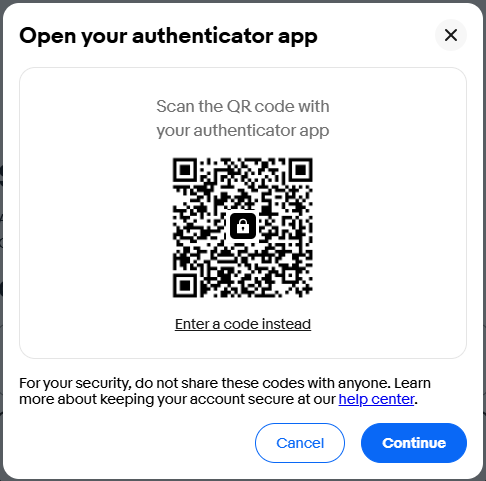
You can use the QR code to program our programmable tokens using the instructions found in the following procedure;
Once you have programmed your token you will need to verify it with eBay.
Click  , and you will be asked for the 6 digit OTP code;
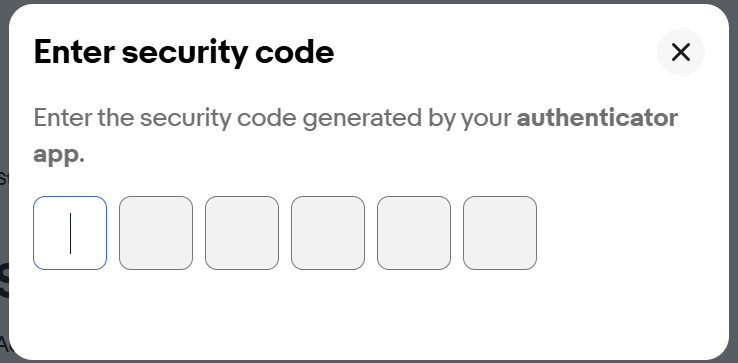
Enter a code from your tokens, then once the code has been verified, you will be notified that the authenticator app is now active;
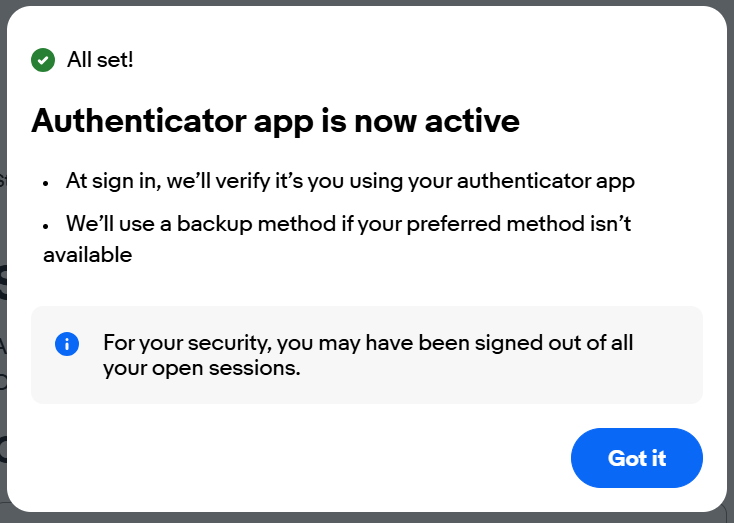
The programmable token can now be used as a replacement for the authenticator app when logging in to eBay.