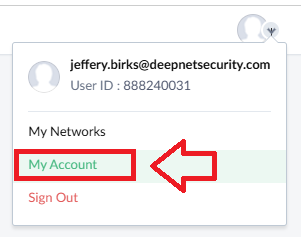
Log in to your Zoho Account, and use your account dropdown to select "My Account";
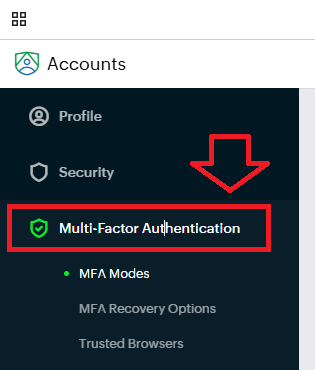
In the "Accounts" column, select the option "Multi-Factor Authentication"";
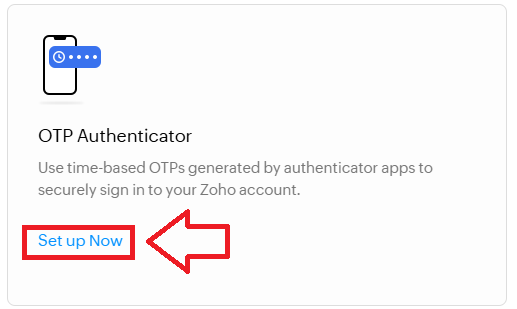
A list of available MFA Modes will now show, in the section "OTP Authenticator" click "Set up Now";
You will now be presented with a QR code (similar to the example below);
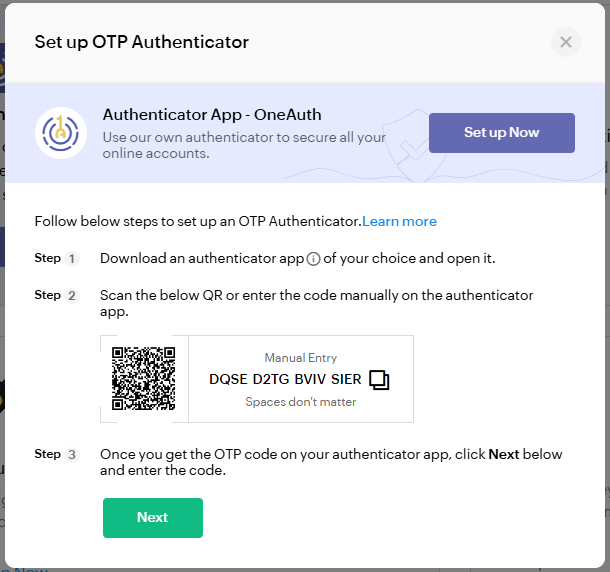
You can use the QR code to program our programmable tokens using the instructions found in the following procedure;
Verifying your token
Once you have programmed your token you will need to verify it with Zoho
At the "Enter OTP:" prompt, copy a 6-digit code from your newly programmed hardware token , then click  ;
;
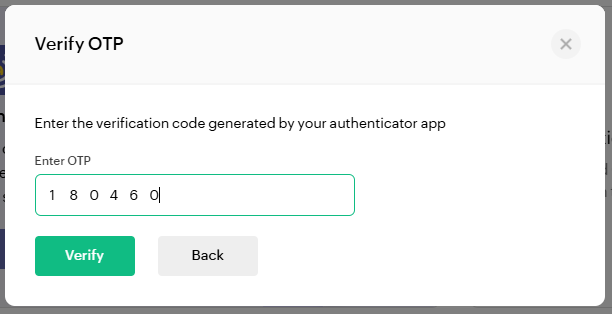
Once verified the programmable token is ready to supply OTP codes when you next login to your Zoho account.
You will also be offered the opportunity to generate new backup verification codes;
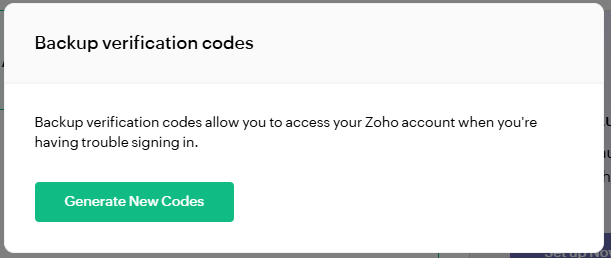
Click  , and you will be presented with 15 codes that can be kept and used as an emergency access method for your account';
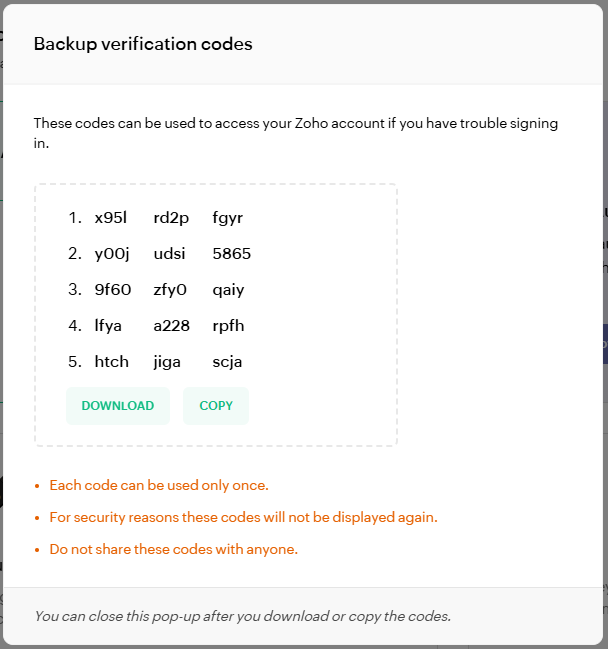
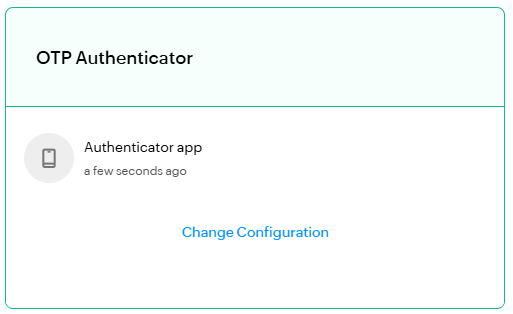
Once the codes have been copied you will be shown confirmation that the authentication method is available for use;