X is the rebranding of the social media service, Twitter (a microblogging and social networking service where users share short posts, images, and videos.).
The logon process for X can include requiring an OTP code to be entered that is provided by your programmable token (which takes the place of an authentication app).
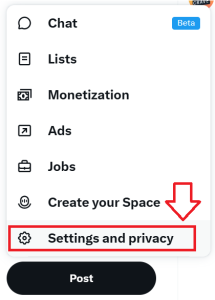
Log in to your X account, then in the left hand column select the option "More";

Then select the option "Settings and privacy";
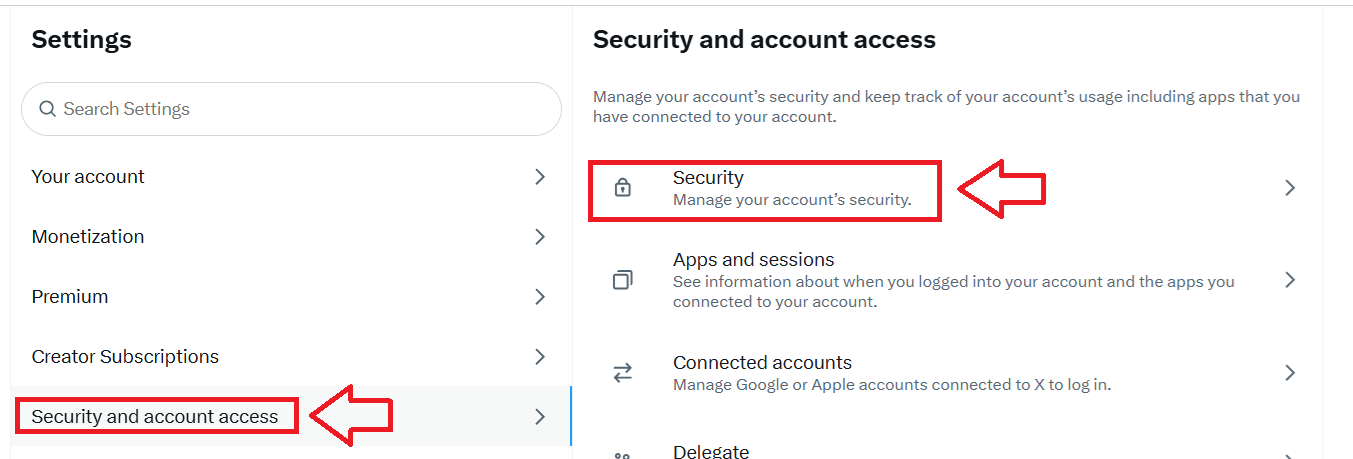
Next select "Security and account access", and "Security";
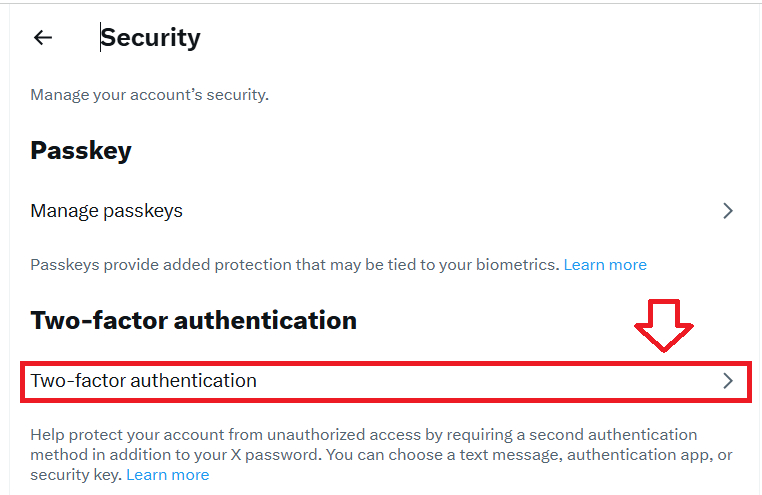
In order to add a programmable hardware token as an authentication method we now need to select "Two-factor authentication";
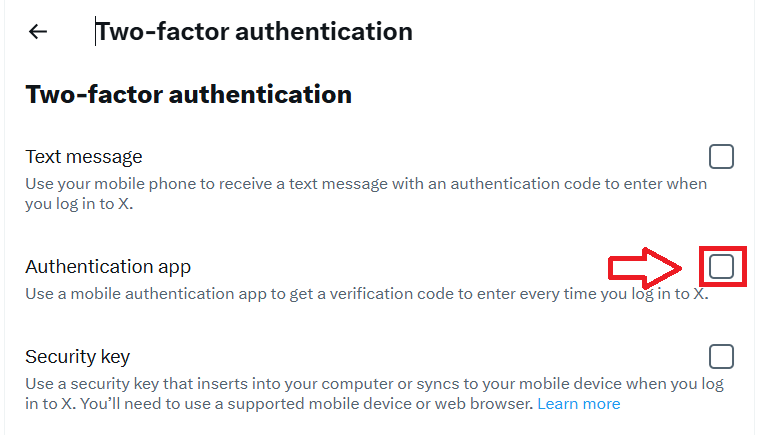
Our programmable token will act as an authentication app, so the option "Authentication app" must be selected;
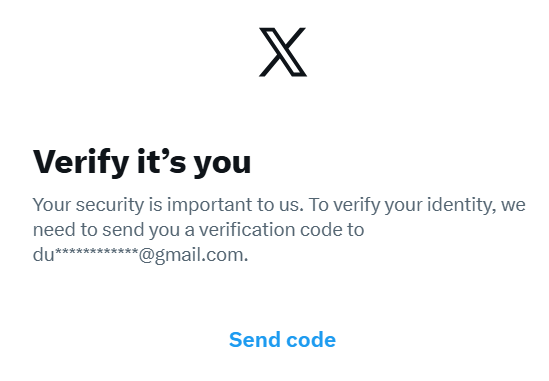
Your account will now be verified, click "Send code", then search for the email that is sent to you;
An email will be sent similar to the following;
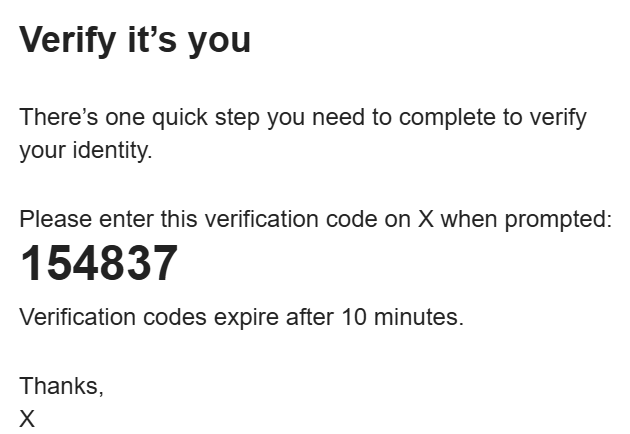
Copy this code to the "Enter the verification code" prompt on your browser, then click  ;
;

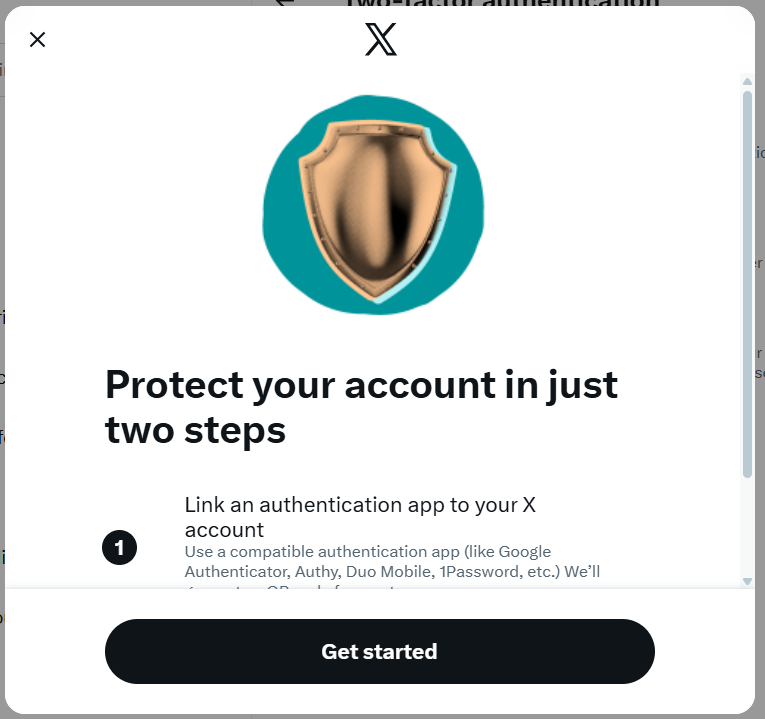
A window similar to the one below will now show, click  ;
;
You will now be presented with a QR code similar to the following example;
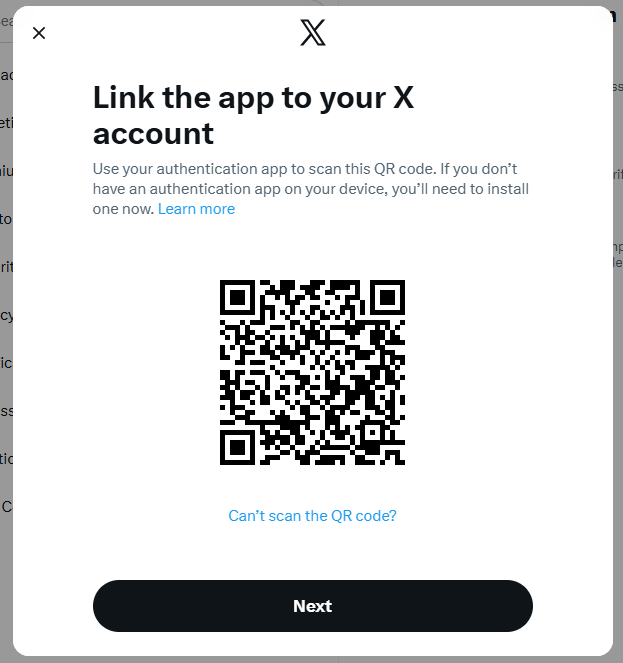
You can use the QR code to program our programmable tokens using the instructions found in the following procedure;
Verifying your token
Once you have programmed your token you will need to verify it with X.
Click  , then copy the current 6 digit code on your programmable token into the following confirmation window;
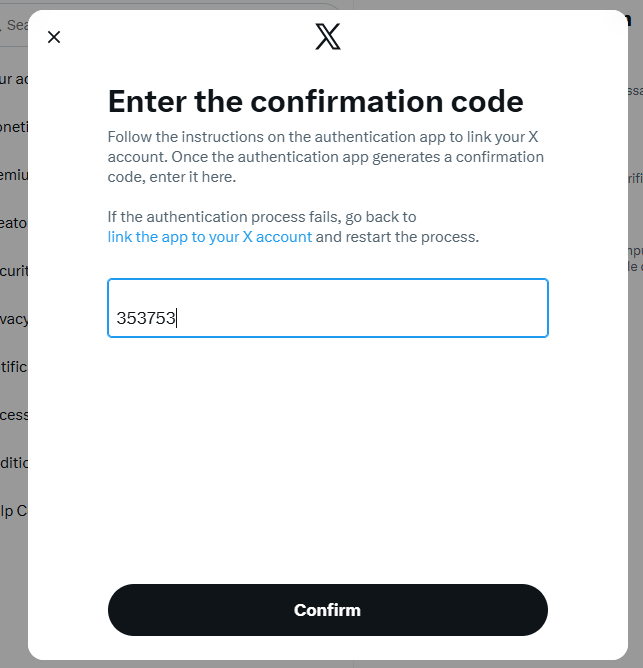
Click  after you have copied the OTP code, and you should see a confirmation screen similar to the following;
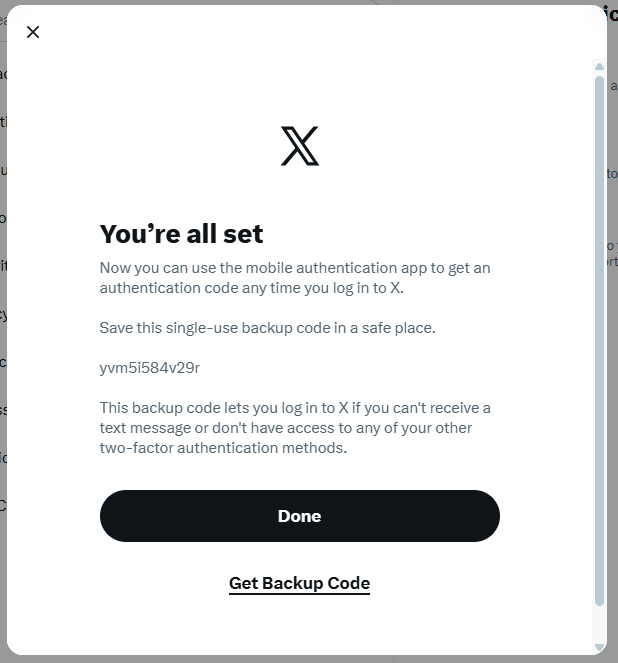
In the example above a backup code "yvm51584v29r" was generated, yours will differ, but keep an note of this code as it can serve as an emergency access method.
Click  , and the programmable token will be usable as an authentication method when you next log in to X.
Related Articles