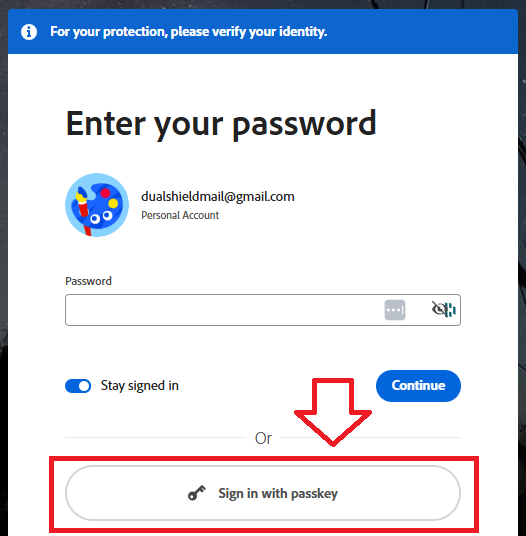
Log in to your Adobe Account by supplying your username into the logon screen, but when prompted for your password, click on the option "Sign in with passkey";
Insert you Fido2 key into an available USB port, Select "Security key";
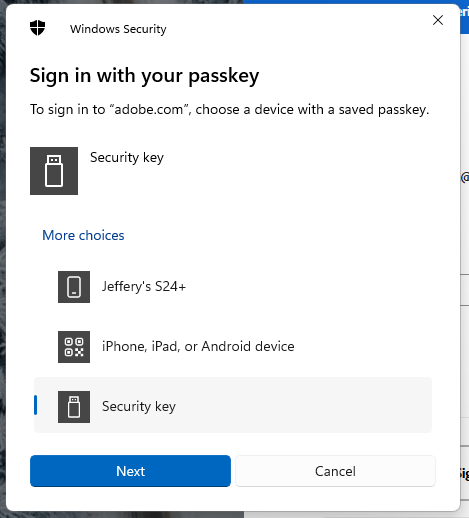
Click  , and you will prompted to enter the PIN code for your Fido key;
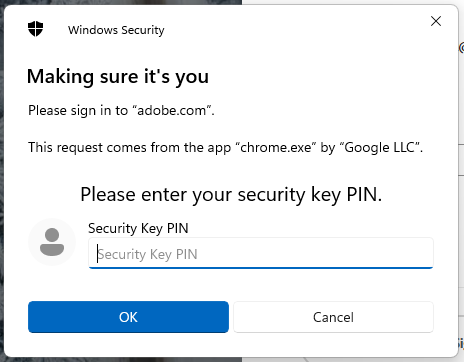
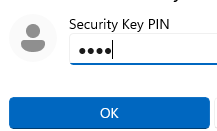
At the "Security key PIN" prompt, supply the PIN code for your Fido2 key, then click  .
.
 #
#
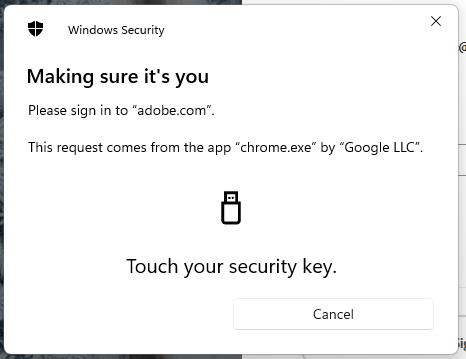
Once the key has been touched you will be logged in to your Adobe account.