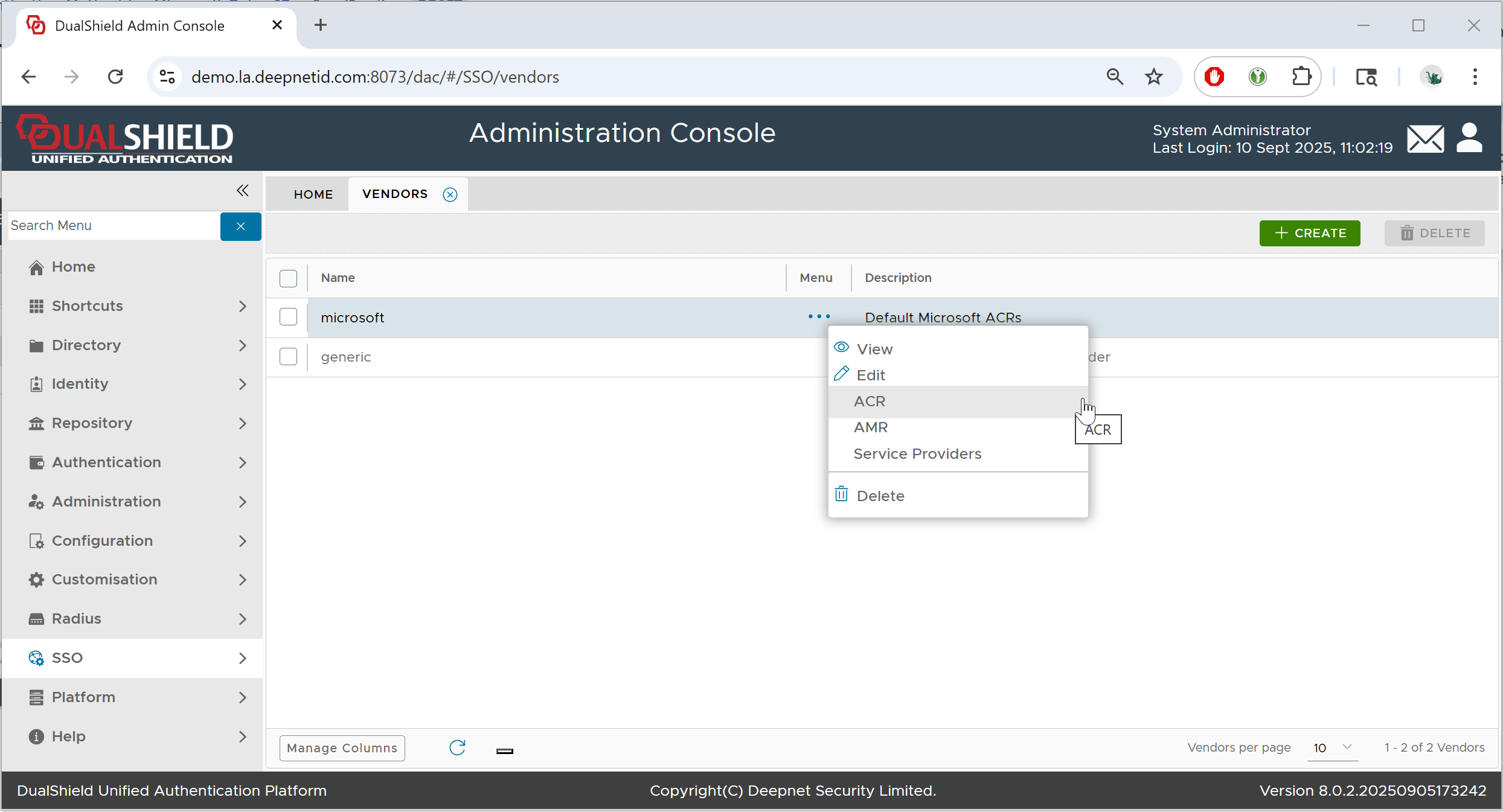
In DualShield Admin Console, navigate to SSO > Vendor
Click the context menu of "Microsoft" and select "ACR"
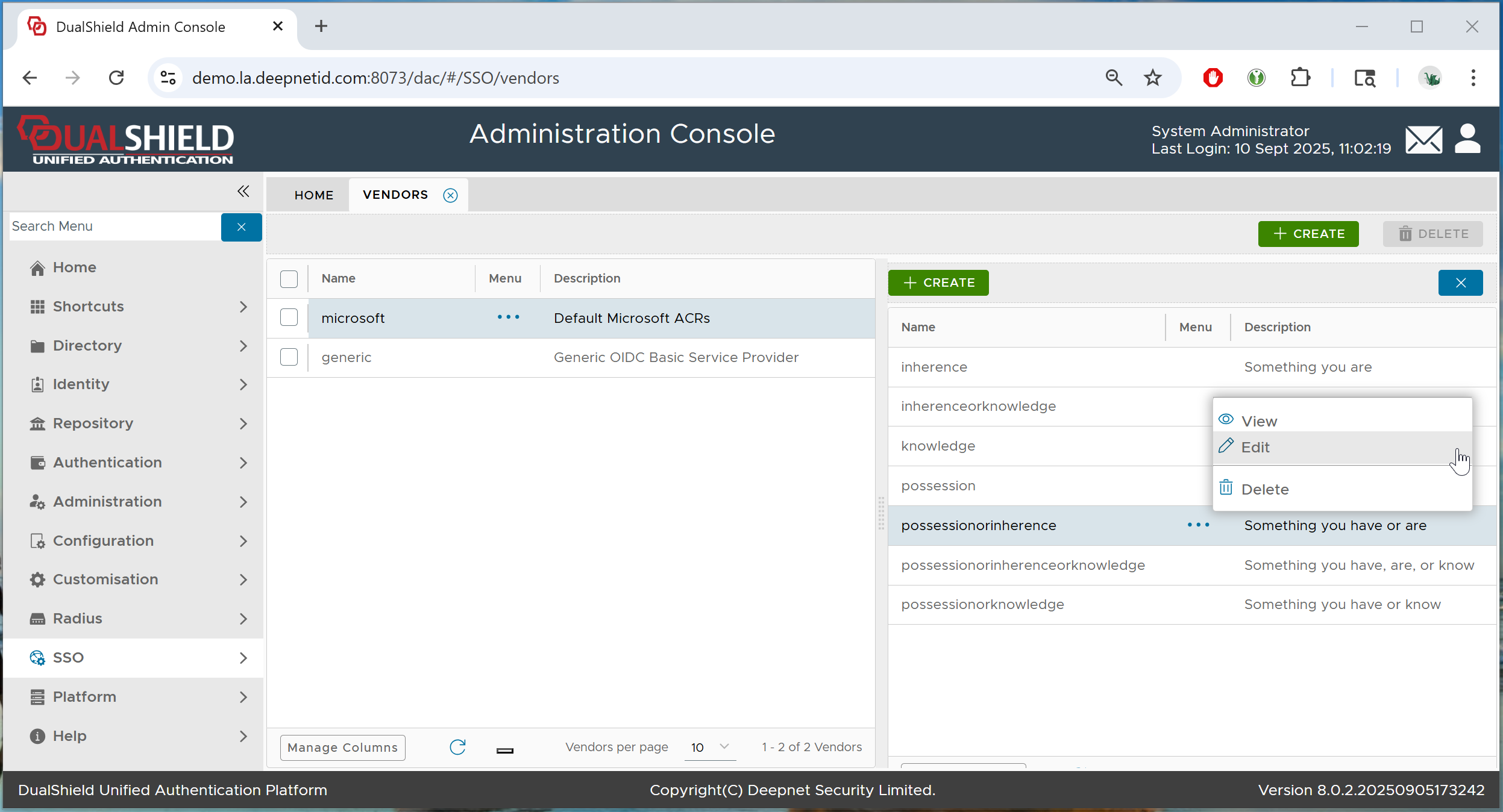
In the right panel, click the context menu of "posessionorinherence" and select "Edit"
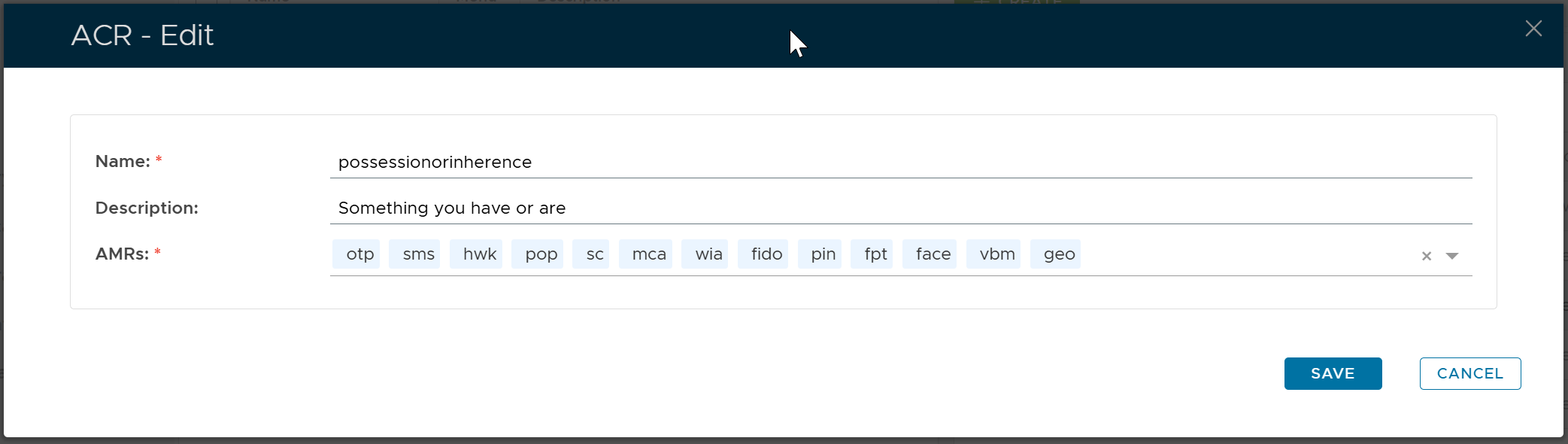
Click the down arrow to the right of the "AMRs" list box
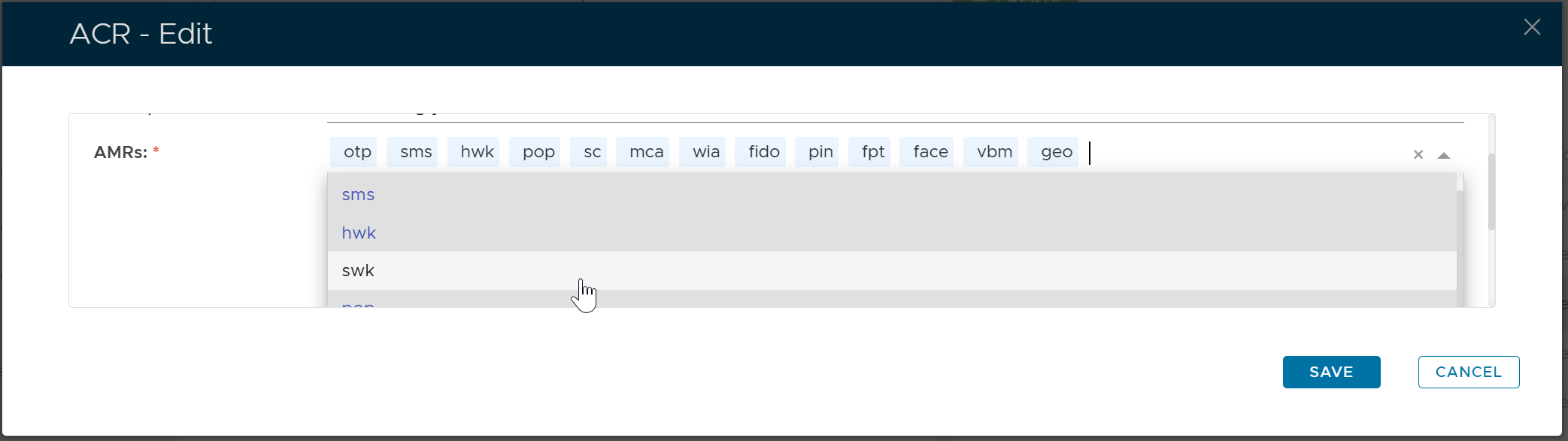
Select "swk" from the list
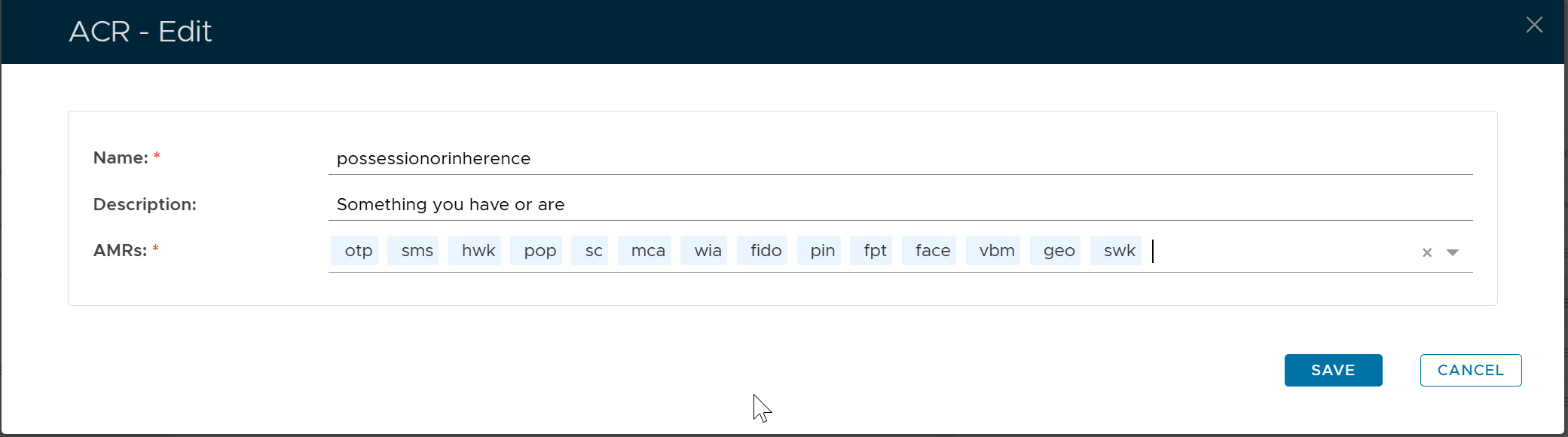
Click "SAVE"