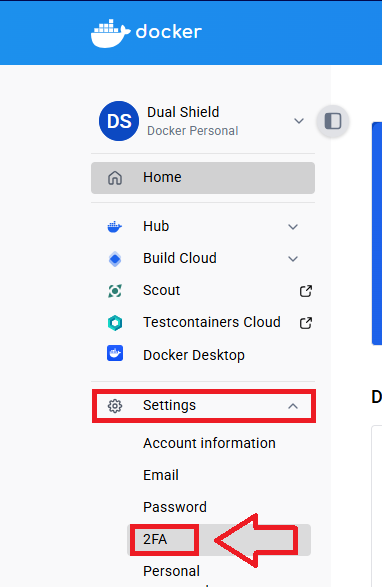
Log in to your Docker Account, expand the section "Settings", select the option "2FA";
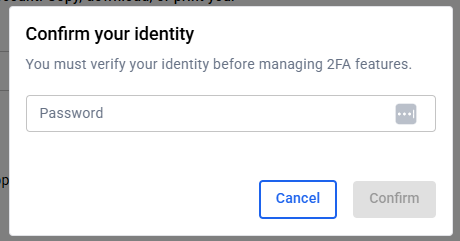
Before you can enable 2fa you will be asked to provide your password, enter you password then click  ''
''
You will now be provided with a recovery code, and a QR code (example below);
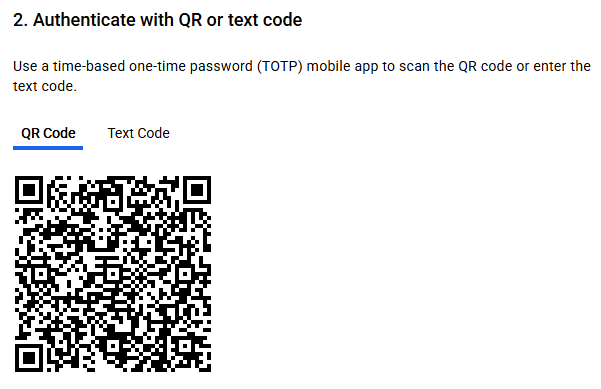
The recovery code should be copied as a means of emergency access to your account, and the QR code to program our programmable tokens using the instructions found in the following procedure;
Verifying your token
Once you have programmed your token you will need to verify it with Docker by supplying a 6 digit code from your programmable token, then clicking  ;
;
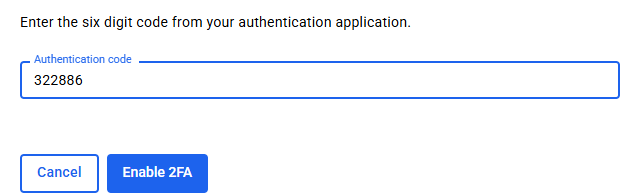
After supplying the authentication code your programmable token will now be activated, and can be used when you next log in to your account.
Related Articles