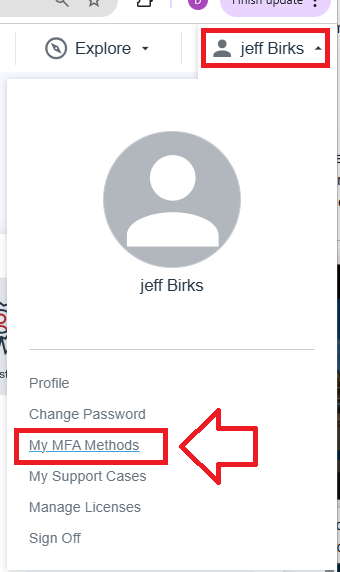
Log in to your Ping Identity account, then using the account dropdown select the option "My MFA Methods";
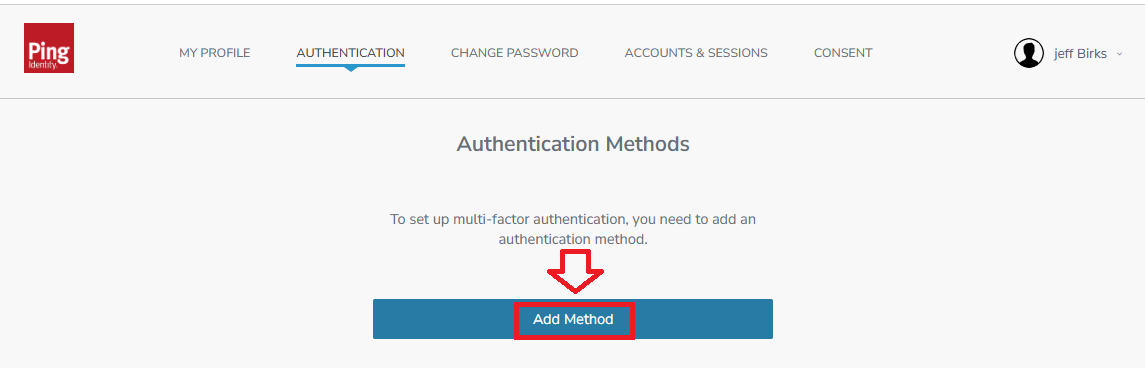
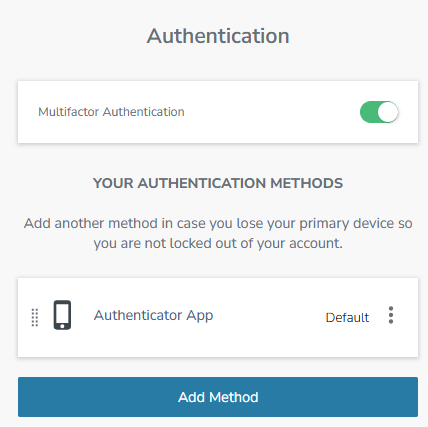
Select the section "Authentication", and you will be presented with the currently available authentication methods, click on the button  ;
;
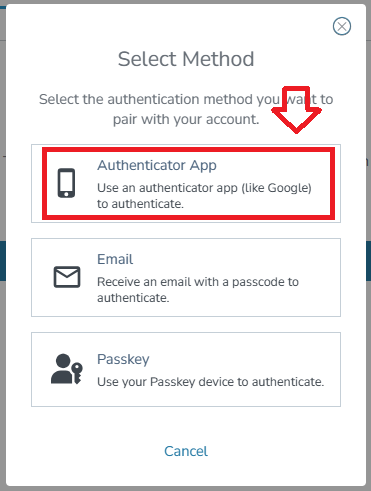
To add programmable hardware tokens we need to select the option "Authentication App";
A QR code containing seed data that will be transferred to your programmable token will now be displayed;
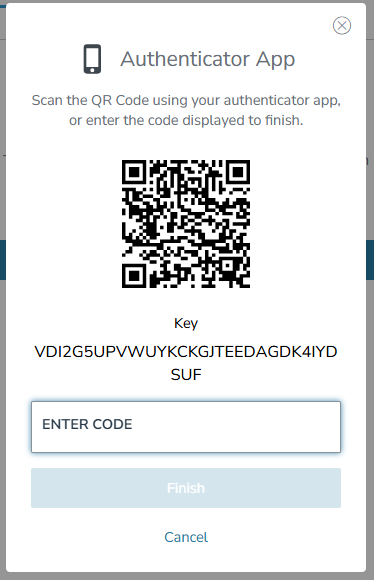
You can use the QR code to program our programmable tokens using the instructions found in the following procedure;
Verifying your token
Once you have programmed your token you will need to verify it with Ping Identity by supplying a 6 digit code from your programmable token, then clicking  ;
;
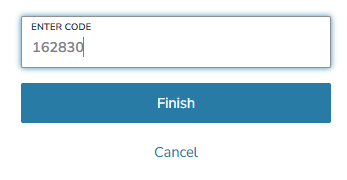
Your programmable token can now be used as a second factor next time you log in, and the authentication method will be added to the list of available authentication methods;;
Related Articles