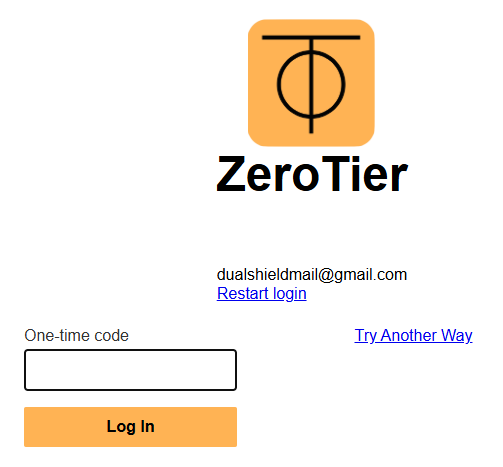
Log in to your ZeroTier Account by supplying your username and password.
You will be presented with your default MFA authentication method (in the example below OTP authentication via an authentication app).
If you are not presented with the Fido2 option click "Try Another Way";
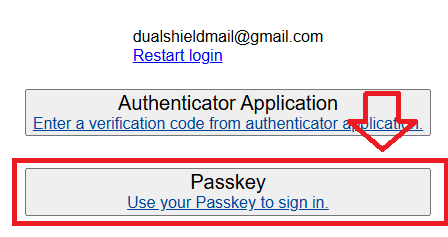
You are then presented with all available authentication options, select "Passkey";
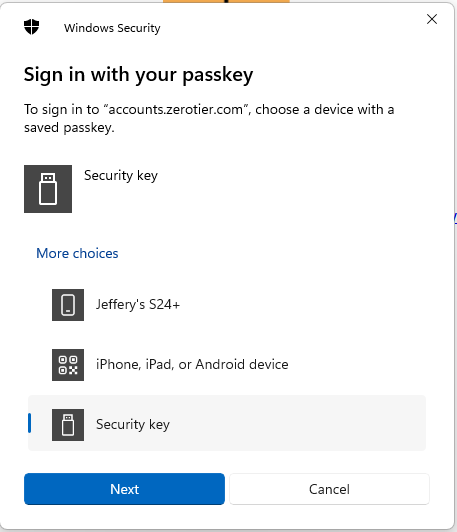
When asked where to save this passkey, select the option "Security Key", then click  ;
;
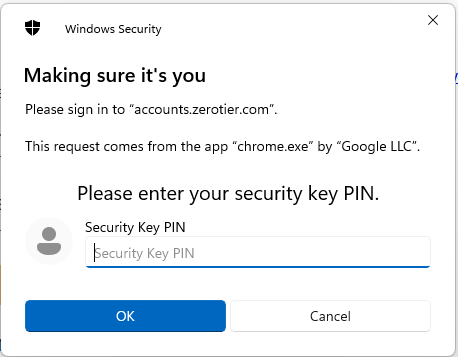
At the "Security key PIN" prompt, supply the PIN code for your Fido2 key, then click  ;
;
You will now be asked to touch the Fido2 key (in the case of a Fido key with a fingerprint reader you will need to swipe your finger on the key);
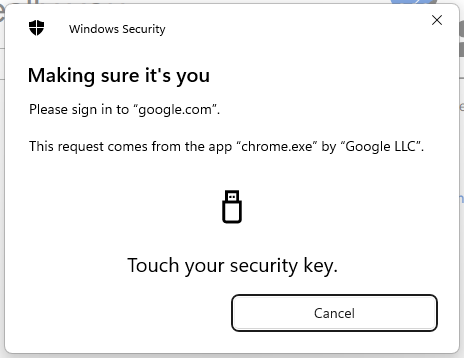
Once the key has been touched you will be logged in to your ZeroTier account.