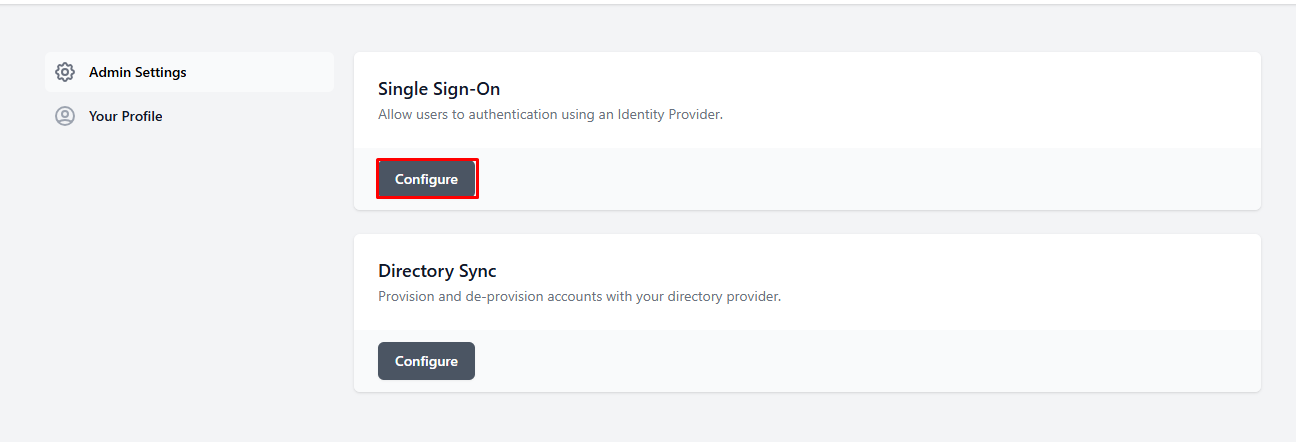
Open a web browser and go to https://workos-openai-explore.vercel.app/
Click on Configure under Single Sign-On
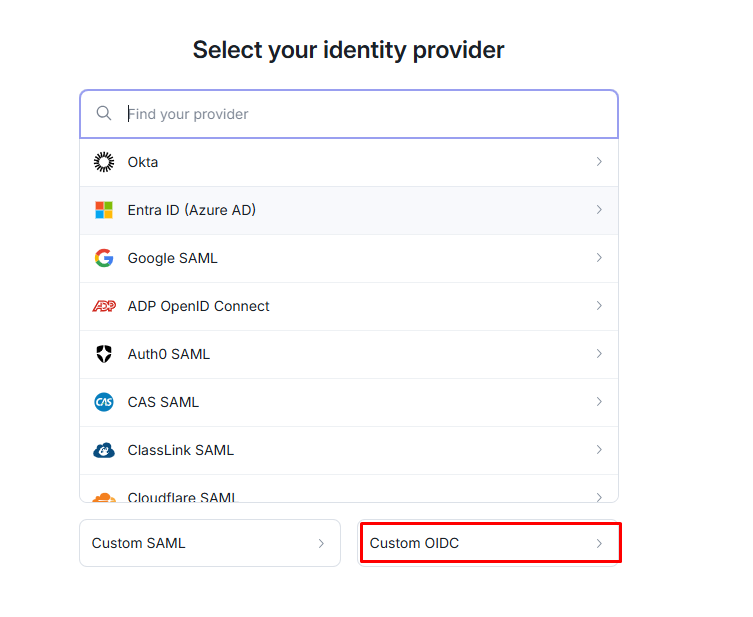
Select Custom OIDC
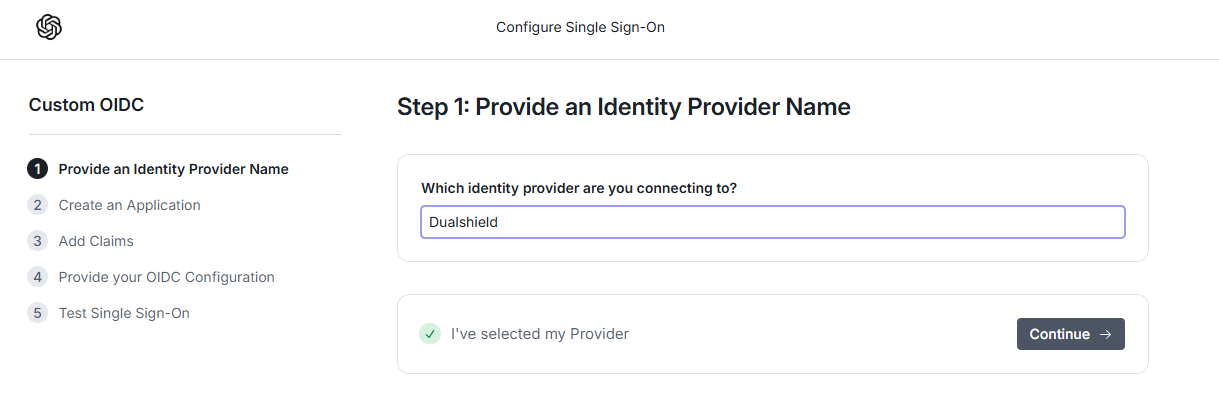
Type a friendly name and then click on Continue
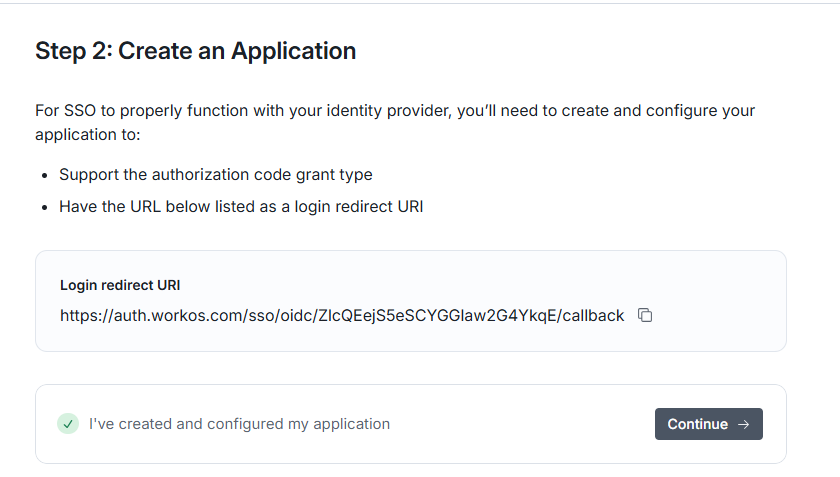
Copy out the Login Redirect URI and past it in the Service provider edit screen ( see Create a SSO service provider in DualShield for OIDC Test)