If you have already configured your DualShield SSO for OpenID Connect for other integtations, then you can skip this step.
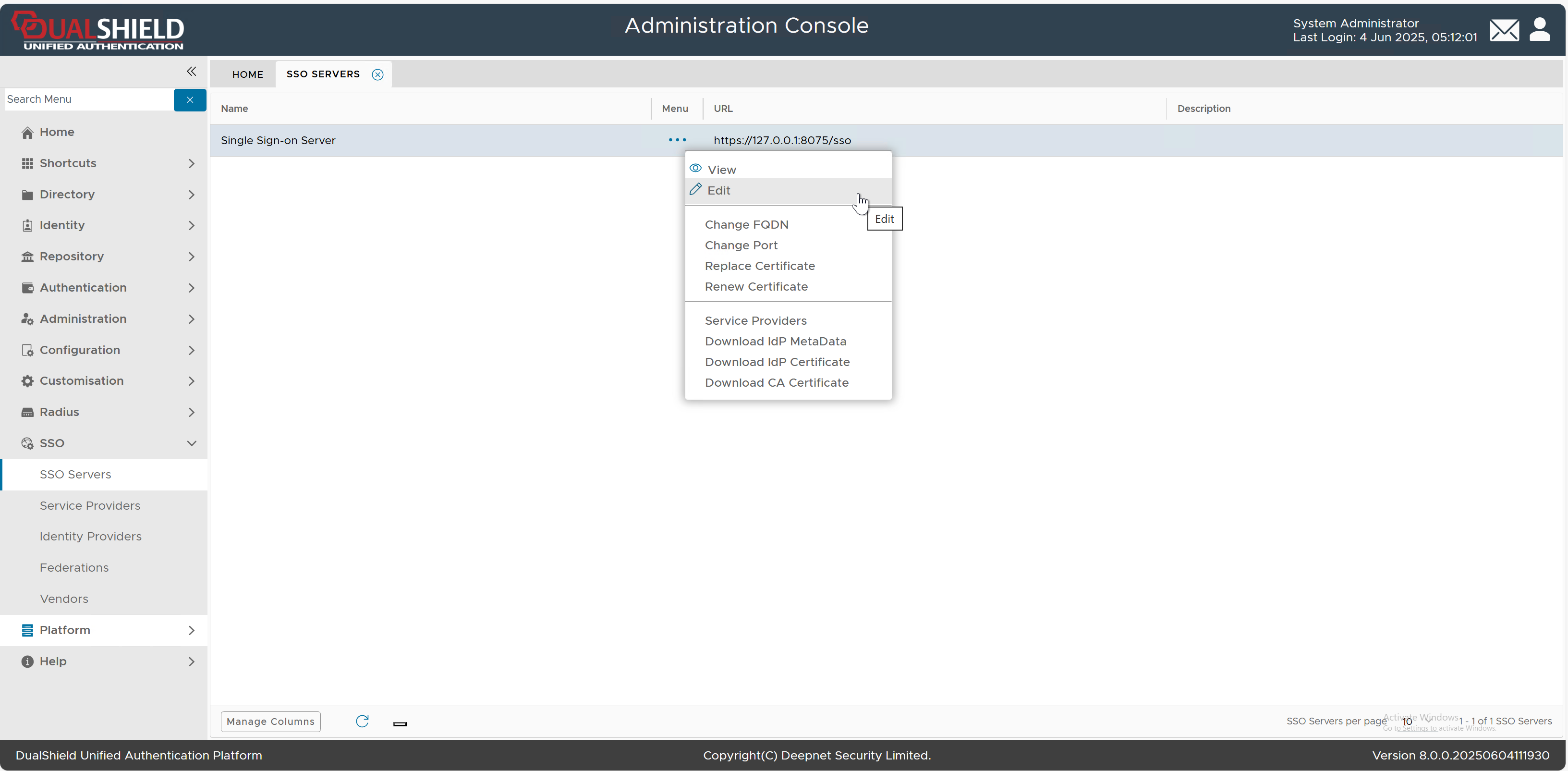
In the DualShield Admin Console, navigate to "SSO | SSO Servers"
Select "Edit" from the context menu of "Single Sign-on Server"
The SSO Server editor will pop up. Select the "OpenID Connect" tab
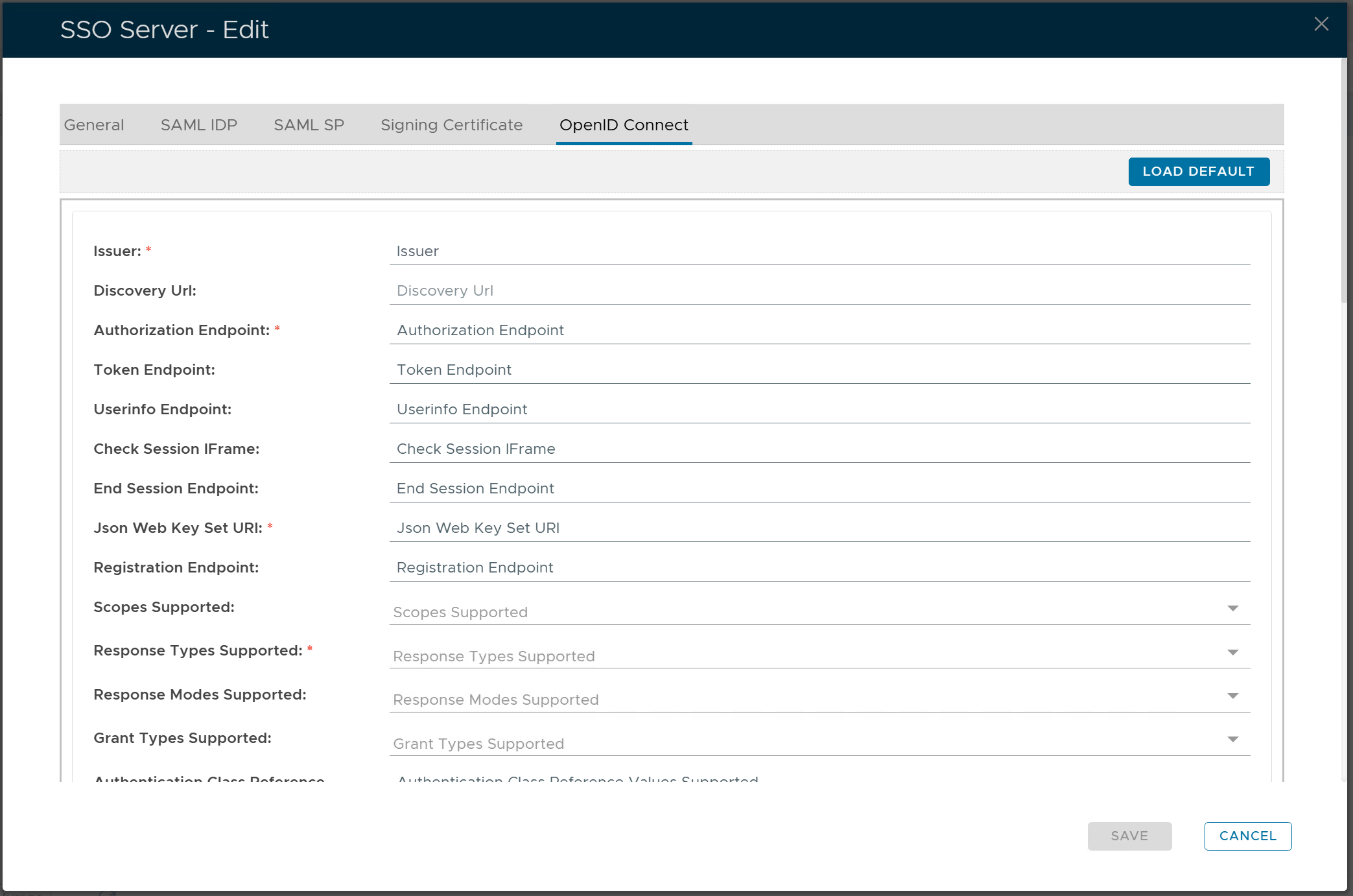
Click the "LOAD DEFAULT" button
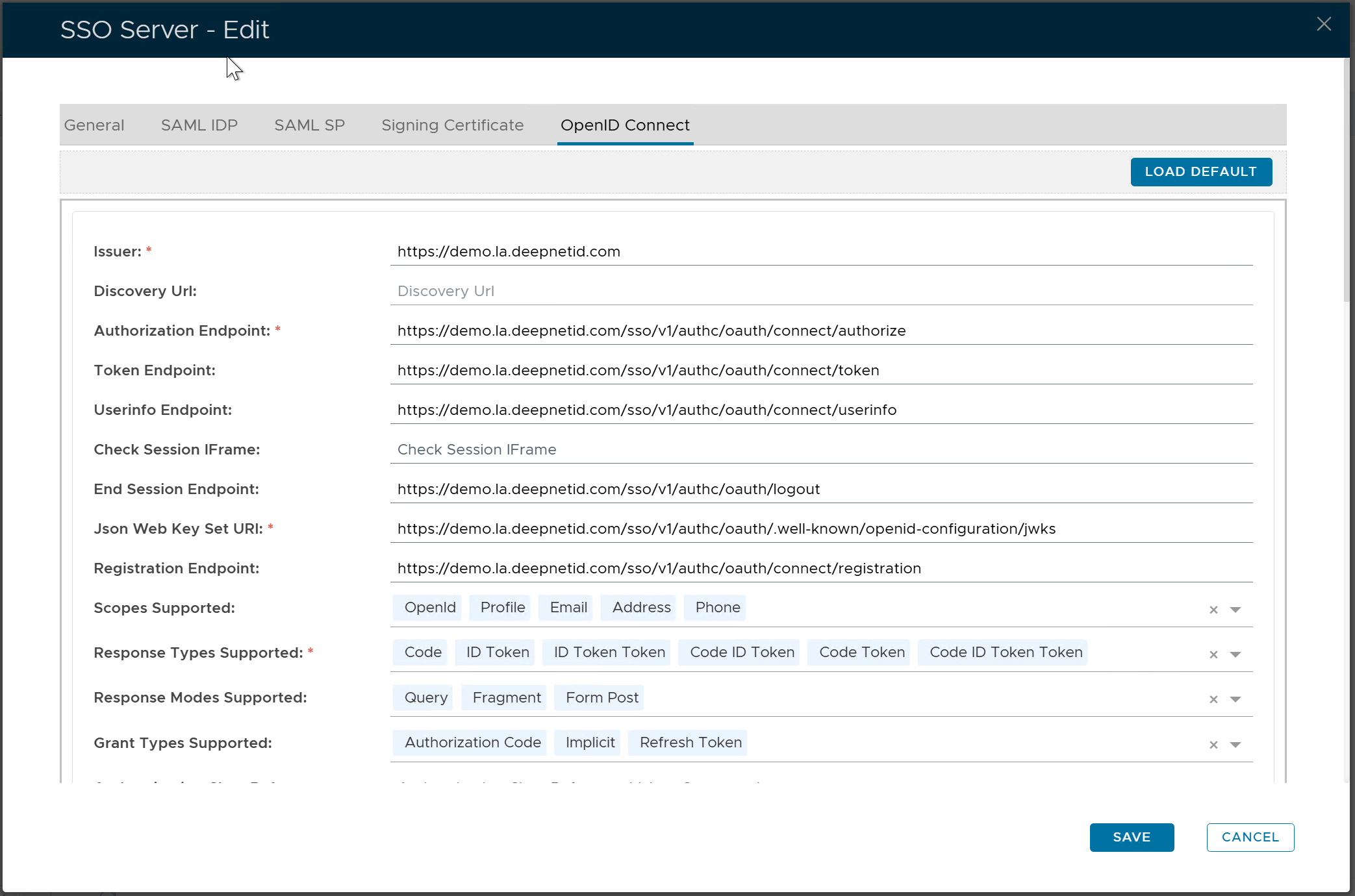
click the "SAVE" button