ESET Protect Hub user accounts can be 2FA protected using our SafeID programmable tokens using the following procedure;
Log in to your ESET Protect Hub with your admin root account.
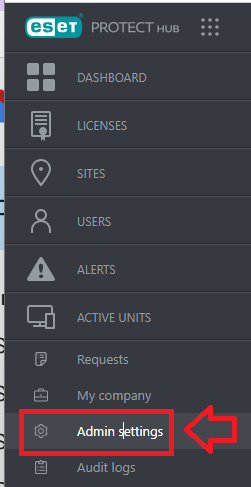
In the left hand menu options click on "Admin settings";
Under the section "Admin Settings", scroll down to the "Security" section, then click on the option "Require Two-Factor Authentication for all users", then click  ;
;
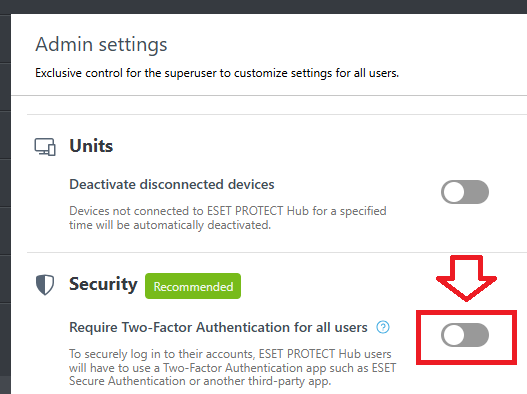
2FA authentication will now be required for all users when they next log in to the portal.
Once Two-Factor authentication has been enabled, all users will find an additional step is now added to the logon procedure.
After supplying usernames and passwords, all users will now be presented with the following screen;
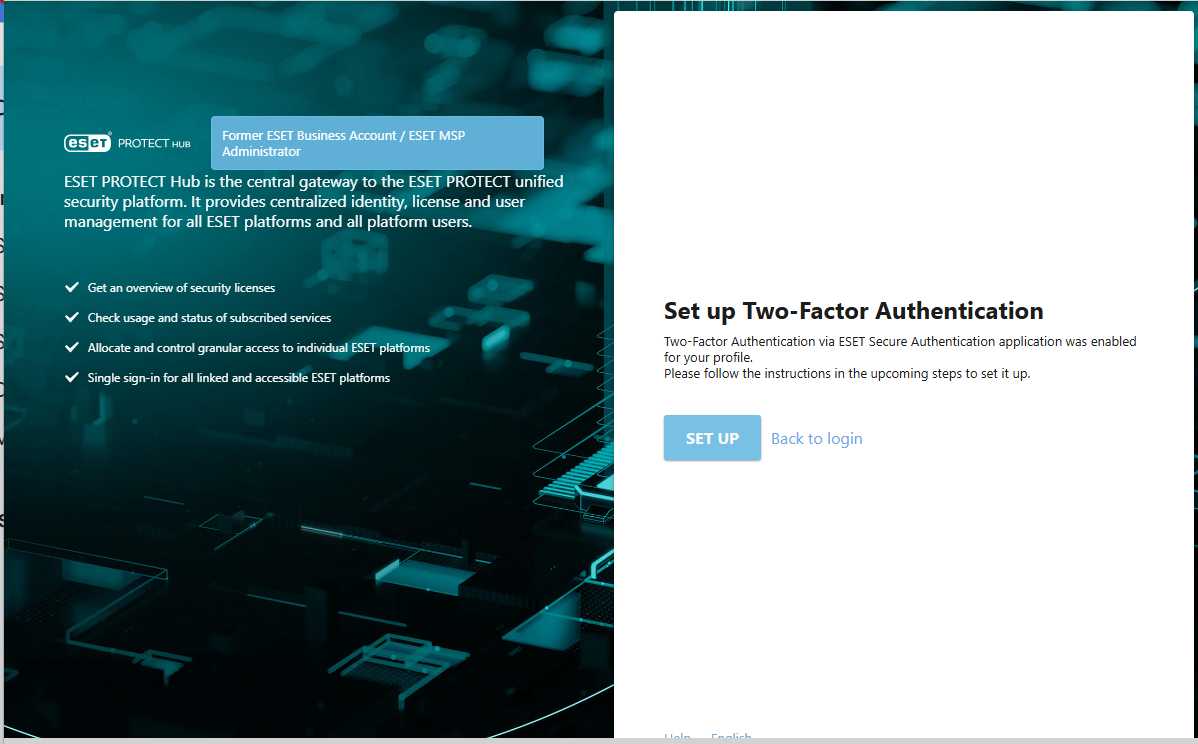
Click on  , and you will be presented with a QR code, click on "Use a different authentication app";
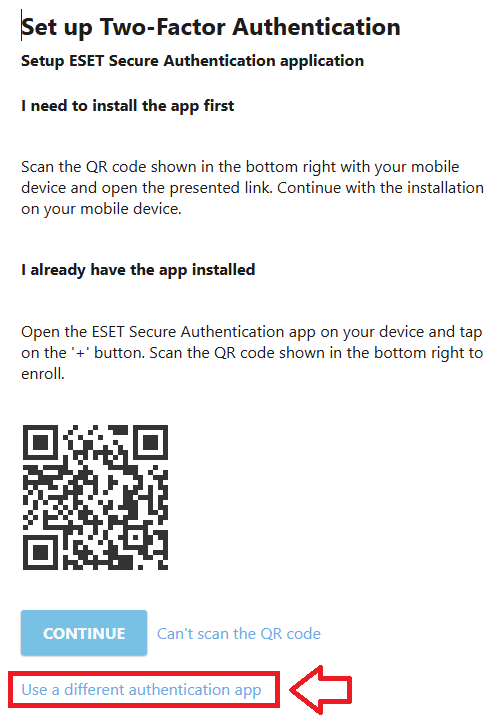
The QR code will now be replaced with one that is suitable for burning onto a programmable token;
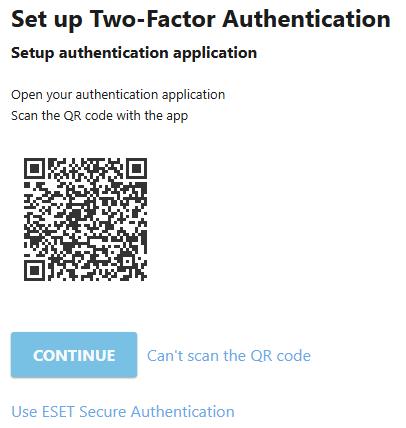
You can now use this QR code to program our programmable tokens using the instructions found in the following procedure;
Once you have programmed your token you will need to verify it with ESET.
Click  , and you will be asked for a one time password;
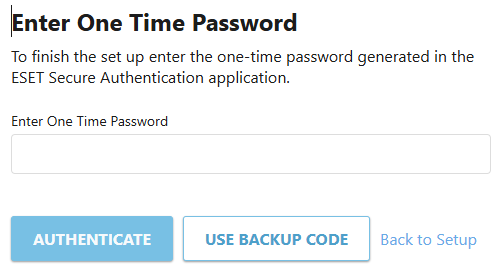
At the "Enter One Time Password:" prompt, copy a 6-digit code from your newly programmed hardware token , then click  ;
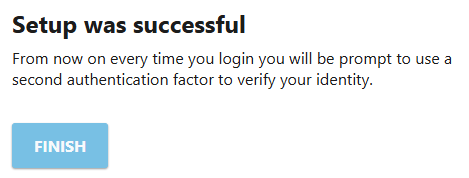
;
Once verified the programmable token is ready to supply OTP codes when you next login to your ESET protect account;