 ;
;
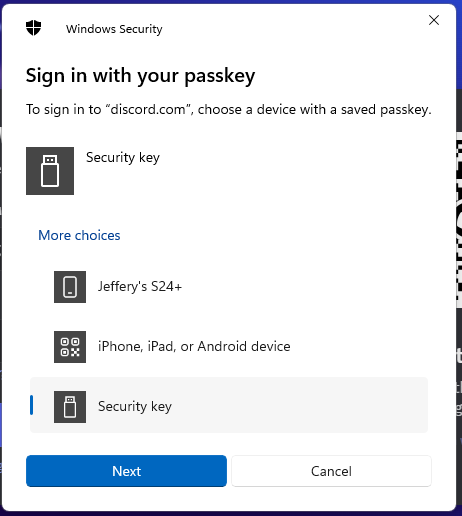
Log in to your Discord Account, then after you have supplied your username and password details you will be asked to sign in with your passkey.
Select the option "Security Key", then click ;
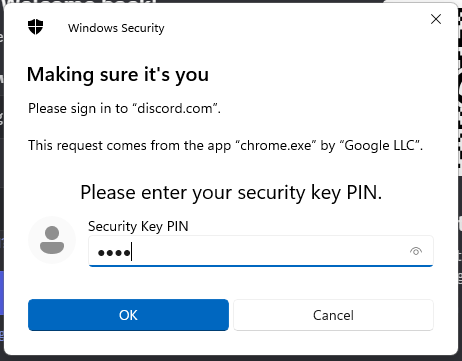
You will now be prompted to enter the PIN code for your Fido2 key.
At the prompt "Security Key PIN", enter the PIN code, then click  .
.
(in the case of a Fido key with a fingerprint reader you will need to swipe your finger on the key);
Next you will asked to touch the key;
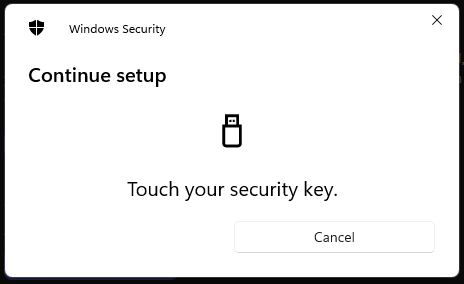
Once the key has been touched you will be logged in to your Discord account.