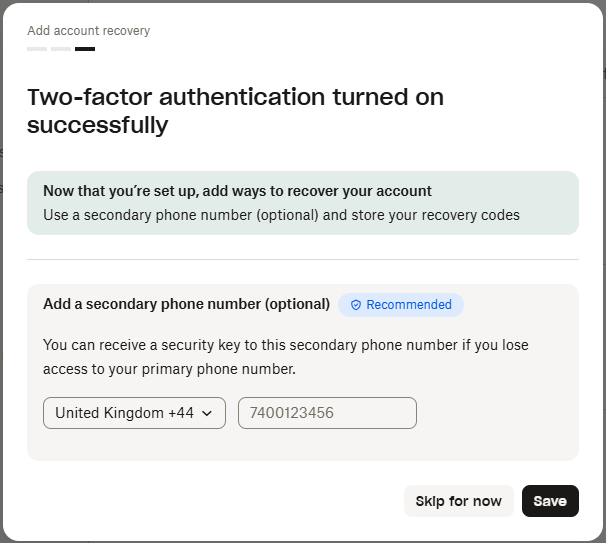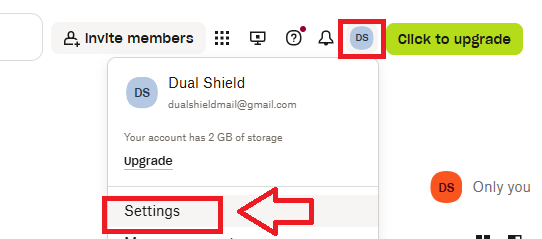
Log in to your DropBox Account, then click on your user icon and select the option "Settings";
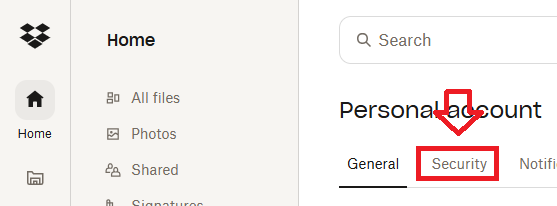
From the account details page select the tab "Security";
Next you will need to enable 2-factor authentication (by clicking on the on/off slider);

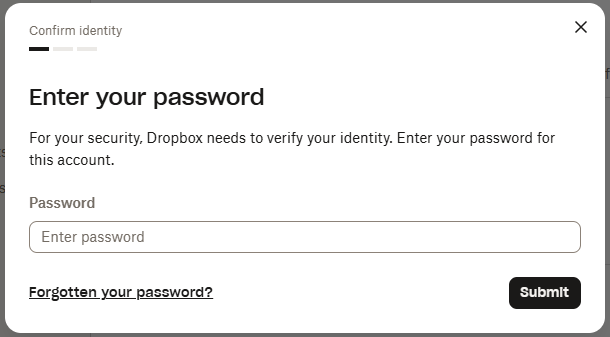
You will then be asked to supply your user password, enter your password, then click  ;
;
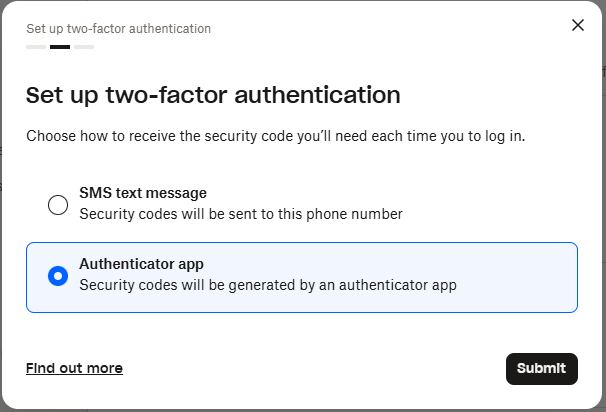
A new window will now open asking you to specify which 2fa solution to use - select "Authenticator App", then click 
A QR code containing seed data that will be transferred to your programmable token will now be displayed;
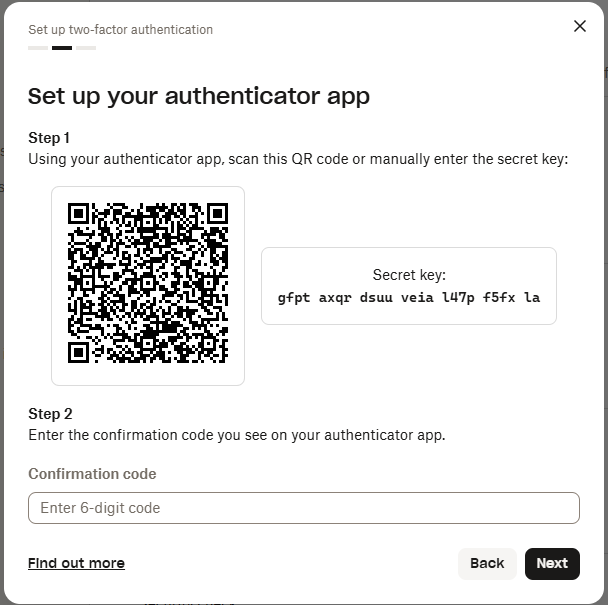
You can use the QR code to program our programmable tokens using the instructions found in the following procedure;
Once you have programmed your token you will need to verify it with DropBox.
At the "Confirmation Code:" prompt, copy a 6-digit code from your newly programmed hardware token , then click  ;
;
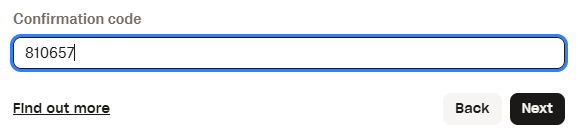
Once verified the programmable token is ready to supply OTP codes when you next login to your DropBox account;