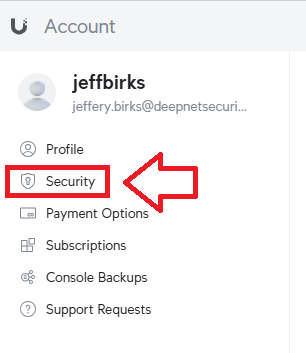
Sign in to your Ubiquiti account,, then select "Security" (see below);
In the section "Multi-factor Authentication (MFA)", click on the button  ;
;
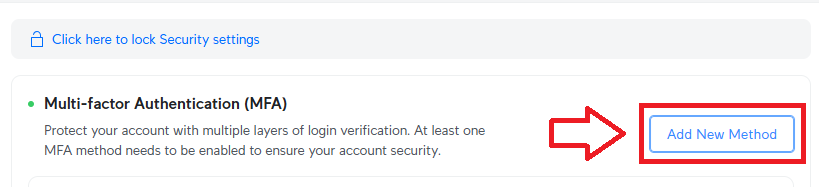
A new window will now open titled "Select MFA Method", expand the section "Other Methods";
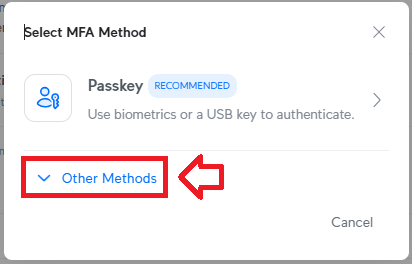
Select the option "App Authentication", and a QR code will be generated;
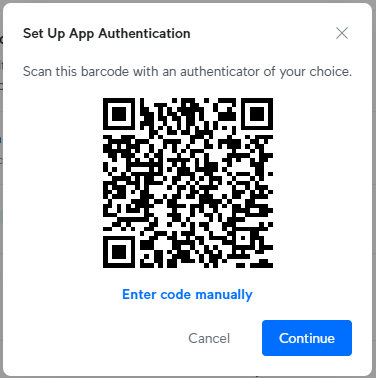
You can use the QR code to program our programmable tokens using the instructions found in the following procedure;
Once you have programmed your token you will need to verify it with Ubiquity.
Obtain a 6 digit code from your recently programmed token, then copy it to the app verification prompt (see below);
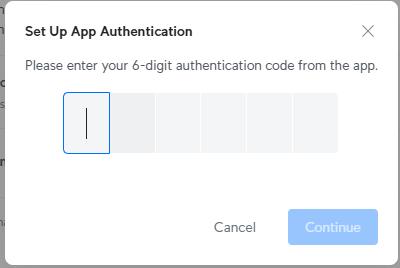
Name your Authenticator something like SafeID Token, then click 
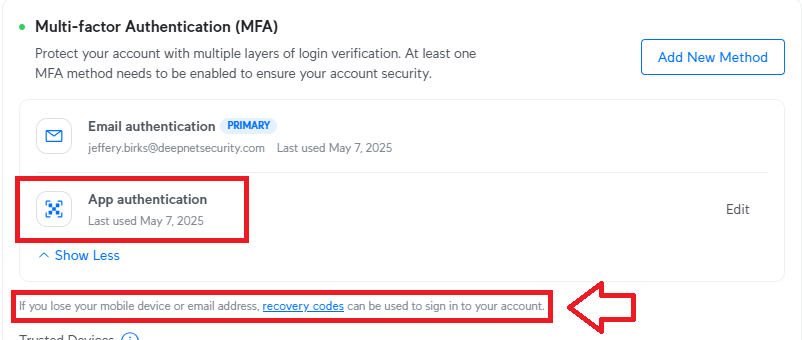
At this point the hardware token is ready to be used to log in to your Ubiquiti account, and if you expand the MFA options you will find it is now possible to authenticate using an Authentication App (the programmable token will be emulating this app).
At this point you may want to obtain recovery codes as a backup access method (should you misplace the token);