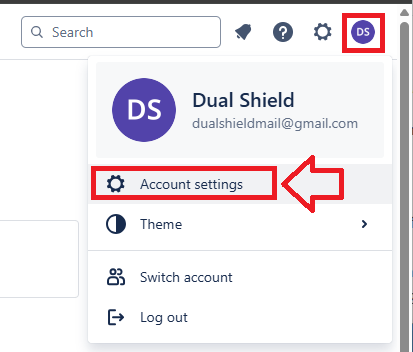
Log in to your Atlassian account, click on your account icon , then select "Account settings";
When your account settings are shown, select the tab "Security";

Scroll down the settings until you find "Two-step verification", then click on "Manage two-step verification".
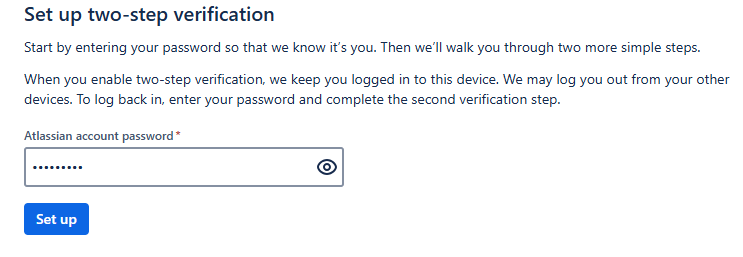
You will now need to supply your Atlassian account password, then click  ;
;
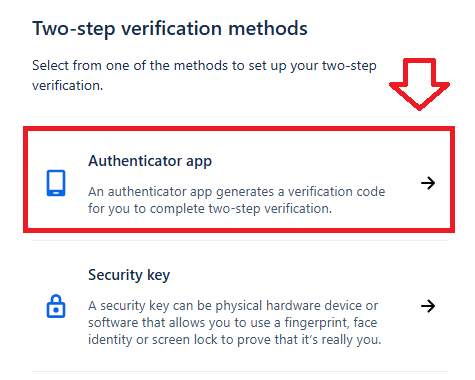
Next, select the authentication method "Authenticator app";
You will be presented with a QR code;
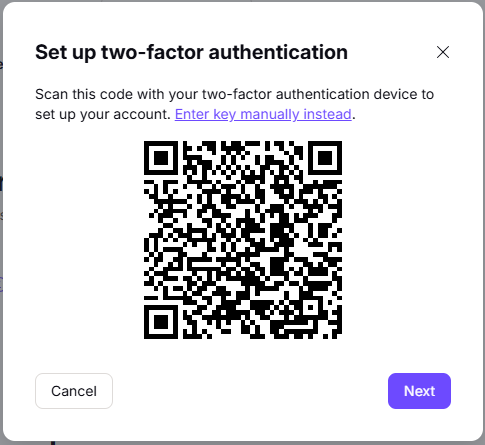
You can use the QR code to program our programmable tokens using the instructions found in the following procedure;
Once you have programmed your token you will need to verify it with Atalassian.
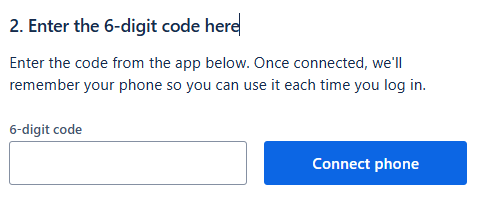
You now need to provide a 6 digit OTP code from your recently burned programmable token, enter the code then click  ;
;
You will be provided with emergency recovery keys (these codes should be stored for emergency use).
You are now ready to use your programmable token as an OTP source when you next log in to your Atlassian account.