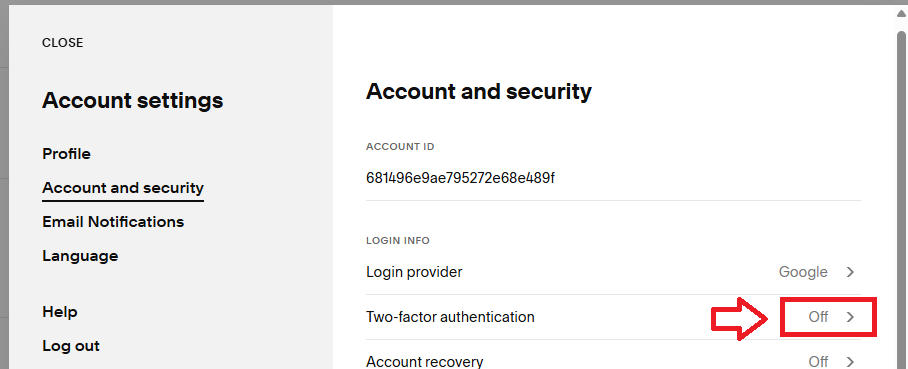
Log in to your SquareSpace Dashboard account, then in the "Account and security" section turn on "Two-factor authentication" by clicking on the area indicated below;
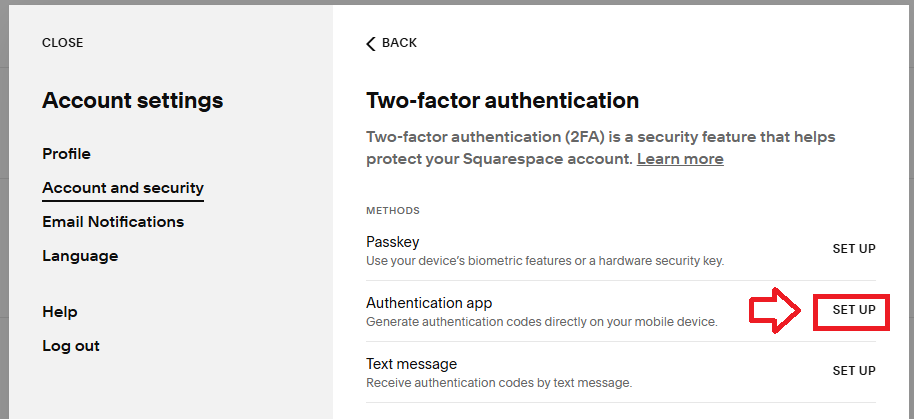
You will then be presented with a list of authentication methods that are available, select "Authentication app" by clicking on "SET UP";
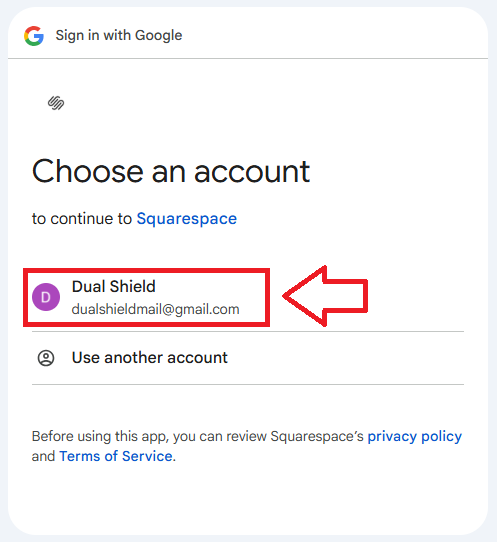
You will next need to select the account that will be protected;
You will be presented with a page that includes a QR code (see example below);
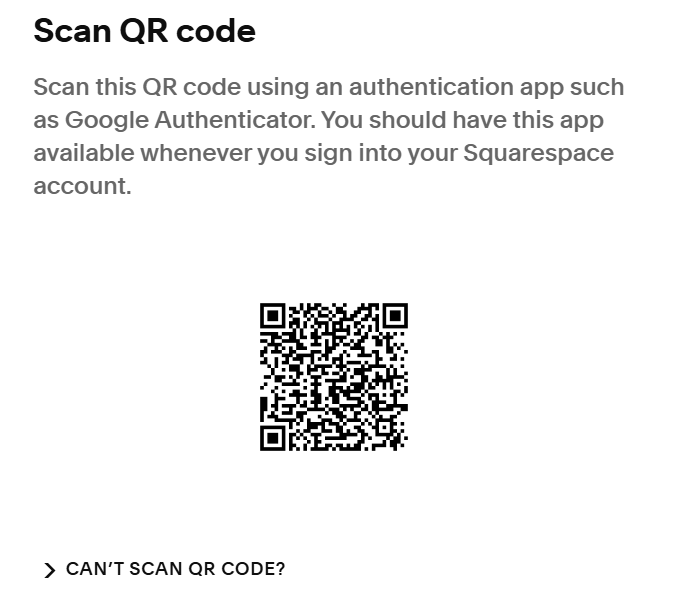
Expand the section "CAN'T SCAN QR CODE" so that you are able to see the seed data that will be sent to the token;
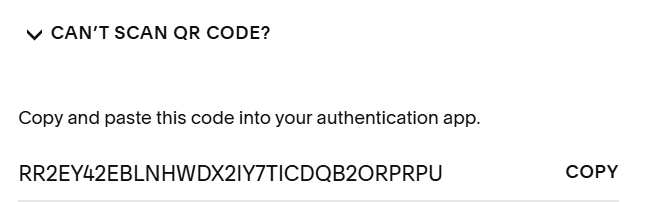
You can use the QR code to program our programmable tokens. The extracted seed data should match the code shown underneath the "CAN'T SCAN QR CODE" (if you have any issues scanning the QR code you can manually copy this code to the seed field on the programming app).
The instructions for programming the token using the QR code can be found here;
Once you have programmed your token you will need to verify it with SquareSpace.
Return to the SquareSpace Dashboard and click  , and you will be asked to provide an authentication code;
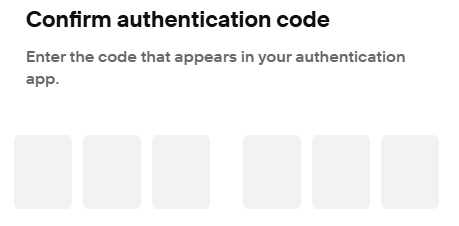
Once verified the programmable token is ready to supply OTP codes and you will be provided with backkup codes (which should be retained for possible use in the future).
The programmable token is now ready to be used when logging in to your SquareSpace dashboard account.