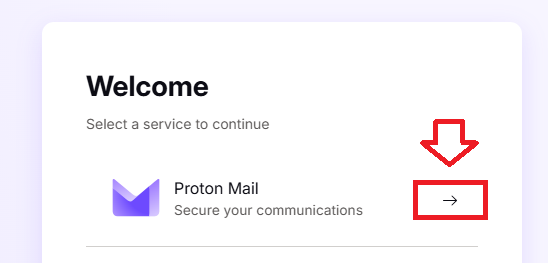
Log in to your Proton Mail account then select "Proton Mail";
Click on the setting icon ( ), then click on the
  button;;

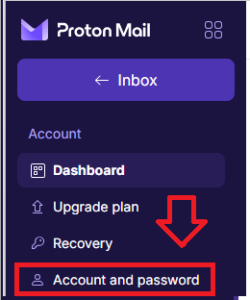
In the left hand column, click on "Account and password";
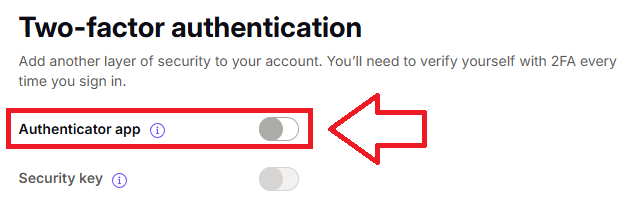
Then scroll down to the section "Two-factor authentication", and at the prompt "Authentication app", enable this feature by clicking on the slider (indicated below);
A window will now open requesting your password;
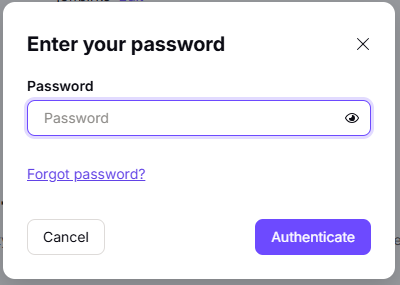
Supply your proton mail password, then click  .
.
A new window titled "Set up two-factor authentication" will now open;
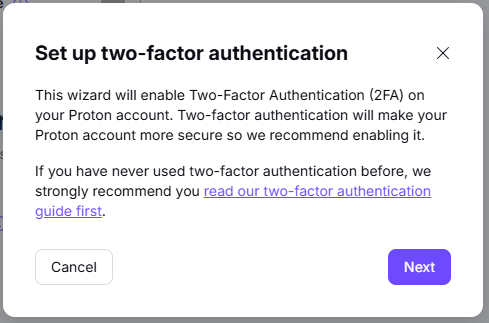
Click  , and you will be presented with a QR code;

You can use the QR code to program our programmable tokens using the instructions found in the following procedure;
Once you have programmed your token you will need to verify it with Proton Mail.
Click  , and you will be asked for the 6 digit OTP code;

Enter a code from your programmable token and you will be provided with a backup codes (these codes should be stored for emergency use);
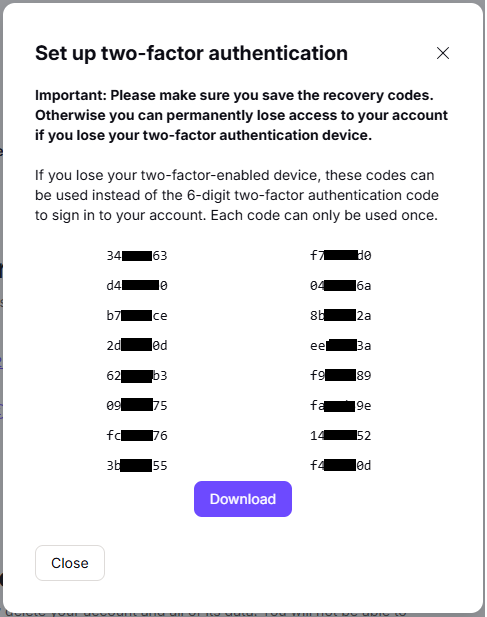
You are now ready to use your programmable token as an OTP source when you next log in to your proton mail account.