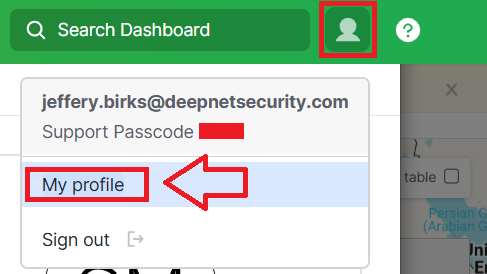
Log in to your Meraki Dashboard, then select "My profile" (found in the top right corner of the logon screen after clicking on your user icon);
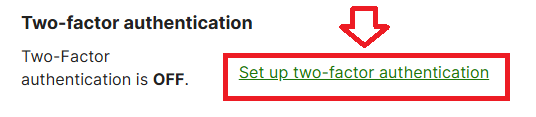
Scroll down the section "Update your account information" until you find the two-factor authentication section, then click "Set up two-factor authentication";
You will be presented with a page that includes a QR code (see example below);
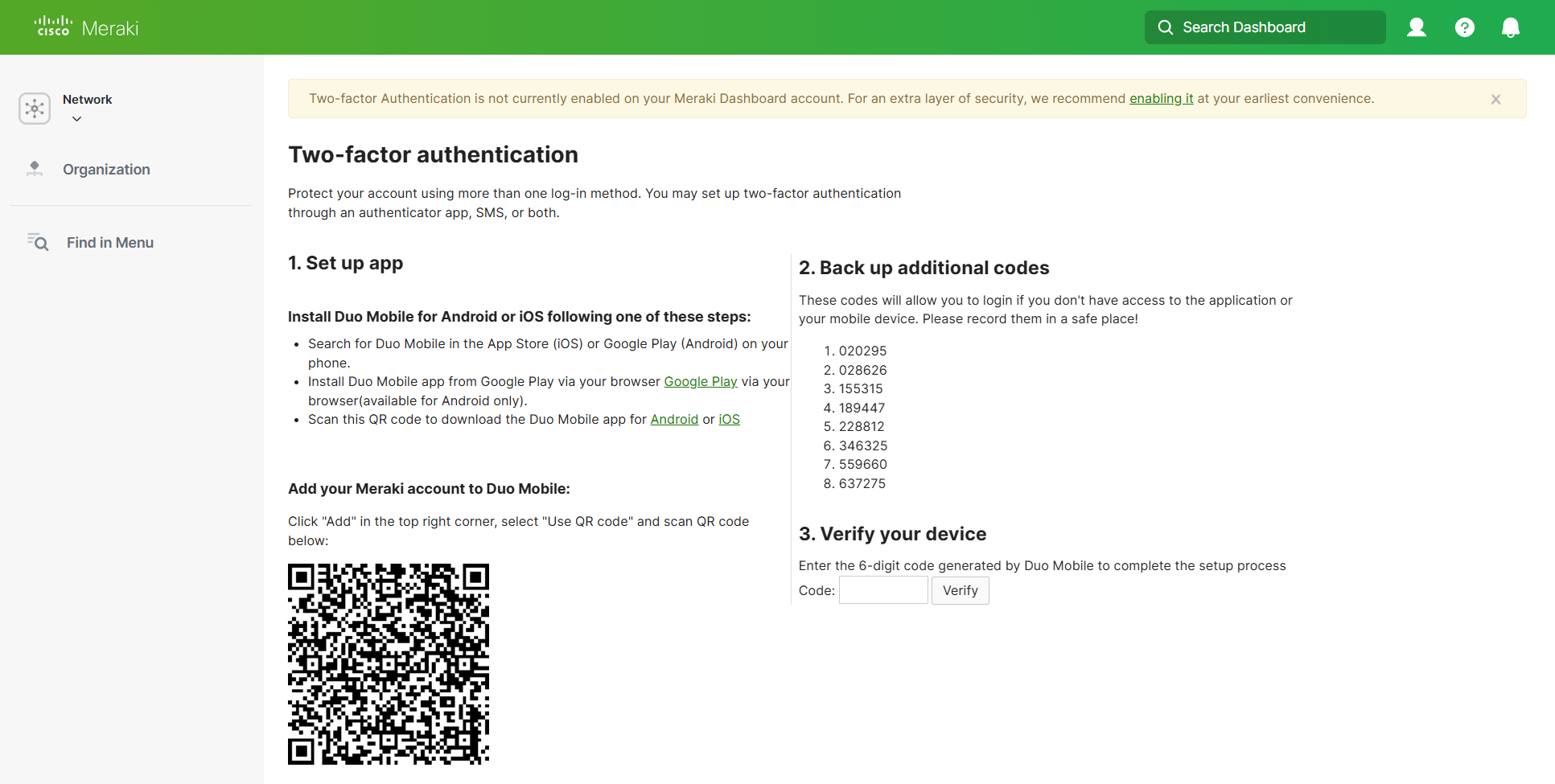
You can use the QR code to program our programmable tokens using the instructions found in the following procedure;
Once you have programmed your token you will need to verify it with Meraki.
At the "Code:" prompt supply a code from you newly programmed hardware token, then click ;
;
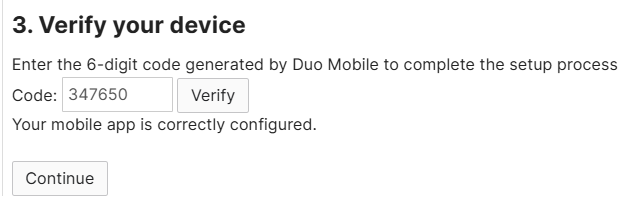
Once verified the programmable token is ready to supply OTP codes when you next login to your Meraki Dashboard